Choosing the right security software requires an analysis of its technical specifications and practical benefits. A comprehensive cybersecurity solution does more than just protect against viruses; it provides multiple layers of protection for various devices and usage scenarios. Norton 360 is a product family designed to deliver this multi-layered protection. The decision for a specific version—Standard, Deluxe, or Premium—depends on individual requirements, such as the number of devices to protect and the desired feature set.
This article analyses the technical differences between the Norton 360 packages to provide a solid foundation for an informed decision when purchasing a Norton license.
Buying Guide: Selection Criteria for Your Norton 360 License
When deciding which version of Norton 360 to buy, three main criteria should be considered: the number of devices, the required feature set, and the specific operating systems you use.
1. Number of Devices
The most fundamental difference between the Norton 360 versions is the number of devices that can be protected with a single license.
- Norton 360 Standard: Designed to protect a single device (PC, Mac, smartphone, or tablet).
- Norton 360 Deluxe: Extends protection to up to 5 devices.
- Norton 360 Premium: Provides protection for up to 10 devices.
Evaluate the number of active devices in your household or small business, including laptops, smartphones, and tablets, to determine the appropriate license scope.
2. Feature Set Comparison
All Norton 360 packages offer fundamental virus protection against malware, spyware, and ransomware. The differences lie in the additional features.
- Secure VPN: All versions include Norton with VPN (Virtual Private Network). This feature encrypts your internet connection, which is especially important for protecting your privacy when using public Wi-Fi networks.
- Password Manager: A tool for creating, storing, and managing passwords and login credentials in an encrypted cloud vault. This feature is included in all packages.
- PC Cloud Backup: This feature allows you to back up important files to the cloud to prevent data loss from hard drive failures or ransomware attacks. The available storage space varies:
- Standard: 10 GB
- Deluxe: 50 GB
- Premium: 50 GB
- Note: According to the manufacturer, the Cloud Backup feature is available exclusively for the Windows operating system.
- Dark Web Monitoring: This service scans the dark web for your personal information (e.g., email addresses) and notifies you if it is found. This feature is included in all versions presented here.
3. Platform Compatibility
Although Norton 360 is available for various platforms (Windows, macOS, Android, iOS), not all features are fully functional on every operating system. As mentioned, PC Cloud Backup is a Windows-only feature. Before purchasing, verify the compatibility of the features important to you with the devices you use. The product is activated using a Norton product key on the manufacturer's official website.
Our Selection of Norton 360 Products for 2026
Based on the criteria above, we present three Norton 360 configurations suitable for different user profiles.
Norton 360 Premium 10 Devices 1 Year
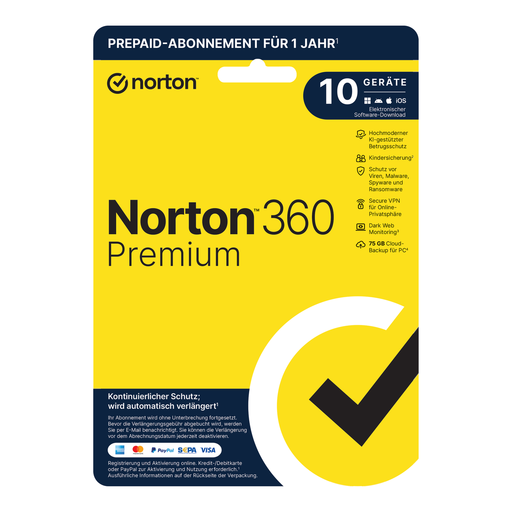
- Why we recommend this product: Norton 360 Premium offers the most extensive license scope, making it an ideal solution for users with a high density of devices. Covering up to 10 devices, it serves as a centrally manageable security solution for the entire digital infrastructure of a family or a small business owner.
- Advantages:
- Protection for up to 10 devices (PCs, Macs, smartphones, tablets).
- 50 GB of PC Cloud Backup (for Windows).
- Comprehensive security suite including Secure VPN, Password Manager, and Dark Web Monitoring.
- Centralised management of all devices via a single Norton account.
- Who it's for: Families, tech-savvy individuals with many devices (smart home, multiple mobile devices), and small business owners who need a unified security platform.
View Norton 360 Premium Now
Norton 360 Deluxe – 5 Devices – 1 Year
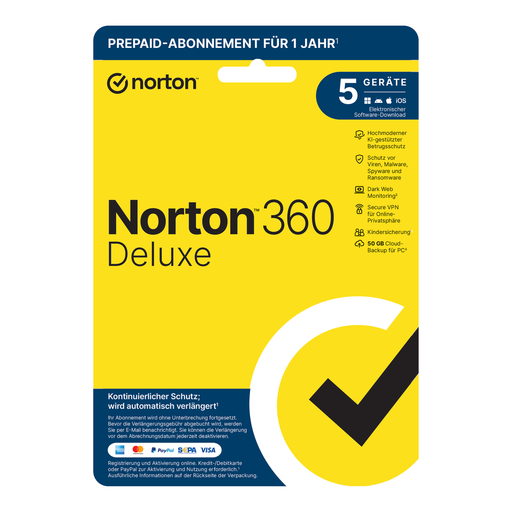
- Why we recommend this product: Norton 360 Deluxe represents a balanced compromise between feature set and device count. It covers the typical needs of a modern household and offers the same 50 GB of cloud backup as the Premium version.
- Advantages:
- Protection for up to 5 devices.
- 50 GB of PC Cloud Backup (for Windows).
- Complete feature set with Secure VPN, Password Manager, and Firewall.
- Efficient management via a web-based interface.
- Who it's for: Couples and small families who want to comprehensively protect their primary devices, such as laptops, smartphones, and a tablet.
View Norton 360 Deluxe Now
Norton 360 Standard, 1 Device, 1 Year
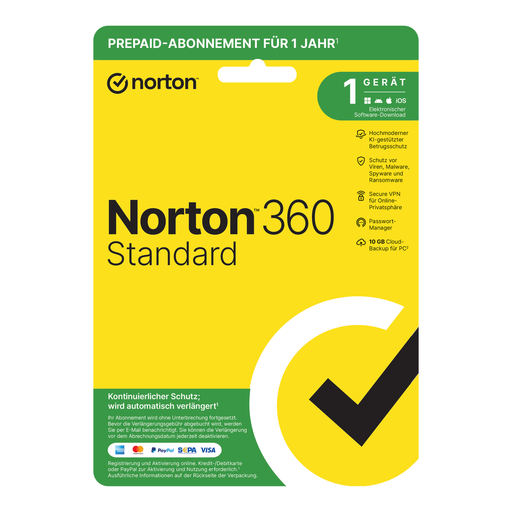
- Why we recommend this product: This version is a practical and cost-effective solution for protecting a single device. It doesn't compromise on core features like Secure VPN or Password Manager, thus providing solid baseline protection.
- Advantages:
- Focused protection for 1 device.
- 10 GB of PC Cloud Backup (for Windows).
- Includes essential protection mechanisms like Secure VPN and Password Manager.
- Simple activation and installation for individual users.
- Who it's for: Individuals, students, or users who primarily want to secure one main device (e.g., a laptop) without giving up important additional features.
View Norton 360 Standard Now
Supplementary Security Considerations
Digital security is a critical aspect, but the physical performance and security of your hardware also play a role, especially for resource-intensive applications. For users who value high performance, taking a look at optimised hardware components could also be worthwhile. Discover suitable products in our Video Game Devices category.
Frequently Asked Questions (FAQ)
1. What is the main difference between Norton 360 Deluxe and Premium? The primary technical difference is the number of covered devices. Norton 360 Deluxe protects up to 5 devices, while Norton 360 Premium extends protection to up to 10 devices. According to the manufacturer, both versions offer 50 GB of PC Cloud Backup and an identical core feature set, including Secure VPN and Dark Web Monitoring.
2. How do I activate my Norton product key? After purchase, you will receive a Norton product key. To activate the software, visit the official Norton website, create or sign in to your account, and enter the key in the designated field. You can then download the installation file and set up the software on your device.
3. Is a VPN included in every version of Norton 360? Yes, the Secure VPN feature is an integral part of all the Norton 360 packages presented here (Standard, Deluxe, and Premium). It allows you to encrypt your online activities and hide your IP address, which enhances your privacy and security on the internet.

