
Lieferung heute & morgen

Qualitätsgarantie

Willkommens-Angebote freischalten: KOSTENLOSE Lieferung | Bis zu 80 % RABATT | Kostenlose 30-Tage-JoyPlus-Testphase
App herunterladen
An NVMe SSD can significantly speed up system start-up, file transfers and loading times. But a high figure on the packaging doesn’t automatically mean a practical benefit. If you focus only on the quoted read speed, you may overlook compatibility, heat output or the drive’s write endurance.
A PCIe 4.0 SSD will generally work in many older PCIe slots, but it won’t reach its advertised maximum speed. Likewise, a PCIe 5.0 SSD won’t deliver its full speed advantage in a PCIe 4.0 system. Before buying, check your motherboard manual, your laptop’s specifications or your console’s requirements.
It’s also important to distinguish between M.2 SATA and M.2 NVMe. The two drives may look similar, but they use different interfaces. An M.2 slot won’t necessarily support every M.2 drive.
Figures such as 7,000 or 14,000 MB/s usually refer to sequential read or write operations under defined conditions. Random access, the operating system, processor and cooling also affect how quickly programmes start and lots of small files open.
A fast SSD with a high read speed won’t necessarily feel faster in every computer. A dependable PCIe 3.0 or PCIe 4.0 drive may be enough for an office laptop, while video editing, large game libraries and frequent file transfers can benefit from greater headroom.
Powerful M.2-2280 SSDs can generate heat during prolonged write operations. If a certain temperature is exceeded, the drive may temporarily reduce its speed. A built-in M.2 heatsink or a well-ventilated case is therefore useful for intensive use.
For drive endurance, look at the TBW (Total Bytes Written) rating. This indicates the total amount of data the manufacturer says can be written to the drive. It doesn’t guarantee a particular lifespan, but it can help you compare similar models. You’ll still need a separate backup for important data.
The widely used M.2 2280 SSD measures around 22 × 80 mm. Check that your device supports this form factor and has enough room for a heatsink. In laptops, the drive’s height may also be a deciding factor.
Before installation, shut down the computer completely and disconnect it from the power supply. Avoid touching the contacts where possible, and take care to prevent electrostatic discharge. After installation, a new drive will often need to be initialised and formatted in Windows, macOS or Linux.
NVMe is a protocol for fast storage access over PCI Express. PCIe 4.0 x4 and PCIe 5.0 x4 are common in current systems. A PCIe 4.0 SSD often offers a good balance of speed, power consumption and heat output. PCIe 5.0 models are aimed more at compatible high-performance PCs and professional workflows.
When choosing a PS5 SSD, you’ll need to check not only the M.2 size but also Sony’s requirements for speed, drive height and cooling. A compatible model without a suitable heatsink may not be right for every installation.
Usable capacity is always lower than the figure on the label, as some space is used for formatting and system functions.
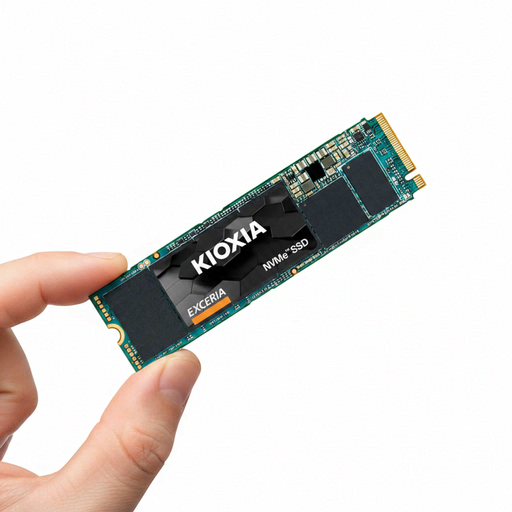
Why it suits this user: This 1TB model in the M.2 2280 form factor is designed for anyone looking for compact internal storage for a compatible desktop PC or laptop.
The PCIe 3.0 interface makes it clear that you’re not paying extra for PCIe 5.0 unnecessarily. The advertised sequential read speed is up to 1.700 MB/s.
M.2 2280, NVMe 1.3c, 3D TLC flash and a quoted TBW of 400 TB for the 1TB version.
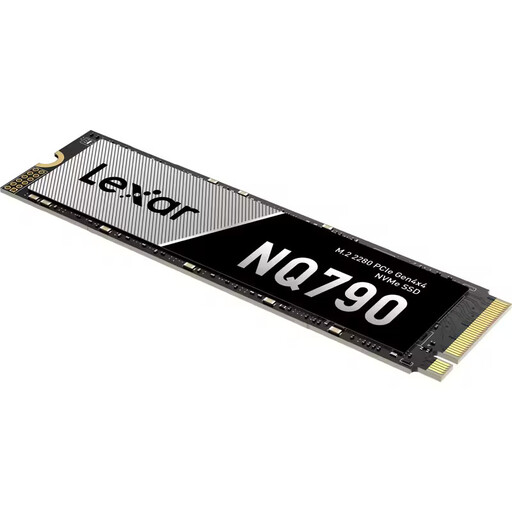
Why it suits this user: With 2TB of capacity, PCIe 4.0 x4 and M.2 2280, this SSD combines ample storage with specifications suited to gaming and creative applications.
As well as the maximum speed, the product specifications list 1,200 TBW and 800,000 and 600,000 IOPS for random access.
Up to 7,000 MB/s read speed, 6,000 MB/s write speed, 3D TLC NAND, HMB and SLC cache.
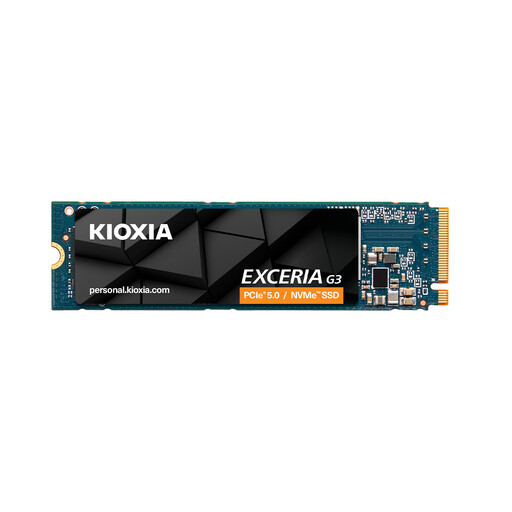
Why it suits this user: The 2TB capacity gives you extra space for games, while PCIe 4.0 x4 and the M.2 2280 form factor are designed for compatible systems.
The compatibility information specifically lists the PS5. You’ll still need to check the drive’s dimensions and make sure it has a suitable heatsink for your console.
Up to 5,000 MB/s read speed, 3,900 MB/s write speed, 1,200 TBW and 3D TLC NAND.
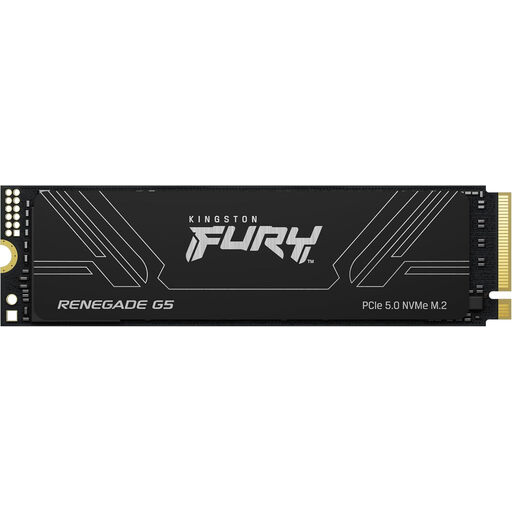
Why it suits this user: Its high capacity and PCIe 5.0 interface are aimed at compatible high-performance PCs, workstations and data-intensive applications.
This is only a worthwhile choice if your motherboard and cooling support PCIe 5.0. That way, you won’t pay for an interface your system can’t take advantage of.
4 TB capacity, up to 14.800 MB/s read speed and 14.000 MB/s write speed, plus 3D TLC NAND and DDR4 DRAM cache.
We’ve put together a complete, regularly updated list of products that meet these strict selection criteria and the safety regulations in force in the EU.
First, check for an available M.2 2280 slot, the PCIe generation supported and the permitted drive height. Some particularly compact laptops can’t accommodate an SSD with a heatsink. The manufacturer’s service manual will tell you the maximum size and how easy the drive is to access.
Lifespan depends on the storage technology, write volume, temperature and how you use the drive. The manufacturer’s TBW rating is useful for comparison, but it can’t predict exactly when an individual drive will fail. Regular backups are still essential, even with a new internal SSD.
Power consumption varies by model and workload. PCIe 5.0 SSDs can generate more heat and use more power during prolonged transfers than more energy-efficient models. For a laptop, power consumption, temperature management and battery life are just as important as speed when choosing a drive.