Everyday Work Users
When you need a screen for everyday work, you can use the Full HD display for documents, browsing and other on-screen tasks, with clear visuals that make your work easier to follow.


The Ochama 23.8-inch Full HD 100Hz Monitor brings clear detail and smoother motion to your desk, whether you’re working, studying or gaming. Its blue-light filter is designed to help reduce eye strain during longer viewing sessions, while the three-sided slim bezels make it a practical choice for a multi-monitor setup. It suits anyone looking for a versatile screen for everyday tasks and entertainment.
Start by matching a monitor to your main tasks, desk space and computer, rather than choosing on screen size alone. Resolution, refresh rate, connectivity and adjustability all affect everyday comfort and compatibility.
Compare these core criteria to find a monitor that suits your work, study or gaming setup:
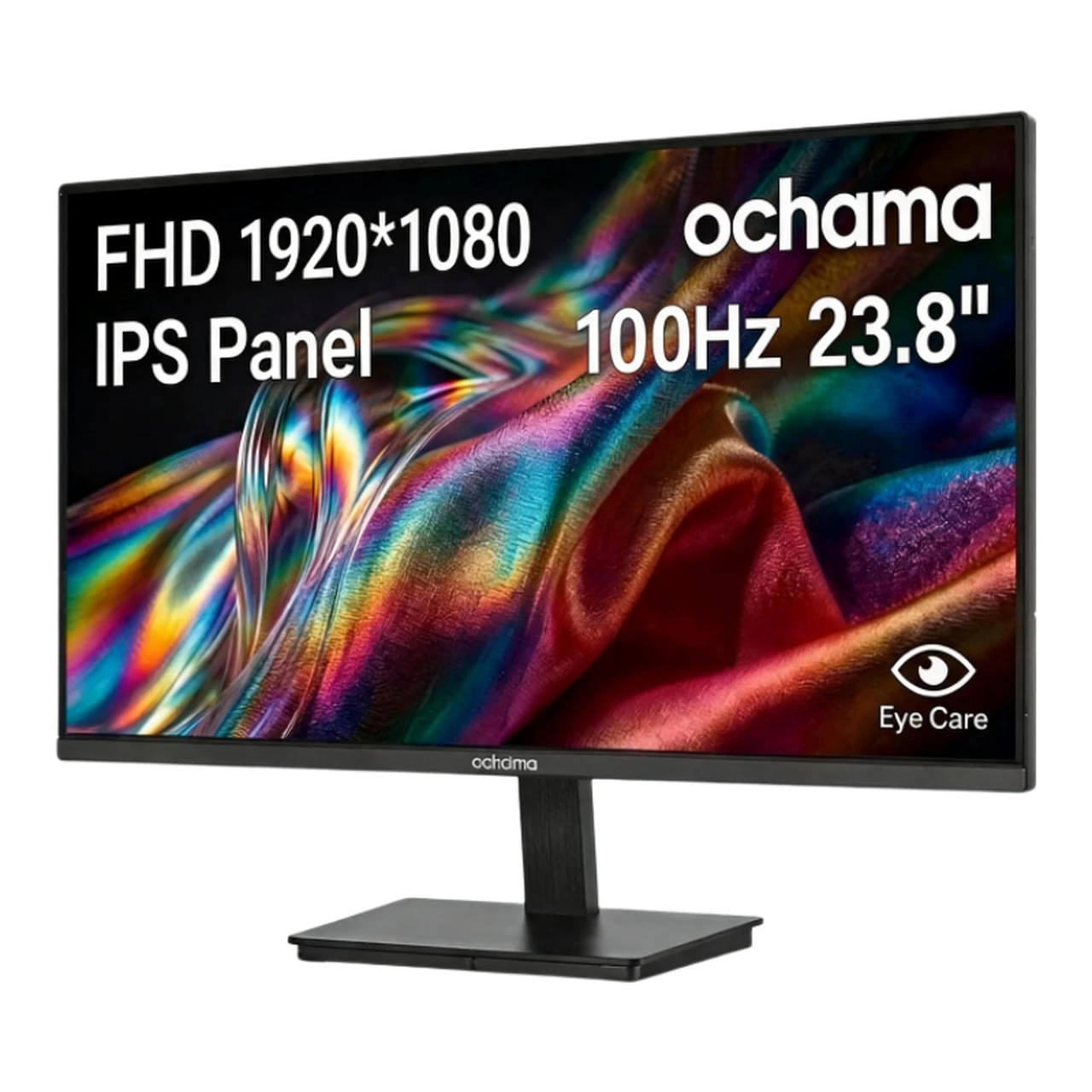
The Ochama 23.8-Inch Full HD 100Hz Monitor help you tailor your listening to the moment. Adaptive Noise Cancelling is designed to reduce surrounding distractions when you want to focus on music, while Smart Ambient modes let more of the world around you come through when staying aware matters.
For hands-free conversations, 4-mic technology supports the earphones' calling capability, making it easier to take calls while travelling. When it is time to listen, Pure Bass Sound brings focused audio depth to all your content.
With up to 24 hours of total battery life, these earphones are built to support long listening routines. An IP54 water and dust resistance rating adds reassurance for gym sessions and everyday journeys.
When you need a screen for everyday work, you can use the Full HD display for documents, browsing and other on-screen tasks, with clear visuals that make your work easier to follow.
When you spend long sessions reading notes and working through coursework, the blue-light filter helps reduce eye strain as you study, making extended screen time more comfortable.
When you play games and want movement to look smoother, the 100Hz refresh rate keeps on-screen action flowing more smoothly, giving you a clearer view as you play.
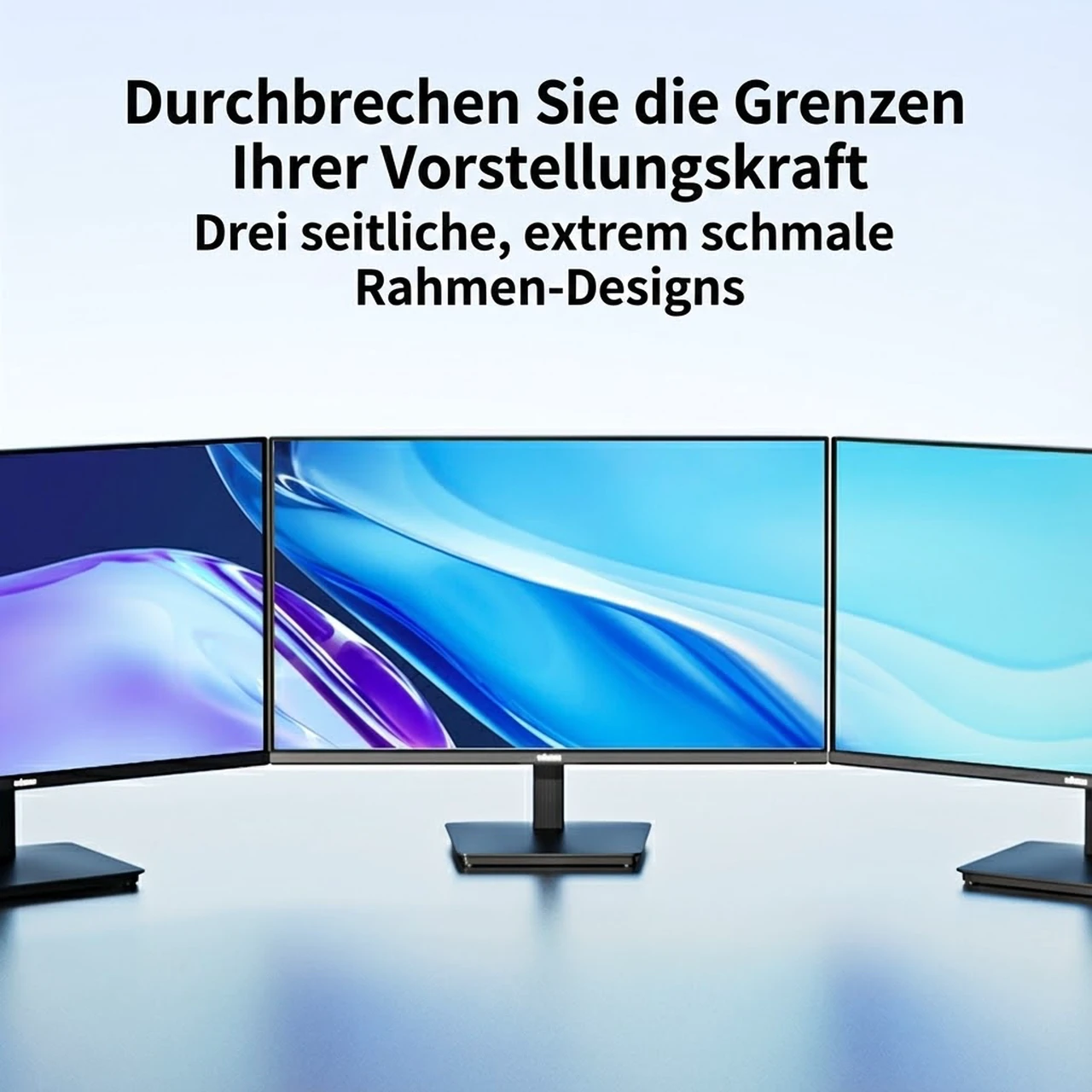
When you’re arranging several screens for a broader workspace, the three-sided ultra-slim bezels keep the borders less prominent, helping your multi-monitor setup feel less visually interrupted.
Yes. The Ochama monitor combines a 23.8-inch LCD panel with Full HD 1920 × 1080 resolution, giving you a clear desktop for work, study and gaming. Its 100Hz refresh rate makes motion look smoother when scrolling or playing fast-paced games, for a more fluid viewing experience.
Yes, its intelligent blue-light filter is designed to help reduce eye strain during longer viewing sessions. When switched on, it can give the screen a warmer, slightly yellow tint; this is normal. For colour-critical work such as photo editing, switch the filter off to keep colours more neutral.
Unplug the Ochama monitor from the mains and wipe it with a soft, dry microfibre cloth. Avoid liquid cleaners, sprays and abrasive materials to protect the LCD screen and electrical components. Keep the ventilation slots clear and leave 5–10 cm between the monitor and nearby walls to allow airflow.
Discover more of your favourite brands on Joybuy with great deals.