A sofa full of friends
When several people are sitting off to the sides, the pitch should still be easy to see away from the centre of the screen. RTINGS.com explains why a wide viewing angle matters when viewers are spread out.


When your group is spread across the sofa, the viewing angle of the specific model should be a key consideration. OLED may suit viewers sitting off-centre, while a suitable Mini-LED/LCD TV could also be a good choice, depending on the daylight, screen size and features. Check the picture from the seats at either end of the sofa, and look at the game mode and connections for your console. A high refresh-rate figure alone does not tell you the frame rate of a particular football game.
When several people are sitting off to the sides, the pitch should still be easy to see away from the centre of the screen. RTINGS.com explains why a wide viewing angle matters when viewers are spread out.
If you’re playing too, input lag, game mode and the right console connections are all worth checking. PlayStation Blog Germany notes that the game and console settings must also support 120 Hz output.
In a bright living room, screen reflections matter just as much as the screen size and the view from the seats at either end. Check the specific model in the conditions you’ll be playing in.
May suit you if: Side-on seating matters. Check the viewing angle and anti-reflection treatment of the specific model.
Consider: If game overlays stay on screen for long periods, it’s important to follow the care guidance. LG does not completely rule out permanent image retention, even with proper use.
May suit you if: Daylight, screen size or a particular feature is the deciding factor. Compare reflections and viewing angles on the model you’re considering.
Consider: The display technology alone doesn’t guarantee a wide viewing angle or a particular picture from side-on seats.
These figures refer to consumers choosing a gaming TV for this situation, with each person grouped according to their main buying priority. They’re a guide to different needs, not an indication of which priority matters most to all buyers.
| Priority | What to check before buying | Who it matters most to |
|---|---|---|
| A clear view from every seat | Check the viewing angle of the exact model from the seats at either end. | When we’re spread across the sofa, I want to see the pitch and on-screen graphics clearly, even from the side. Around 36% of consumers name this as their main priority. |
| Control and picture output | Check input lag in game mode using the same signal source, as well as the game’s frame rate and compatible inputs. | If you’re playing too, you want your inputs to register without distracting delay and to connect the console to the right port. Around 29% of consumers put responsive controls first. |
| Daylight and screen size | Consider reflections, available space and viewing distance alongside the screen size. | In a bright living room, I want to see the game despite the daylight and choose a screen size that works for the group. Around 21% of consumers prioritise this. |
| Energy use and care | Check the model’s energy label and product information sheet. For OLED, also read the manufacturer’s guidance on static images. | If you use your TV often, you’ll want to understand its model-specific energy use and care requirements before buying. Around 14% of consumers put these long-term considerations first. |
RTINGS.com describes viewing angle as an important consideration when viewers are spread out. According to PlayStation Blog Germany, the game, console and settings must also be compatible for 120 Hz output. The European Commission’s energy label provides model-specific energy-use information.
People sitting to the side may see a different picture from someone in the middle. RTINGS.com highlights viewing angle as an important factor when viewers are spread out.
Check the specific model from the seats you actually plan to use.
A quoted refresh rate doesn’t guarantee that a particular football game and console will output that frame rate.
First check the output supported by the game and your console settings, then compare the TV’s capabilities and inputs. PlayStation Blog Germany explains the requirements for 120 FPS output.
Gaming features can vary between the ports on a particular model. Sony specifies VRR on HDMI 3 and 4 for the Sony K-55XR5.
Check the port layout for the exact model and connect each console to the right input.
If images stay unchanged on screen for long periods, the manufacturer’s care guidance is worth following. LG does not completely rule out permanent image retention, even with proper use.
Read the manufacturer’s guidance before buying and compare the energy label for the specific model.
The OLED55G69LS is an example to consider if you’re comparing OLED TVs and gaming features.
The GQ65S99HATXZG and GQ55QN85DBTXZG are examples from different product and display ranges.
The 65C7K is a QD-Mini-LED model that you can compare when looking at larger screens and gaming specifications.
The K-55XR5 is a 55-inch Mini-LED model where the ports you use for your console and other devices matter.
The 55OLED910/12 combines OLED with four-sided Ambilight and an integrated Bowers-&-Wilkins sound system.
The Joybuy models below cover OLED and Mini-LED/LCD options for gaming get-togethers. Compare screen size, stated frame rates and listed connections with your seating arrangement and console.
 No image available
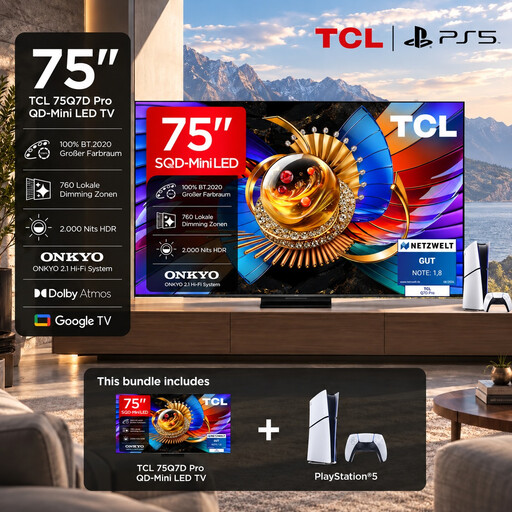
For a gaming get-together where a bigger screen is on the cards; the product details list a bundle with the PlayStation 5 Slim Digital Edition.
65 inches; 4K; 144 Hz; VRR and HDMI 2.1 according to the product details. These specifications don’t guarantee that every game will output the corresponding frame rate.
 No image available
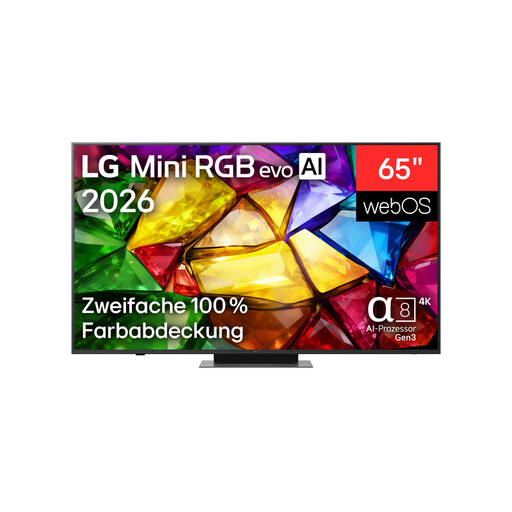
A 65-inch option for a larger gaming group. Check the viewing angle of the specific TV from the seats you plan to use.
65 inches; 4K; up to 165 Hz according to the product details. AMD FreeSync, HGiG and Game Optimizer are also listed.
 No image available
A smaller OLED screen for a group where available space needs to be taken into account. Follow the OLED care guidance on static images.
42 inches; native 120 Hz and VRR up to 165 Hz according to the product details. ALLM and four HDMI inputs are also listed.
 No image available
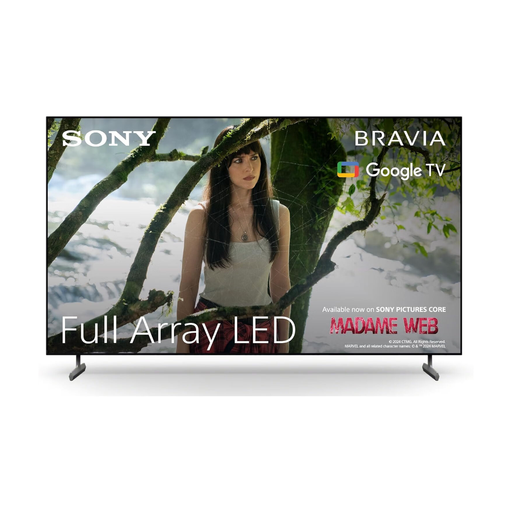
A 65-inch option for a larger group. Make sure it will fit in the space you have in mind.
4K/120; ALLM and VRR according to the product details. Check which ports support each feature.
No, that figure alone isn’t enough. Whether you see a higher frame rate also depends on the specific game, your console and its settings, as well as the input you’re using. PlayStation Blog Germany explains what’s needed for 120 Hz output; this doesn’t mean an unspecified football game will run at a particular frame rate.
Select the right HDMI input and check game mode. For 120 FPS output, PlayStation Blog Germany also explains the 120 Hz setting on PS5; the game, console and TV must all support the output. The features available depend on the model and input.
If images stay unchanged on screen for long periods, follow the guidance from the manufacturer of your TV. LG describes its care features and does not completely rule out permanent image retention, even with proper use. This doesn’t mean that normal gaming will cause any particular damage.
Consumers buying at a distance generally have a statutory right to cancel, subject to legal exceptions. Section 355 of the German Civil Code (BGB) sets out a 14-day cancellation period. Your statutory rights against the seller and a voluntary manufacturer’s warranty are separate claims.