Cooking games with everyone on the sofa
When several people are playing together, everyone should be able to see the action clearly, including those sitting at the sides. Check the viewing angle on the specific TV.


An OLED model could be a good choice for cooking games played with people sitting in different positions; for a bright living room, though, it’s worth taking a closer look at how well the specific Mini-LED LCD handles reflections. Check viewing angles and reflections from your intended seats, as well as the Game Mode, HDMI input and support for your own video and audio files on the exact model. A high refresh rate alone doesn’t guarantee the same frame rate in a game or that your files will play.
When several people are playing together, everyone should be able to see the action clearly, including those sitting at the sides. Check the viewing angle on the specific TV.
If you use the same TV for gaming and watching videos from a USB drive, it’s important that it supports your actual files – a USB port alone isn’t enough.
In a room with plenty of daylight, reflections and seating position matter. Compare the specific TV in your usual room lighting, and check exactly what its gaming specifications cover.
A good fit if: People regularly sit to the side during your gaming sessions and you want them to get a clear view, too.
The trade-off: Static game images displayed for long periods or repeatedly can increase the risk of image retention. Follow the care guidance and check the warranty terms for the specific model.
A good fit if: You often play in daylight and how well the chosen TV handles reflections matters in your room.
The trade-off: A test result for one model doesn’t prove that other TVs have the same viewing angle or handle reflections just as well.
LG Germany notes that supported file extensions and codecs can vary by model. The percentages in the table show which buying considerations consumers prioritise in each scenario.
| What matters | What to check before buying | Who will value this most? |
|---|---|---|
| A clear view from every seat | Viewing angle from the furthest seat; reflections in your usual room lighting. | When several players are sitting to the side, I want them to be able to see the action clearly, too. Around 29% of consumers prioritise a good view from the side. |
| Your own video and audio files | Check the drive’s file system, along with the file extension and video and audio codecs, against the manual for the exact model. | If I want to play my own videos, the specific file needs to work, including its audio. Around 29% of consumers prioritise compatibility with their own files. |
| Gaming responsiveness | Check the Game Mode, the HDMI input you’re using and the output from your console or PC. | What matters to me is that the TV and source device suit the games I play – a high maximum refresh rate alone isn’t enough. Around 24% of consumers prioritise gaming responsiveness with their own source device. |
| Room lighting, OLED care and energy use | Assess how well the TV handles reflections in your room; follow OLED care guidance and compare the energy labels of TVs of a similar size. | In bright daylight or with recurring static game elements, I want to weigh up reflections and panel care; energy use may matter to me, too. Around 18% of consumers prioritise room lighting, OLED care or running costs. |
Even if the TV recognises the drive, an unsupported video or audio codec can stop playback.
Before buying, compare a typical file and its audio format with the manual for the exact model. If they’re not compatible, you may need to use a different source device or convert the file.
A specification such as 144 or 165 Hz describes a TV feature, not the frame rate of every cooking game.
First check the game, console or PC, the right Game Mode and the HDMI input you’re using.
When you’re playing together, viewing angles and reflections from the seats at the sides may matter more than the view directly in front of the TV.
Assess the specific model from the furthest seat you plan to use and in your usual room lighting.
Long or repeated displays of static game images can increase the risk of lasting marks on an OLED screen.
Follow the care guidance and check the warranty terms for the specific model, rather than assuming the risk is the same for every type of OLED use.
The OLED C5 range may appeal to buyers considering OLED alongside documented gaming features.
The QN90F is a Mini-LED option if anti-reflection performance is important in a bright room.
The 55C7K is a QD Mini-LED model with a native refresh rate of 144 Hz, according to TCL.
The 55U7Q PRO is a Mini-LED model with a Game Mode promoted by the manufacturer.
The 55OLED910/12 may suit you if you’d also like four-sided Ambilight and this model’s integrated sound system.
TVs and TV bundles for HDMI-based gaming; screen sizes and features vary.
 No image available
An option for a shared HDMI gaming setup; check that it supports the signals you need from your source device.
Listed in the product title: 4K, 144 Hz VRR and FreeSync Premium.
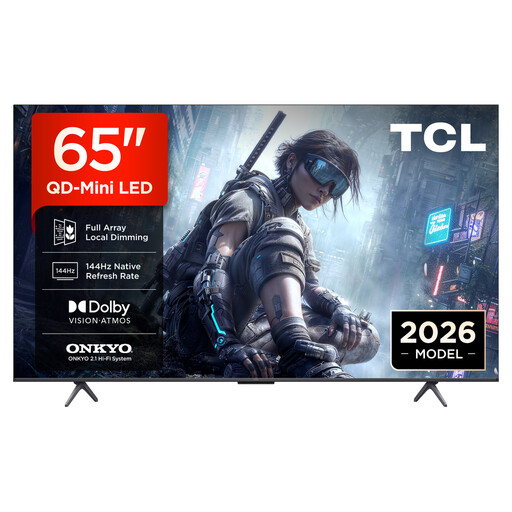 No image available
An option for a shared HDMI gaming setup; check that it supports the signals you need from your source device.
Listed in the product title: 4K, 144 Hz VRR and FreeSync Premium.
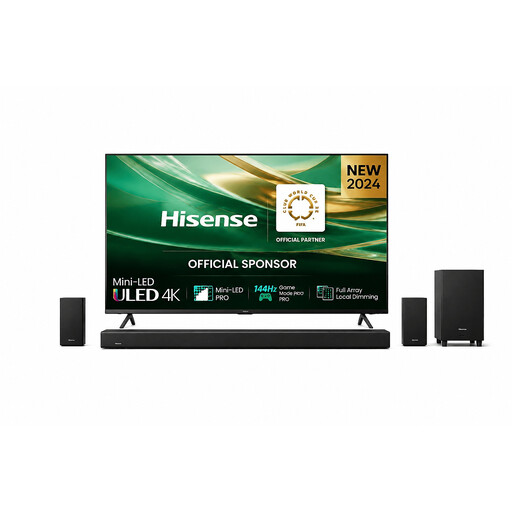 No image available
A TV bundle to consider if you’re looking at buying a TV and soundbar together.
The product title lists a 75-inch TV and an AX512H soundbar with 5.1.2 Dolby Atmos.
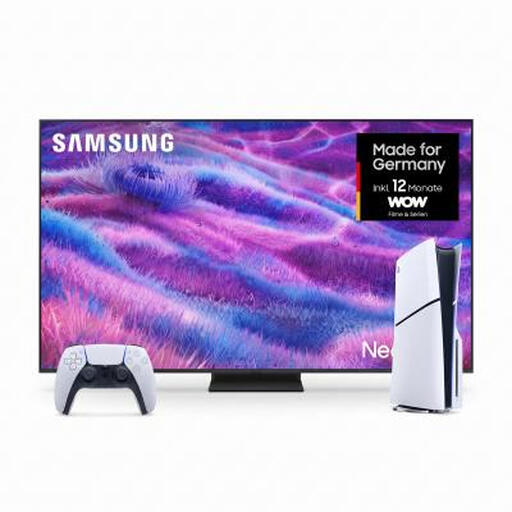 No image available
A bundle for a shared TV and console setup; check that the included console meets your needs.
The product title lists a PS5 Slim Digital Edition with 825 GB.
 No image available
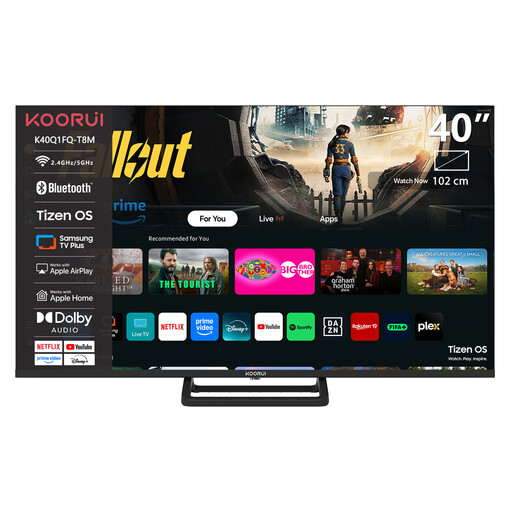
A more compact TV option with HDMI and USB ports listed in the product title; check the connections your setup needs.
Listed in the product title: 1080p Full HD and an EU plug. A USB port alone doesn’t confirm that your video files will play.
No. The TV’s maximum refresh rate doesn’t determine the game’s frame rate. Check the game, console or PC and the HDMI input you’re using. The publisher of Overcooked! 2 confirms local co-op for up to four players, but doesn’t specify a particular TV frame rate.
The file extension and video and audio codecs must be supported by the specific TV. Compare the file details with the model’s manual; LG Germany notes that supported codecs can vary by model.
LG explains how to select the drive from the input list and recommends using the ‘Eject’ function before unplugging it. Menus and supported storage devices can vary by model.