Listeners in different areas
If you move between your living and dining areas, first think about where you’d place a single speaker and what room-adapting features the specific model offers.


If you listen between your living and dining areas, a single speaker is a sensible place to start. If you want separate left and right speakers for a fixed listening position, consider a compatible stereo pair. Before you buy, check how your specific recording will reach the device: Dolby Atmos requires a suitable format and a supported playback method, while a second device or a Line-In adapter adds to the equipment you’ll need.
If you move between your living and dining areas, first think about where you’d place a single speaker and what room-adapting features the specific model offers.
If you’d like to hear voices and orchestra separately from the left and right, consider whether you have space for two compatible speakers.
If you use specific recordings, music services or playback devices, check how they can be played and whether you’ll need any extra accessories.
A good fit if: you listen between your living and dining areas and want to start with one listening spot.
The trade-off: A single device takes up less space than a pair, but it won’t give you separate left and right speakers.
A good fit if: you usually sit in one place to listen and want to position voices and orchestra separately.
The trade-off: You’ll need two compatible devices and suitable spots for both.
A good fit if: your chosen recordings are available in the right format through a service or playback method supported by the device.
The trade-off: A device’s features alone don’t confirm that a particular opera recording is in the right format or that it will play in that format over every connection. JBL lists compatible streaming services in the JBL One app for the Authentics 500.
| Priority | What to check before buying | Who it matters most to |
|---|---|---|
| Sound distribution and placement | Possible speaker positions and listening spots; room-adapting features of the specific model. | When I listen between my living and dining areas, I want to position the speakers to suit the places where I usually listen. Around 31% of consumers put sound distribution first. |
| Stereo soundstage at the listening position | Compatibility with a stereo pair; space for both devices. | At my usual listening spot, I want to be able to position the speakers separately on the left and right. Around 25% of consumers prioritise a compatible stereo pair for this reason. |
| Access to opera recordings | Recording format, music service and playback device; playback methods supported by the model. | I want to play my specific recordings through a service or player I already use. Around 19% of consumers put access to recordings first. |
| Devices and accessories | Number of speakers needed; whether you’ll need to buy an adapter separately. | I want to know in advance whether one device is enough or if I’ll need extra accessories. Around 13% of consumers first consider the number of devices and accessories required. |
| Voice control and microphones | Voice assistant and microphone controls; features that won’t be available when they’re switched off. | I want to decide for myself whether to use voice commands and leave the microphones on. Around 12% of consumers put voice control and microphone features first. |
A device’s features don’t confirm the format of your specific opera recording or guarantee it will play in that format through every playback method.
Check the recording, service and playback method together before making Dolby Atmos the deciding factor in your purchase.
Depending on the option you choose, you may need a compatible music service.
You need two compatible speakers for separate left and right placement. Sonos explains how to pair two Era 100 speakers, while Apple lists stereo use for the 2nd-generation HomePod.
First consider whether you listen in different places or mainly in one fixed spot, then check which models can be paired together.
A stereo pair requires a second compatible device.
For Line-In on the Era 100, Sonos specifies a connection through an adapter, rather than a directly accessible audio socket.
Check your player’s output against the full connection setup and see which cable you’ll need.
For Line-In, Sonos specifies a Line-In Adapter or Combo Adapter, sold separately.
Sonos says that microphone-dependent features, including Trueplay Quick Tuning, aren’t available when the microphones are switched off.
Check which features remain available when the microphone is off on the specific model you’re considering.
The Era 100 could be a good starting point if you might add a second one later; the Era 300 may suit those interested in compatible 3D recordings and a choice of playback methods.
The Home 400 and Home 600 are worth considering if you’re looking for a single connected speaker with HEOS and Dolby Atmos Music.
The Authentics 500 is worth considering if you want to check out voice control and Dolby Atmos Music on a single device.
The 2nd-generation HomePod may suit households that use compatible Apple devices for setup and AirPlay for playback.
The following Joybuy listings are soundbars, rather than traditional smart speakers. They may be worth considering if you’re also open to a soundbar and its listed playback methods suit your opera recordings.
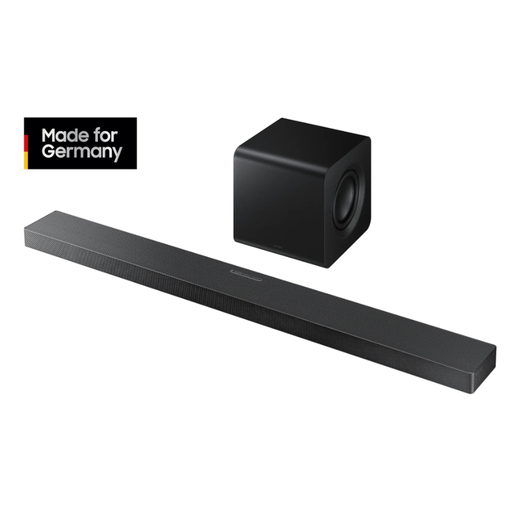 No image available
An option if you’re also considering a soundbar for opera recordings, with the playback formats and connections listed in the model name.
3.1.2-channel soundbar; Dolby Atmos, DTS:X, Wi-Fi and Bluetooth.
According to the product details, Q-Symphony requires a compatible Samsung TV.
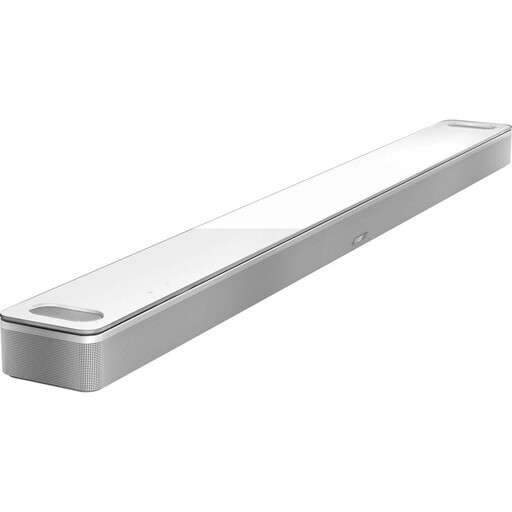 No image available
An option if you’re considering a soundbar for your recordings instead of a traditional smart speaker.
5.1.2-channel system with Dolby Atmos, AirPlay 2, Chromecast, Alexa and Google Assistant.
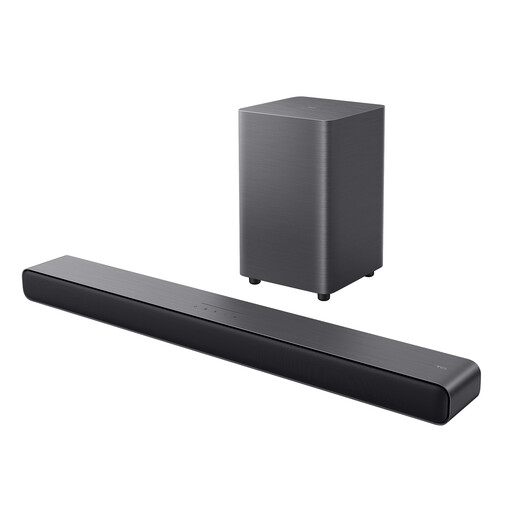 No image available
This soundbar may suit you if you’re considering wireless music playback via Bluetooth.
2.1-channel system with 220 W, Dolby Atmos, DTS Virtual:X and Bluetooth 5.3.
The product name also lists HDMI eARC, USB and an optical input.
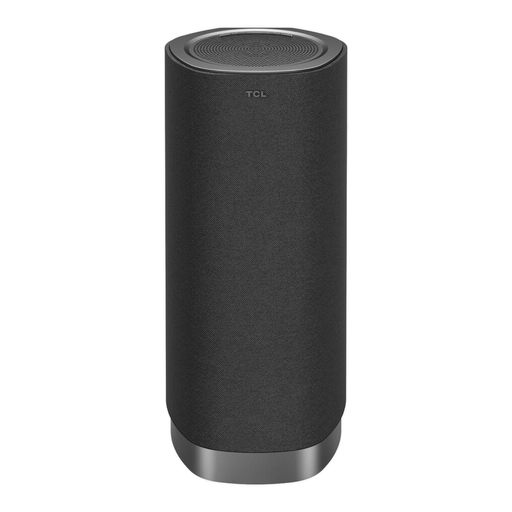 No image available
An option if you’d like to consider a soundbar with Wi-Fi and Bluetooth for listening in different spots.
1.1.1-channel system with 170 W peak power, Dolby Atmos FlexConnect, Wi-Fi and Bluetooth 5.3.
The room calibration described uses the microphone in a compatible TCL TV.
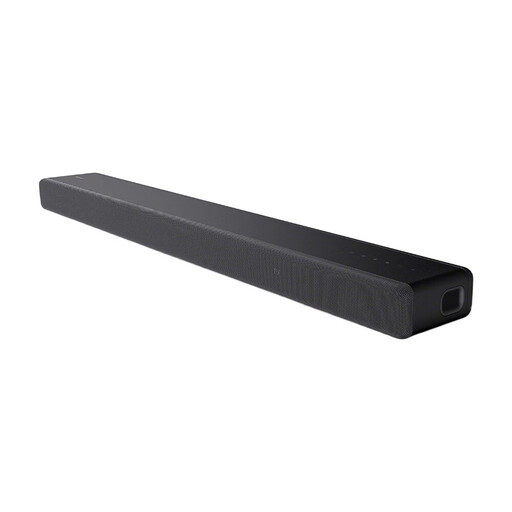 No image available
This soundbar may be worth considering as an alternative to a smart speaker for your recordings.
3.1-channel system with integrated subwoofer, Dolby Atmos and Bluetooth.
According to the product details, 360 Spatial Sound Mapping requires additional rear speakers.
Yes. Sonos describes Line-In via a Line-In Adapter or Combo Adapter, sold separately. Also check your player’s output and which cable you’ll need.
According to Sonos, voice services and microphone-dependent features such as Trueplay Quick Tuning won’t be available. The Federal Commissioner for Data Protection and Freedom of Information explains that when voice commands are enabled, they are sent to the manufacturer’s servers for processing.
Under the relevant conditions, section 437 of the German Civil Code (BGB) provides for remedies including repair or replacement, as well as rescission of the contract or a price reduction. Under section 438 BGB, claims for defects relating to ordinary goods generally become time-barred two years after delivery; exceptions may apply. This is based on information about these provisions from the Federal Ministry of Justice and the Federal Office of Justice.
GEMA says permission isn’t required for private use within the family and a close circle of friends. Different rules apply to public playback; an open-plan layout within your own home does not in itself make the use public.
No. Check the format of the specific recording and the playback method supported. For the Authentics 500, JBL lists compatible streaming services in the JBL One app.