What should you look for when buying?
First decide whether you want to teach live on a computer, record videos without a computer running, or switch between a view of the table and your face.
| What you need |
What to check before buying |
Who it matters to |
| Making the creases easy to see |
Test with your paper size to see whether your hands and the whole sheet fit in shot, and whether the focus picks up the creases. |
If I want to show every fold clearly, the close-up mustn’t cut off my hands or the paper. Around 36% of consumers focus primarily on seeing the details of the folds. |
| A steady overhead view on a small table |
Measure the available space and allow for the camera base or mount, the paper and your hand movements. |
If my desk is cramped, I need a camera position that won’t shift while I’m folding, but still leaves room for both hands. Around 29% of consumers put space requirements and a stable position first. |
| Video and audio for teaching |
Check that the camera, computer and application are compatible, and check the audio input. Listen back to a test recording. |
If I’m teaching live, participants need to see the folds and hear my explanation. Around 21% of consumers prioritise a working live video and audio set-up. |
| Recording without a computer running |
Check whether the specific model records on its own, what storage media it uses and how to position it securely above the paper. |
If I want to record videos without relying on a computer running, I need a suitable set-up for recording, storage and camera positioning. Around 14% of consumers prioritise recording without a computer. |
Related products at Joybuy
The products below include webcams and action cameras for different recording set-ups. For the model you choose, check whether you can get the overhead view you need with the space available and a suitable mount.
 No image available
Full HD 1080P webcam with microphone
This could suit you if you want to film on a computer and your set-up works with the webcam and its integrated mount.
The product description lists 1080p at 30 fps, a 120° lens, a microphone, USB plug-and-play and a flexible built-in stand.
View at Joybuy
 No image available
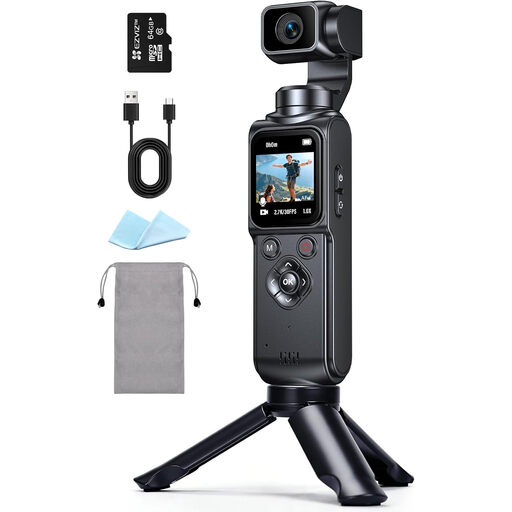
4K action camera with 330° rotating lens
This may be worth considering if you’re looking for an action camera for video recording. Plan separately for a suitable mount to get an overhead view.
The product title lists a 330° rotating lens and a 1.72-inch touchscreen. It also states that a memory card is not included.
View at Joybuy
 No image available
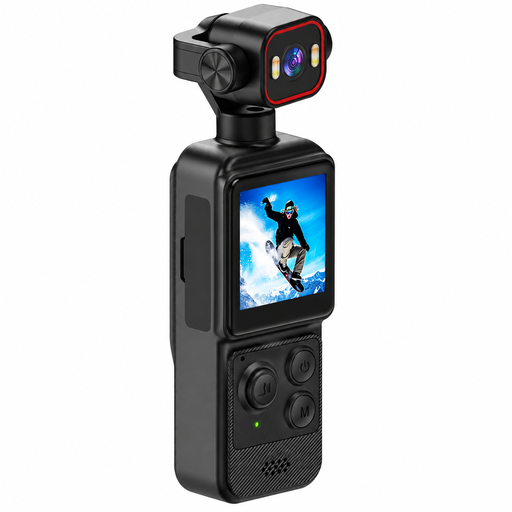
4K mini action camera with clip
This could be an option for compact video recording. Check the framing and make sure the camera is securely positioned above the paper before use.
The title lists a 1.54-inch display, 140° wide-angle lens, app control, LED lighting and a 1200-mAh battery. According to the product information, a high-speed memory card is required and sold separately.
View at Joybuy
 No image available
Razer Kiyo V2 X Full HD webcam, 1080p, 60 FPS, black
This could suit you if you’re looking for a webcam for computer recordings or video calls and its position gives you a useful view of the table.
The product title lists 1080p, 60 FPS and the colour black. The product description also lists autofocus, a wide-angle lens and a built-in microphone.
View at Joybuy
 No image available
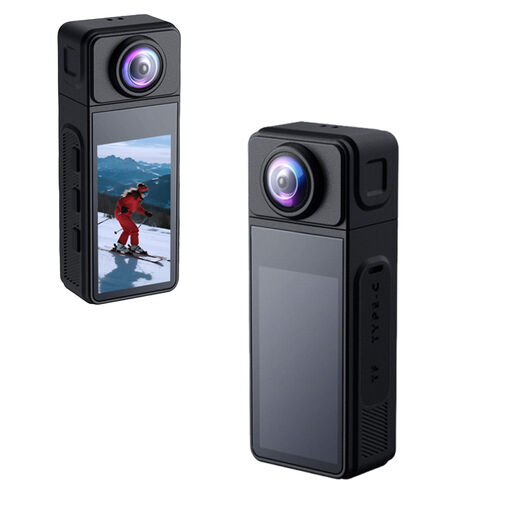
KINSI Mini Action Cam 2K
This may be worth considering if you’re looking for a compact camera with a separate tripod mount for your recording set-up.
The title lists a 270° rotating lens, a 1.86-inch IPS display and a 1/4-inch thread. The product description lists a TF card slot.
View at Joybuy
Frequently asked questions
How should I set up the camera before my first origami lesson?
Place your usual size of paper on a steady, contrasting surface and position the camera so that both hands are in shot. Make a short test recording and check the creases and focus on the screen you’ll use for teaching.
Can I connect a USB document camera directly to an HDMI monitor?
A USB camera connection doesn’t automatically mean the model can output an HDMI signal. If you’re using a USB camera, allow for a suitable computer and its video output. For a set-up without a computer, the specific model must have a stated video output that matches the monitor’s input.
Is the built-in microphone good enough for a spoken lesson?
You can’t tell from the fact that a microphone is built in alone. Choose the audio input you plan to use and listen back to a test recording from your usual speaking and folding position. With the ELMO MO-2, you should also check the model-specific audio recording options.
Can I show other people in an origami video I publish?
Don’t show identifiable people in a published teaching video without first checking that you have the necessary rights. Under § 22 KunstUrhG, consent is generally required to distribute or publicly display images of people, although legal exceptions may apply in individual cases. The Berlin Commissioner for Data Protection and Freedom of Information also distinguishes between use exclusively for personal or family purposes and other uses. If in doubt, film only your workspace or check the rights before publishing.


