Switch cooking-game groups
If you’re playing Overcooked! 2, first check how many of your existing Joy-Con can be used as controls for your group. Nintendo says you can use one Joy-Con per player in the game.


First, check how many people will be playing at the same time and which controls you already have. Only then buy extra controllers that are compatible with your game version and platform. Overcooked! 2 supports up to four players locally. On Nintendo Switch, each player can use a Joy-Con, while on PC, Mac or Linux, two players can share a keyboard, according to Team17. If you need more controls, make sure the connection, seating distance and controller design suit your group.
If you’re playing Overcooked! 2, first check how many of your existing Joy-Con can be used as controls for your group. Nintendo says you can use one Joy-Con per player in the game.
If you’re playing Overcooked! 2 locally on PC, Mac or Linux, Team17 suggests checking first whether two players can share a keyboard before choosing extra gamepads.
Once you’ve worked out how many players can take part, consider the distance from the device too. A cable needs to reach your seat, while a wireless connection must suit the platform and the ports available.
First count the controls you’re actually short of, then check the platform, model variant and connection. The percentages below give an idea of the different priorities when choosing controllers for a cooking-game session.
| Buying priority | What to check | Who is this important to? |
|---|---|---|
| Compatibility | Check the full model variant and the platforms it explicitly supports. 8BitDo lists the Ultimate 2C Wireless for Windows and Android, while the Ultimate 2C Bluetooth is listed for Switch. | If I’m looking for a controller for a specific console or PC setup, I don’t want to end up with a similarly named variant that’s listed for different platforms. Around 36% of consumers say compatibility is their main priority. |
| Player slots | Count the player limit alongside the Joy-Con, gamepads and shareable keyboard slots you already have. Team17 says Overcooked! 2 supports up to four players, and that two people can share a keyboard when playing locally on PC, Mac or Linux. | If I want to know before buying whether everyone can use a control at the same time, the number of available player slots matters more than how many devices I’ve bought. Around 29% of consumers say having enough controls is their main priority. |
| Connection and seating | Check the cable length and how the controller needs to be used, or confirm that the wireless connection listed is suitable for your platform. The PowerA model featured here is designed for a docked Switch and comes with a 3-m cable, according to the manufacturer. | If I’m sitting with a group, the cable needs to reach my seat or the wireless connection needs to suit my device. Around 21% of consumers say seating arrangements and connections are their main priority. |
| Power | Check whether the specific model uses batteries or has a charging option. Older Joy-Con can be used wirelessly with Switch 2, according to Nintendo, but can’t be attached to it or charged through it. | If I regularly organise a larger group, I want to know how to charge or power all the controls. Around 14% of consumers say power is their main priority. |
Overcooked! 2 supports up to four players locally. An extra controller won’t raise that limit. On Switch, one Joy-Con can control one player, and on PC two players can share a keyboard, according to Team17.
First check the player limit for your specific game version, then count the controls you can already use.
The platforms and connection types listed by the manufacturer differ between the 8BitDo Ultimate 2C Wireless and the Ultimate 2C Bluetooth.
Check the full model name and make sure the connection listed is right for your device.
The PowerA model featured here is designed for a docked Switch. Older Joy-Con can’t be charged through Switch 2.
Before you buy, check the distance to your seat, the cable route and the charging options for the controllers you’ll need.
For Overcooked! 2 on Nintendo Switch, Joy-Con are an option for groups who want to use their existing controllers individually.
The Ultimate 2C Wireless and Ultimate 2C Bluetooth variants list different platforms and connection types.
The Xbox Wireless Controller could suit a session on an Xbox console or Windows PC, provided its connection works with your specific setup.
The Enhanced Wired Controller featured here for Nintendo Switch is a wired option for playing on a docked Switch.
GameSir lists the Nova Lite 2 for PC, Switch and Switch 2, with connection options that vary by platform.
This Joybuy selection includes controllers for PC and console sessions. Before buying, check that the platform and product variant listed are compatible with your gaming setup.
 No image available
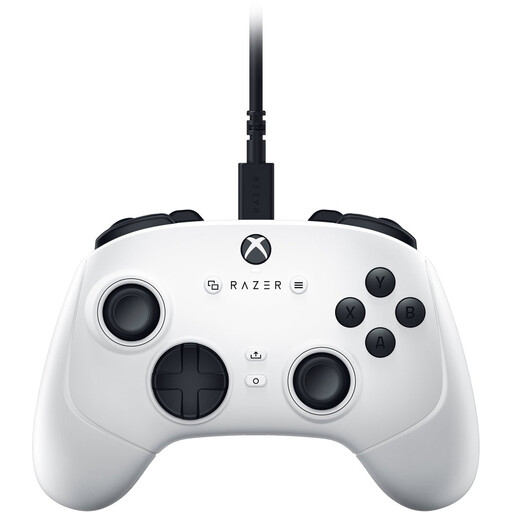
For a PC or Xbox session, if the platform listed is compatible with your device.
USB gamepad; the product title lists PC and Xbox Series S and Xbox Series X.
 No image available
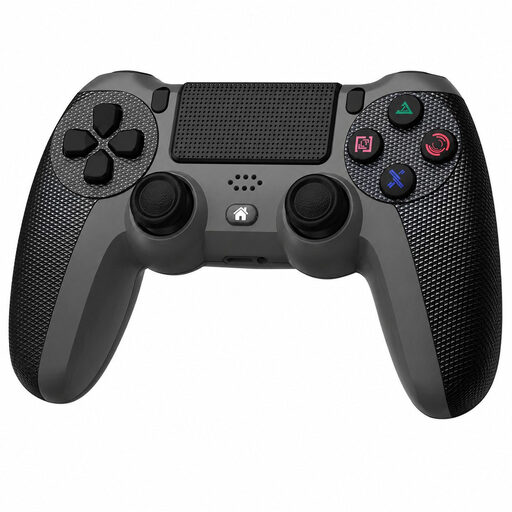
An option for a PS4 or PC session, as long as the compatibility listed suits your setup.
Described as a wireless controller for PS4 and PC.
 No image available
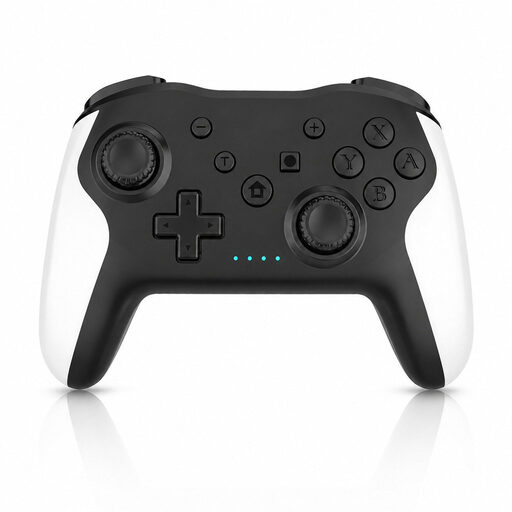
For a session on Switch or PC, provided the platform listed in the title is compatible with your game version.
The product title lists dual vibration and gyro.
 No image available
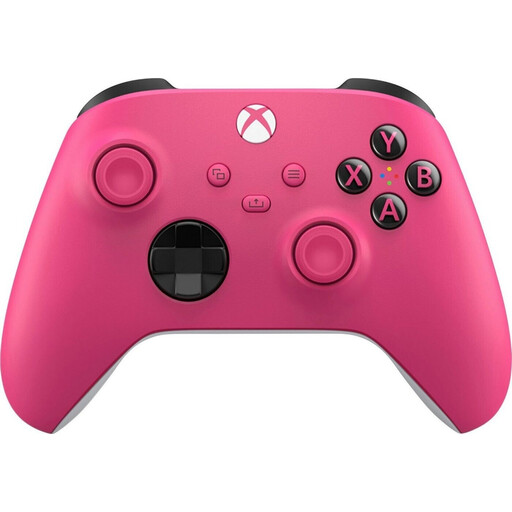
For an Xbox or PC session, if the model variant suits your platform and game version.
The product title lists Xbox One, Xbox Series X/S and PC, as well as a wireless connection.
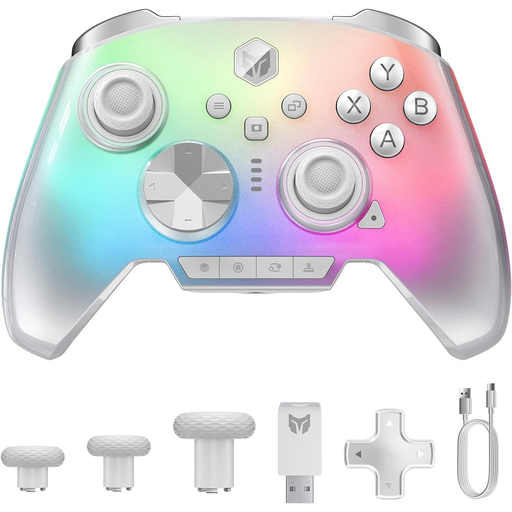 No image available
For a PC or Switch 2 session, if the platform listed suits your device and game.
The product title also lists Switch, iOS and Android, as well as a gyroscope, switchable triggers and a 3.5-mm audio jack.
No. Team17 says Overcooked! 2 supports up to four players at a time in local or online play. For a bigger group, you’ll need to take turns in this game; extra controllers don’t increase the player limit.
Not necessarily. When playing Overcooked! 2 locally, two people can share a keyboard on PC, Mac or Linux, according to Team17. For any other controls, check what your device and specific game installation can recognise.
You can use older Joy-Con wirelessly with Switch 2, according to Nintendo, but you can’t attach them to the console or charge them through it. Charge them using a Switch or suitable separate accessory, and check the controller version before you start playing.
Check whether your chosen model needs batteries, a charging option or a particular connection for your session. Microsoft specifies standard AA batteries for the Xbox Wireless Controller. To charge older Joy-Con when using Switch 2, you’ll need a Switch or suitable separate charging accessory.
According to the Federal Environment Agency, waste electrical equipment can be returned free of charge to local collection points and participating retailers. Used batteries and rechargeable batteries must not go in household rubbish; they need to be returned separately.