Hosts with multiple video sources
If you want to switch between a party game, laptop or another HDMI source on the same TV, you’ll need to plan your console choice and video switching separately.


For Jamboree TV and its additional camera features, you’ll need Nintendo Switch 2. CameraPlay in supported modes also requires a compatible USB-C camera. In selected Jackbox games, guests can join in using their mobile phones instead, provided the game version and platform are compatible. A console won’t switch between several external HDMI sources on the same TV for you: you can use the TV’s inputs or a suitable HDMI switch for that.
If you want to switch between a party game, laptop or another HDMI source on the same TV, you’ll need to plan your console choice and video switching separately.
If you want to play together in front of the TV, the specific mini-games and the input devices they support are what matter.
If guests are joining a suitable party game on their own devices, check the specific title, language and number of players it supports.
First, check which games you want to play and how everyone will take part. Then find out whether you’ll be connecting several HDMI devices to the TV and what extra equipment you’ll need.
| What you need | What to check before buying | Who is it important to? |
|---|---|---|
| Multiple video sources | Count the HDMI sources and TV inputs; if using a switch, check the resolution and refresh rate. | If I want to use a console and other devices on the same TV, I’ll need a suitable way to switch between them. Around 40% of consumers put this need first. |
| Mini-games and controllers | Check the game and edition, local multiplayer mode and required controllers. | If we want to play specific mini-games on the TV, the edition and controls need to be right. Around 30% of consumers prioritise suitable local mini-games and controllers. |
| Mobile phone or remote participation | Check the platform version, language and player count for the specific game. If guests are joining remotely, also plan how they’ll access the host’s screen. | If guests are joining in without each needing their own console controller, a suitable game with mobile phone input is an option. Around 20% of consumers put participation on their own devices first. |
| Choosing games for children | Check the age rating and language of the specific game. | If children are playing, I want to know the age rating for each game. Around 10% of consumers prioritise age-appropriate games. |
An HDMI switch selects one of several sources to display on a screen. A splitter, by contrast, sends one signal to several screens.
Before buying, make a note of how many devices and screens you want to connect, then choose the right type of equipment.
Nintendo says Jamboree TV is part of the Switch 2 Edition of Super Mario Party Jamboree; the standard version doesn’t include these additional modes.
Check the game edition and the mode you want before choosing your console and game. CameraPlay in supported modes also requires a compatible USB-C camera.
Nintendo says that Switch Lite doesn’t support TV mode, so it isn’t designed for this way of playing.
If everyone wants to play on a TV, look for a console model that supports TV mode.
According to PlayStation, the PS5 Digital Edition is sold without a disc drive.
Before buying, check that the format of your existing games is compatible with the specific console version.
Relevant if your group wants to play a Switch version of Super Mario Party Jamboree or the additional Jamboree TV modes.
An option if you want to play a party game available on PlayStation alongside other PlayStation games you’re interested in.
Could be a good fit if you already play Xbox games or want a suitable party game for Xbox.
A games publisher to consider if you want players to use their mobile phones or have guests join remotely.
Relevant as a supplier of HDMI accessories, not as an alternative to a games console.
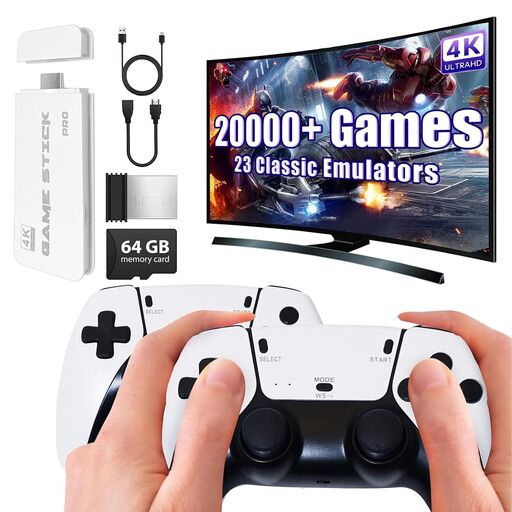
The Joybuy products below are listed as retro consoles or HDMI game sticks with controllers for playing together on a TV. Before buying, check that the included games and local multiplayer modes suit your group.
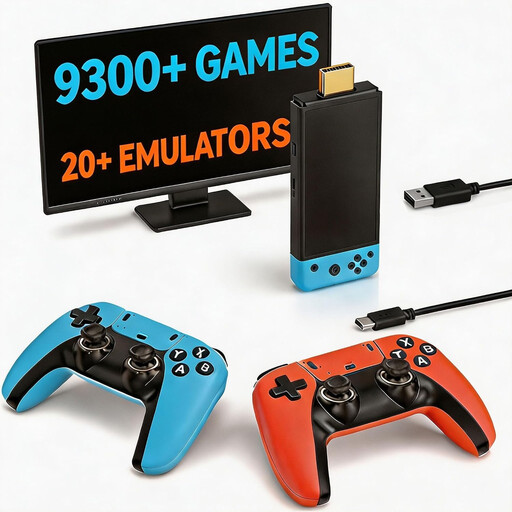 No image available
For playing together on a TV, the product description lists two wireless controllers. Check which games and multiplayer modes are included.
The product title mentions HDMI output and plug-and-play.
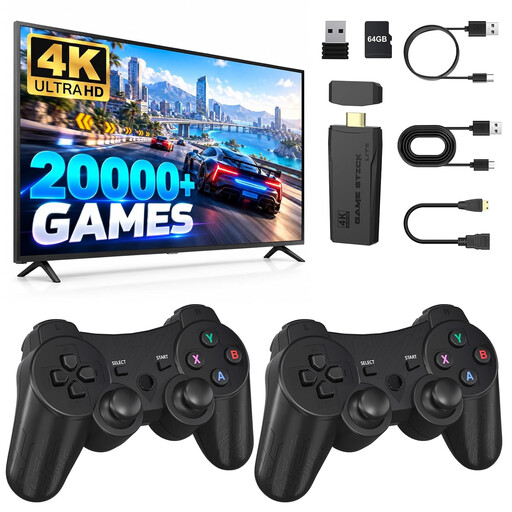 No image available
For local gaming sessions, the product description lists two controllers. According to the description, multiplayer is supported for compatible two-player titles.
The product title mentions 2.4 GHz controllers and HDMI plug-and-play.
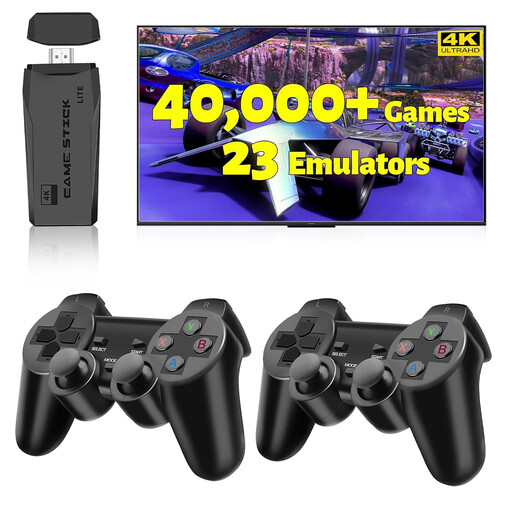 No image available
The product title lists two wireless controllers for gaming together on a TV. Check which games are included and whether they support local multiplayer.
The title lists 20,000+ games and support for 23 emulators.
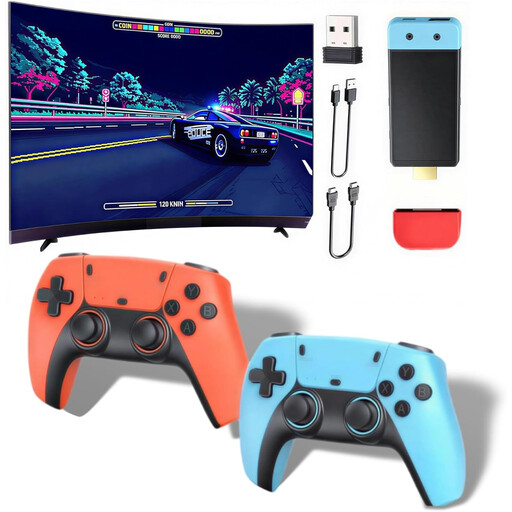 No image available
The product description lists multiplayer support for up to four players for gaming on a TV. Check that the feature works with the games included.
The product title mentions HDMI output and two wireless controllers.
 No image available
The product description mentions playing with friends and family for gaming sessions with several people. Check the multiplayer options for the games included.
The product title mentions 20,000+ pre-installed games, 4K HDMI output and two 2.4 GHz gamepads.
The console features described here output games or allow screen sharing, but they don’t select between arbitrary external HDMI sources. If you want to switch between a laptop and console using one TV input, look for a suitable HDMI switch. It displays one selected source at a time.
In a suitable Jackbox game, one person starts the lobby and the others join using the room code shown on screen, according to Jackbox Games. Remote guests also need to be able to see the host’s screen, for example through screen sharing.
Not for every feature. According to Nintendo, CameraPlay in supported Jamboree TV modes requires a compatible USB-C camera, sold separately. Jamboree TV modes are part of the Switch 2 Edition.
Age ratings are used by retailers when selling games to children and young people. The USK says that its ratings don’t assess the quality of a game or whether it is educationally suitable.