Racing on a single monitor
If you want to race virtual hillclimbs or rally stages on one screen, start by considering the game and your monitor’s resolution when choosing a PC. RaceRoom features a hillclimb course called Hillclimb.


Choose a PC based on what you’ll actually use it for and the resolution of your single monitor. For a racing game, check its requirements and make sure your existing steering wheel connects properly. Zwift also requires a compatible connection to your trainer. If you play BeamNG.drive, the BeamNG Documentation recommends 32 GB RAM, at least 8 GB of graphics memory and 60 GB of free storage for its 1080p recommendation. These figures are not general minimum requirements and don’t guarantee a particular frame rate.
If you want to race virtual hillclimbs or rally stages on one screen, start by considering the game and your monitor’s resolution when choosing a PC. RaceRoom features a hillclimb course called Hillclimb.
If you’re planning mountain drives in BeamNG.drive, compare the RAM, graphics memory and free storage space with the BeamNG Documentation figures for your intended use.
If by mountain rides you mean cycling workouts in Zwift, check which PC environments are supported and how to connect your trainer. Zwift Support explains how to connect trainers that control resistance.
First, decide which game or training app you want to use. Then check that your monitor, PC configuration and required connections meet its requirements.
| What you need | What to check before buying | Who should pay particular attention |
|---|---|---|
| Full HD racing simulation | Check the specific game and monitor resolution against the CPU and graphics card in the full PC configuration. If you already have a steering wheel, also check that the game supports it and that the PC has the right connections. | If you want to race on a single Full HD monitor, the right specification for your game matters more than a blanket recommendation for multiple screens. Around 33% of consumers prioritise Full HD racing simulation. |
| More graphics headroom on a single monitor | Check your monitor’s resolution and refresh rate, as well as the exact graphics card variant. Where possible, look for tests covering the game and settings you want to use. | If your single monitor has a higher resolution or refresh rate, you’ll want to choose a graphics card to suit it. Around 25% of consumers prioritise this extra graphics headroom. |
| BeamNG.drive and mods | For BeamNG’s 1080p recommendation, allow for 32 GB RAM, at least 8 GB VRAM and 60 GB of free storage. Mods may need additional space. Figures from the BeamNG Documentation. | If vehicle physics and mods are your priority, compare the PC specification with BeamNG’s figures rather than the requirements for other games. Around 25% of consumers prioritise this need. |
| Zwift and trainer connectivity | Check the supported operating system, PC requirements and connection options for your specific trainer. To control resistance, you’ll need a compatible smart trainer; Zwift Support provides further guidance. | If you want to train on virtual climbs, you’ll need a suitable PC and a connection that lets your trainer control resistance. Around 17% of consumers prioritise PC and trainer compatibility. |
A racing game and cycling workouts in Zwift are different activities. They don’t call for the same PC, and cycling workouts also depend on your connection to a trainer.
Before comparing PCs, decide whether you mean car racing or cycling workouts. If you’re cycling, also check what your trainer can do.
The requirements for a single monitor aren’t necessarily the same as those for a VR or triple-monitor setup.
Compare the requirements of your specific game with the resolution and refresh rate of your single monitor.
CPU, graphics card and RAM can vary between configurations in ranges such as the OMEN 35L, Aurora ACT1250 and ERAZER Hunter X30.
Check the full model or part number, specification and what’s included with the specific version for sale.
A manufacturer’s warranty gives you an additional claim; it is not the same as your statutory rights against the seller if goods are faulty.
Before buying an additional protection plan, check its terms and understand how they differ from your statutory rights.
The OMEN 35L range includes a variety of gaming desktop configurations. HP offers variants with different graphics cards and amounts of RAM.
The Legion Tower 5i Gen 10 is a tower PC option. Check its specification against what you plan to use it for.
The Aurora ACT1250 is a configurable gaming tower range with different CPU, GPU and RAM options.
The Predator Orion 3000 PO3-665 is a tower range where the specific part number matters when comparing specifications.
The ERAZER Hunter X30 is a tower range available in different configurations.
This selection includes gaming PCs and a gaming laptop for use with a single monitor. For BeamNG.drive, compare the developer’s 1080p recommendation with the specification of the specific variant. For Zwift, check PC and trainer compatibility separately.
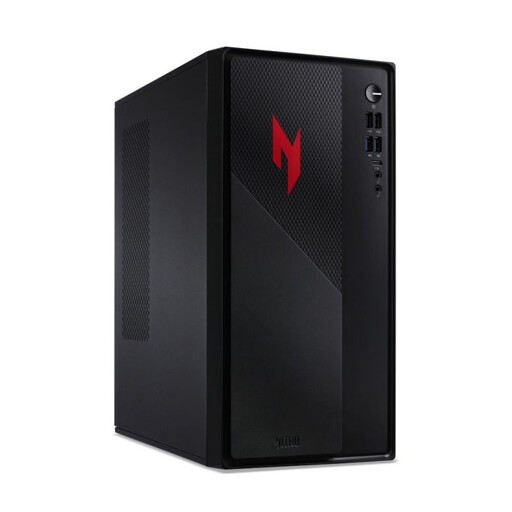 No image available
Could be worth considering for BeamNG.drive if you’re checking the 1080p recommendation. You should also compare the graphics memory of the specific variant against it.
Listed in the product name: i5, 32 GB RAM, 1 TB, RTX 5060 and Windows 11 Home.
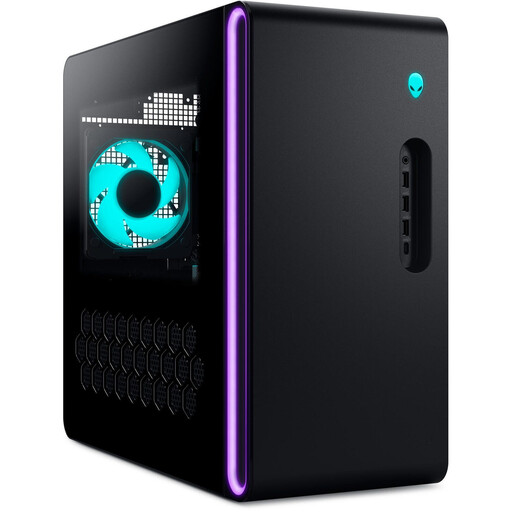 No image available
For BeamNG.drive, compare this variant’s specifications with the developer’s 1080p recommendation, paying particular attention to the listed graphics memory.
Listed in the product name: Core Ultra 9-285K, 32 GB RAM, 2 TB SSD, RTX 5080 and Windows 11.
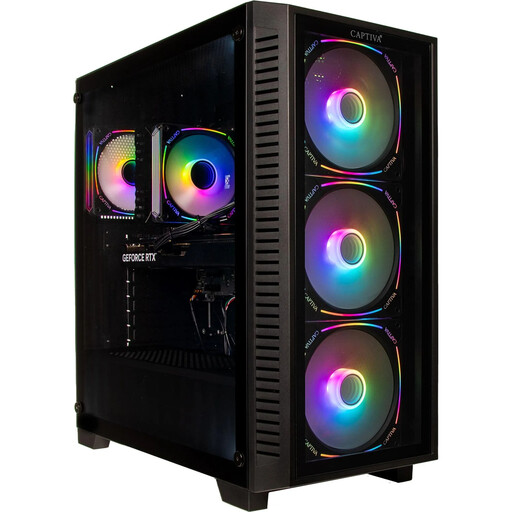 No image available
The 32 GB RAM and 16 GB graphics memory listed in the product name can be compared with BeamNG’s recommendation for the 1080p scenario described. This doesn’t guarantee a particular frame rate.
Listed in the product name: RTX 5070 Ti with 16 GB, 32 GB DDR5, 2 TB SSD and Windows 11 Home.
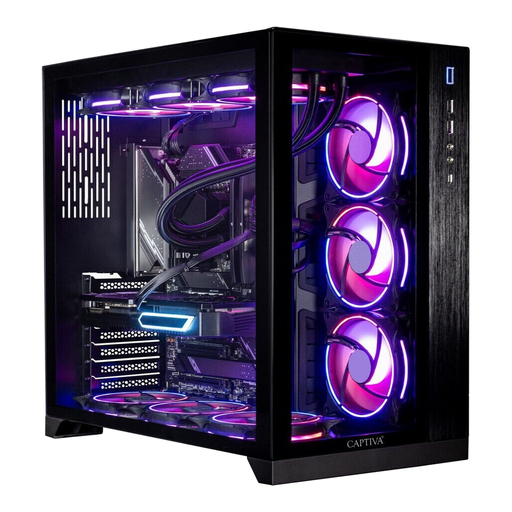 No image available
If you play BeamNG.drive, compare this variant’s specification with the developer’s 1080p recommendation. Remember to check the graphics memory too.
Listed in the product name: 64 GB RAM, 2 TB SSD, RTX 5070 Ti and Windows 11.
 No image available
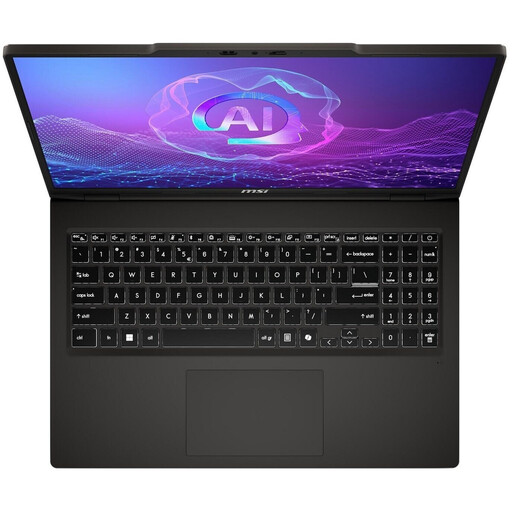
This gaming laptop could be an option for racing simulations on a single monitor. Check the requirements of your specific game and make sure you can connect it to your monitor.
Listed in the product name: Ryzen AI 7 350, RTX 5050, 16 GB RAM, 1 TB SSD and Windows 11 Home. For BeamNG.drive, the listed RAM is below the developer’s 32 GB recommendation for the 1080p scenario described.
No, not for the single-monitor setup covered here. Choose your PC specification based on RaceRoom, your screen and the settings you want to use, rather than assuming that VR or multi-monitor requirements apply.
No. Zwift Support explains that you need a connection to a smart trainer that can control resistance. Check the features and pairing options of your specific trainer; the PC can’t replace it.
The BeamNG Documentation recommends 32 GB RAM, at least 8 GB VRAM and 60 GB of free storage. This recommendation is for the 1080p scenario described; it isn’t a general minimum requirement for other racing games or Zwift.
For your specific wheel, check which PC operating system it supports, which connection it needs and whether your chosen game supports it. For example, Logitech lists these requirements for the G923 for PC; that doesn’t mean other models are compatible.
No. According to the Federal Network Agency, the manufacturer uses the CE marking to declare that the product complies with the relevant EU regulations. For a specific PC, check the marking and the required accompanying information for the version you’re buying.