
Lieferung heute & morgen

Qualitätsgarantie

Willkommens-Angebote freischalten: KOSTENLOSE Lieferung | Bis zu 80 % RABATT | Kostenlose 30-Tage-JoyPlus-Testphase
App herunterladen
A PCIe 5.0 NVMe SSD can handle large files, game libraries and demanding applications considerably faster than older storage interfaces. However, several technical requirements must be met for the investment to make sense in a desktop PC or laptop. A high MB/s figure alone is not enough.
As Joybuy Product Recommendation Officer, I’ll provide an objective overview of the key specifications and show you which M.2 SSD suits which usage profile.
Figures such as 14,000 MB/s generally refer to sequential read or write operations under suitable test conditions. When starting Windows, loading small game files or opening multiple programmes, random access performance, IOPS figures and the system configuration are also crucial.
If you install a PCIe Gen5 SSD in a PCIe 4.0 or PCIe 3.0 slot, you will not achieve the advertised Gen5 performance. The SSD may be backwards compatible, but it will then operate at the speed supported by the existing platform.
PCIe 5.0 controllers can generate considerable heat during extended workloads. If there is no suitable heatsink or sufficient case airflow, the SSD may reduce its performance to protect itself from overheating. This process is known as thermal throttling.
Before buying, check whether your motherboard has an M.2 heatsink. For laptops, you should also check whether the drive’s height and heat dissipation are compatible with the specific model.
A 1 TB SSD is sufficient for an operating system, applications and a manageable selection of games. For 4K video projects, large raw-data collections, 3D files or local AI models, a 2 TB SSD or a model with even greater capacity may be the better choice. The specified TBW figure is also important. It describes the total amount of data writing specified by the manufacturer, not a guaranteed service life for your individual use.
The SSD should explicitly support PCIe 5.0 x4 and NVMe. It is essential that the M.2 slot on your motherboard or laptop also provides PCIe 5.0 with four lanes. The manual will usually give the exact designation, such as M.2_1 or CPU-connected M.2.
The widely used M.2 2280 SSD measures approximately 22 × 80 mm. This form factor fits many desktop PCs and notebooks, but it is not automatically compatible with every device. You must also check the M-key, available installation length and mounting arrangement.
Sequential read speed is relevant for large files, video imports and extensive data transfers. For an SSD for video editing, consistent write performance, cache behaviour and sufficient free storage are also important.
In games, many small accesses affect responsiveness. For an SSD for gaming, IOPS and latency are therefore useful additional indicators. However, loading times also depend on the game engine, processor, RAM and operating system.
Look for an integrated heatsink or the option to use the motherboard’s M.2 heatsink. Manufacturer specifications for TBW, operating temperature and warranty should be checked directly in the relevant data sheet.
Management software can make firmware updates, temperature monitoring and health checks easier. However, it is no substitute for backing up your data. Important files should be backed up regularly to a separate storage medium.
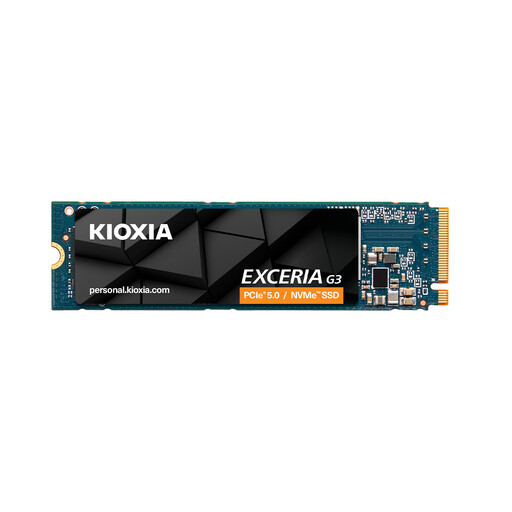
Why this product suits the profile: This PCIe 4.0 NVMe SSD offers 2 TB of storage, with read speeds of up to 5,000 MB/s and write speeds of up to 3,900 MB/s. It is suitable for users whose system does not support PCIe 5.0 or who prioritise capacity over maximum Gen5 speeds.
The interface and M.2 2280 form factor are clearly specified, helping you avoid buying a Gen5 SSD without a compatible slot.
2 TB capacity, 3D TLC NAND according to the product specifications and a stated endurance of 1,200 TBW.
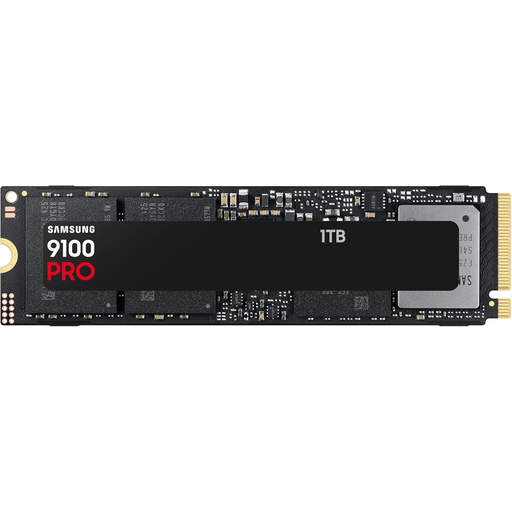
Why this product suits the profile: This internal PCIe 5.0 SSD is designed for high-performance desktop PCs and compatible laptops. It offers stated read speeds of up to 14,800 MB/s and write speeds of up to 13,400 MB/s.
Check platform compatibility and make sure a suitable M.2 heatsink is available before installation, so you can take advantage of the high interface speeds.
M.2 2280, hardware encryption according to the product description and management via Samsung Magician.
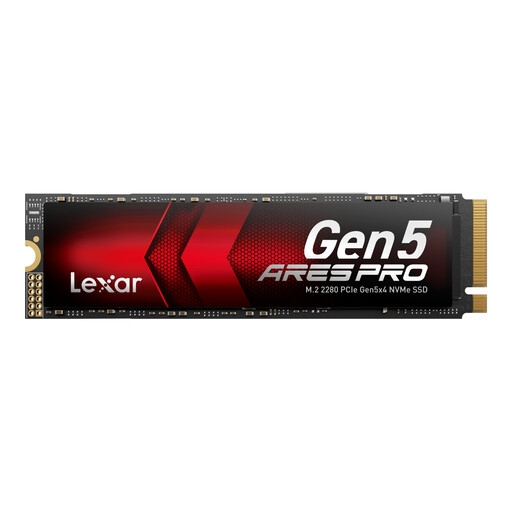
Why this product suits the profile: With 2 TB, PCIe 5.0 x4 and stated speeds of up to 14,000 MB/s read and 10,000 MB/s write, this model is aimed at gaming, video and data-intensive workstations.
The integrated heat dissipation and Thermal-Defender technology help manage heat generation; good case airflow is still required.
Stated random performance of up to 2,000K/1,400K IOPS, 2 TB capacity and a five-year limited warranty according to the product specifications.
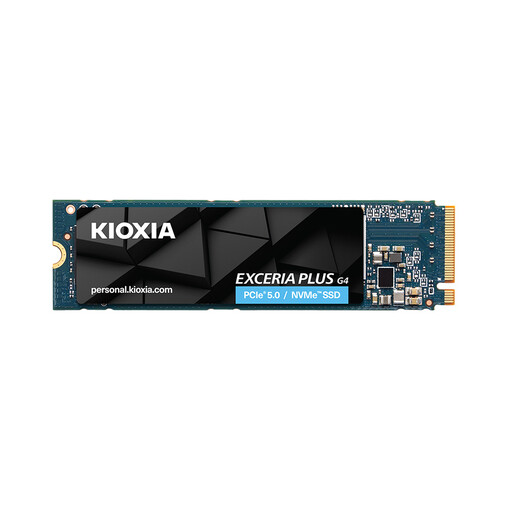
Why this product suits the profile: This M.2 model offers 2 TB and PCIe 5.0 with read speeds of up to 10,000 MB/s. It is designed for compatible desktop PCs and laptops when you need a modern, compact storage solution.
The clearly specified 1 TB and 2 TB variants, together with the M.2 2280 dimensions, make it easier to check the required capacity and installation space.
Read speeds of up to 10,000 MB/s, write speeds of up to 8,200 MB/s for the 2 TB model and a stated five-year manufacturer’s warranty.
We have put together a complete, regularly updated list of products that fully meet these strict selection criteria and the safety regulations applicable in the EU.
That depends on the platform and the games you play. A fast SSD can improve data delivery for large installations and certain DirectStorage scenarios. However, actual loading times are also determined by the game, processor, graphics card and operating system. A PCIe 5.0 model is therefore not automatically necessary for every gaming PC.
There is no reliable one-size-fits-all figure in years. Write volume, temperature, power supply and usage are all relevant. Manufacturer specifications such as TBW provide a technical reference point. Regular backups remain essential, regardless of the type of SSD.
Power consumption varies depending on the controller, NAND, firmware and workload. Fast Gen5 models can generate more heat under heavy write loads than energy-efficient Gen4 SSDs. With a laptop, you should therefore consider power consumption, battery life and the available cooling system together.