Creating prints for display
If you want to showcase selected pet photos at a larger size, check the finished print size and suitable photo media. Epson UK lists A3+ support for the Expression Photo HD XP-15000 and EcoTank ET-8550.


For regular prints up to A4, a photo printer with refillable ink tanks could be a good fit. For larger display prints, you’ll need a model that supports the size you want. If members would like to take home small prints at meet-ups, a compact photo printer serves a different purpose. Start by deciding on the finished print size and how many prints you’ll need, then factor in the right ink, paper or other media.
If you want to showcase selected pet photos at a larger size, check the finished print size and suitable photo media. Epson UK lists A3+ support for the Expression Photo HD XP-15000 and EcoTank ET-8550.
For regular prints, consider the print size and consumables together. Canon UK lists refillable tanks, six dye-based inks and photo printing up to A4 for the PIXMA G650.
If you want to hand out prints at an event, the print size and suitable media matter. Canon UK lists 100 × 148 mm prints for the SELPHY CP1500, while DNP offers media for the DS620 in sizes including 10 × 15 cm.
Decide on the finished photo size first. Then you can work out how often you’ll print and which media you’ll need.
| What you need | What to check before buying | Who it matters most to |
|---|---|---|
| Print size and display | Check that the model can print at your intended finished size. Canon UK lists photo printing up to A4 for the PIXMA G650; Epson UK lists A3+ for the XP-15000 and ET-8550. | If you want to display selected pet photos at a larger size, you’ll need a printer and photo paper to match. Around 33% of consumers would put this need first. |
| Regular prints | For your chosen size, compare ink, paper and your estimated overall requirements. Manufacturers’ yield figures don’t guarantee your individual costs. | If you regularly print photos for members, you’ll want to plan for consumables and printing frequency together. Around 25% of consumers would prioritise regular photo prints. |
| Handing out prints at meet-ups | Decide on the print size and quantity, then check which media you’ll need. Canon lists paper-and-ink-ribbon sets for 100 × 148 mm prints with the SELPHY CP1500; DNP lists media for the DS620, including 10 × 15 cm. | If you want members to take home small prints at a meet-up, match the print size and media supplies to your plans. Around 25% of consumers would prioritise being able to take photos away straight away. |
| Documents and occasional photos | Check the specific model’s document features, cartridge requirements and recommended print volume. HP recommends up to 100 pages per month for the Envy 6120e. | If you mainly print documents and only need pet photos occasionally, an all-in-one printer could cover several group tasks. Around 17% of consumers would put document features first. |
Manufacturers’ figures are based on specific conditions and don’t tell you how much it will cost your group to print a pet photo at your chosen size.
For your finished print size, consider the printer, suitable ink and paper together, and estimate how much you’re likely to need.
Photo paper is an additional cost on top of ink, so remember to budget for both based on the number of prints you plan to make.
In its review dated 7 July 2026, F.A.Z. Kaufkompass named the Canon Image Prograf PRO-300 its test winner. Canon UK now lists the model as discontinued. A past award doesn’t mean it’s still available today.
Check the review date and current availability separately. If you’re considering another model, check its own specifications.
The Canon SELPHY CP1500’s postcard size won’t replace A4 or A3+ printing.
Before choosing a printer, decide which photos members will take home and which you want to display at a larger size.
You may need an additional printing method for larger photos.
HP notes that the Envy 6120e has dynamic security measures for cartridges containing non-HP circuitry.
Check the cartridge requirements and recommended print volume for the specific model.
Dynamic cartridge security may limit your choice of compatible cartridges.
The PIXMA G650 is an option for regular photo printing up to A4, while the SELPHY CP1500 is designed for smaller prints.
The ET-8550 combines A3+ photo printing with refillable tanks; the XP-15000 is an A3+ model that uses cartridges.
The DS620 is a photo trade and kiosk printer for organised photo printing at events.
The Envy 6120e is an all-in-one option for groups that mainly print documents and only need photos occasionally.
This selection includes all-in-one printers and portable printers for smartphone photos. Before buying a portable model, check the supported print size and compatible media.
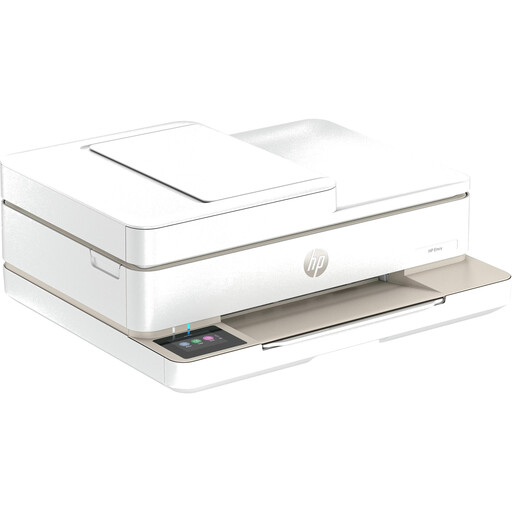 No image available
For groups that want to copy or scan documents as well as print the occasional pet photo.
Print, copy, scan and fax; automatic document feeder; Wi-Fi, Bluetooth and USB.
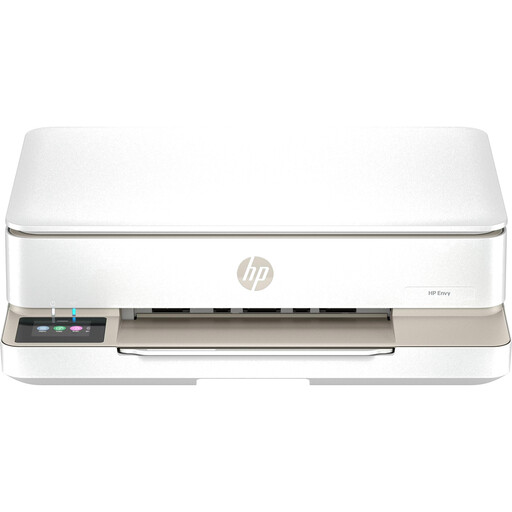 No image available
A possible option for groups that want to print, copy or scan documents as well as the occasional photo.
Print, copy, scan and fax; automatic double-sided printing; Wi-Fi and USB.
 No image available
A possible option for printing on the go, provided the print size suits your planned pet photos. Check the size before buying.
Ink-free thermal printing; Bluetooth connections with smartphones, tablets and laptops.
 No image available
For printing photos or labels on the go. Check that the supported media suits the way you plan to use it.
Bluetooth thermal printing with iOS and Android devices; compatible thermal paper required.
 No image available
For very small prints to take away, if the stated 50 × 76 mm size is right for you.
Zink printing on 50 × 76 mm self-adhesive paper; Bluetooth; stated weight 180 g.
Only if you want to print larger than A4. Canon UK lists photo printing up to A4 for the PIXMA G650; Epson UK lists A3+ support for the XP-15000 and ET-8550. Decide on the finished print size before choosing a printer.
For postcard-size prints measuring 100 × 148 mm, Canon lists compatible sets that include both paper and ink ribbon. If you want to print without a mains socket, check separately whether you need a compatible battery.
For the same planned photo size, compare the printer’s requirements and the cost of suitable ink and paper or paper-and-ink-ribbon sets. A manufacturer’s ink yield on its own doesn’t tell you the cost of each print for your group.
No. Submitting a photo doesn’t automatically give you permission to copy or share it. The German Patent and Trade Mark Office lists reproduction and distribution among the rights of exploitation. Check with the photographer what use they’re happy for the group to make of their photo.
If the purchase was made as a consumer, you have statutory rights against the seller; these are separate from any manufacturer’s guarantee. The Verbraucherzentrale explains the difference. If the group bought the printer in another legal capacity, check the contract and applicable rules separately.