What to look for when buying
First, work out whether the camera needs to reach different places your pet might go. Then compare data access, day-to-day operation, interaction and the terms for any additional services.
| What matters when buying |
What to check |
Who it matters most to |
| Rooms the camera can reach |
Measure thresholds and carpet edges. Enabot gives a figure of around 0.5–0.6 cm for the original EBO SE and EBO Air; this is a manufacturer’s claim, not a success rate. |
If my pet moves to another room while I’m away, I need to be able to see them wherever the camera can reach. Around 29% of consumers put access to multiple rooms first. |
| Control over data |
Check the storage location, microphone settings, camera privacy shutter and permissions for other accounts separately for the specific model, app and firmware version. |
If other people use my home, I want to be able to check storage, audio and individual access permissions separately. Around 28% of consumers prioritise this level of control over their data. |
| Ready for use |
Test the full route back to the charging station in your own home, and clean the wheels according to the model’s instructions. |
When I’m away regularly, I don’t want to take the route, return or maintenance for granted without checking them first. Around 22% of consumers prioritise readiness for use. |
| Remote interaction |
Distinguish two-way audio from extra play or treat-dispensing features. If you’re considering a mobile device, think about how your pet might adjust to it. |
If I want to talk to my pet remotely, two-way audio matters more to me than extra features. Around 14% of consumers prioritise remote interaction. |
| Additional services |
Check the specific offer to see whether it includes a memory card, cloud access or another service, and what terms and conditions apply. |
If I want to keep tabs on ongoing services and contract terms, I compare exactly what’s included. Around 7% of consumers put this consideration first. |
Joybuy products for fixed viewing areas
The Joybuy products below are stationary indoor cameras for one fixed viewing area. If your pet moves to other rooms, they’re no substitute for a mobile camera.
 No image available
2K Full HD indoor camera with two-way audio
An option for a fixed indoor area if you want to watch and talk to your pet via an app.
The product name lists colour night vision, motion detection, two-way audio and remote control via an app.
View at Joybuy
 No image available
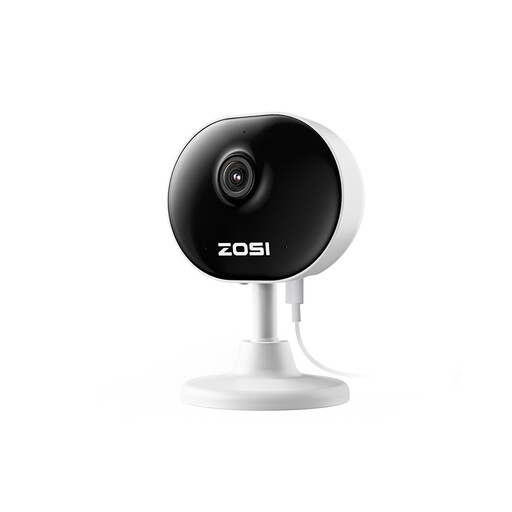
ZOSI C688 1080P indoor camera
An option for a fixed indoor area if you want to watch and talk to your pet via an app.
The product name lists 1080P, Wi-Fi, day and night video, motion and human detection, and two-way audio.
View at Joybuy
 No image available
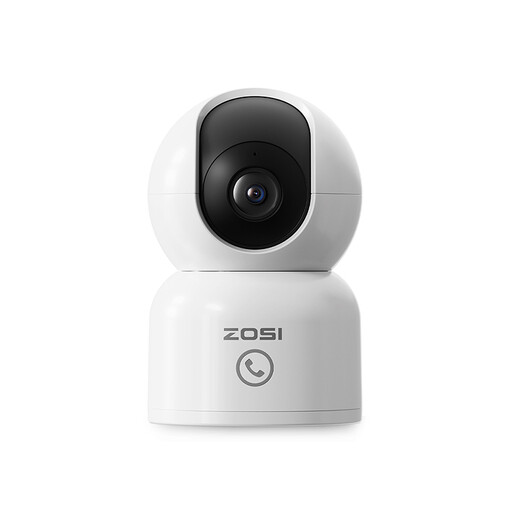
ZOSI C518 2MP pan-and-tilt camera
An option if you want to change the viewing angle remotely in a fixed room.
The product name lists 360° pan-and-tilt, dual-band Wi-Fi at 2.4 and 5 GHz, two-way audio, and local or cloud storage. According to the offer details, the microSD card is not included.
View at Joybuy
 No image available
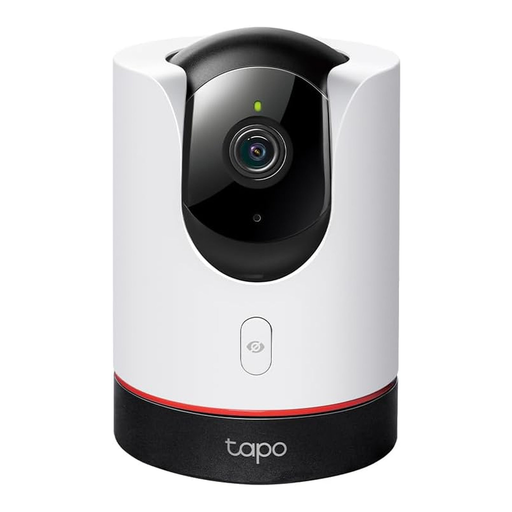
TP-Link Tapo C225
An option for a fixed viewing area if you want an adjustable viewing angle and an optical privacy shutter.
TP-Link Tapo lists 2K QHD and microSD storage of up to 512 GB; the card is sold separately, as is cloud storage. According to Tapo, shared accounts can also access SD card recordings and voice features. The camera is for indoor use only.
View at Joybuy
 No image available
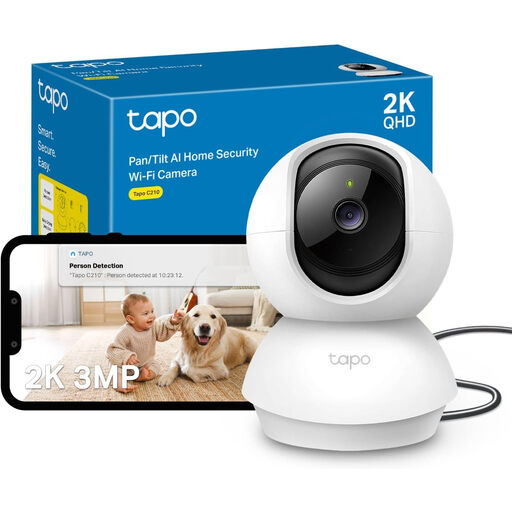
TP-Link Tapo C210 2K 3MP
An option for a fixed indoor area if you want to watch and talk to your pet remotely via an app.
The product name lists 2K 3MP, night vision, motion detection, two-way audio and microSD storage. According to the offer details, the camera is for indoor use only and is not waterproof.
View at Joybuy
Frequently asked questions
Is telling visitors or household staff enough to make using a camera acceptable?
No. If the GDPR applies, giving notice alone doesn’t make otherwise unlawful video surveillance lawful. The North Rhine-Westphalia Commissioner for Data Protection and Freedom of Information notes that you need to establish whether the GDPR applies and what legal basis covers the specific situation.
Does a camera privacy shutter also turn off the microphone?
An optical privacy shutter doesn’t prove that the microphone is off. TP-Link Tapo documents an optical lens cover for the C225; section 201 of the German Criminal Code (StGB) covers, among other things, unauthorised recording of privately spoken words. Check the audio settings separately from the camera shutter.
How do I remove another user’s access in Tapo?
In Tapo’s device sharing settings, open the relevant account and select Delete. The manufacturer’s instructions dated 29 September 2026 describe this method for ending a sharing permission; it won’t automatically delete recordings that have already been exported.
Can I delete individual recordings from a Tapo SD card?
A TP-Link support reply, last edited on 2 April 2025, said that individual clips could not be deleted from the inserted SD card and advised formatting the card to delete all recordings. Check the feature in your specific app and firmware version, rather than assuming this older guidance applies to every current version.
Can a mobile pet camera manage stairs or higher thresholds?
Don’t assume it can. Enabot gives a figure of around 0.5–0.6 cm for the thresholds the original EBO SE and EBO Air can cross; this manufacturer’s claim is not a guarantee that they can manage stairs or that the same applies to other generations. Measure the routes in your home and check the exact model.


