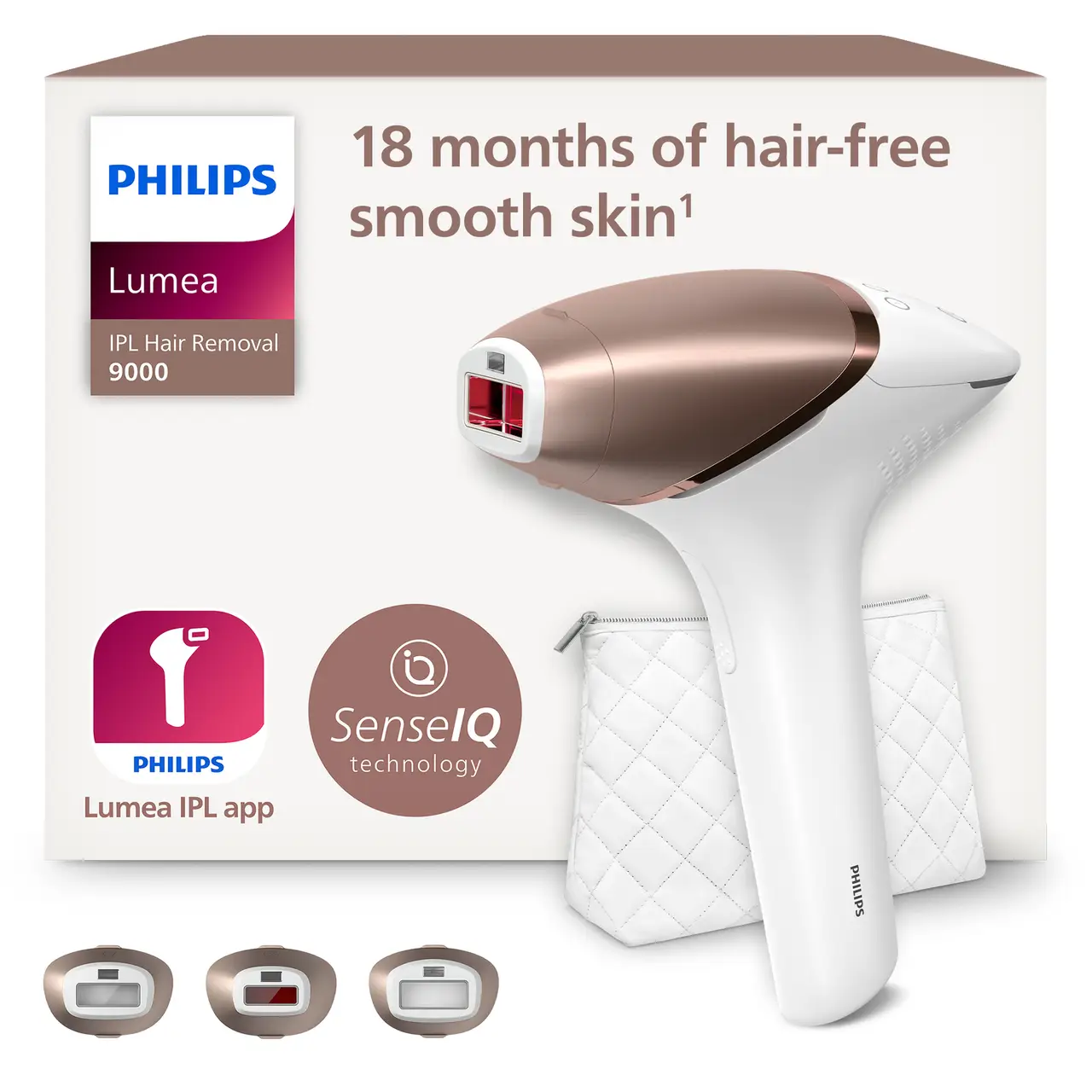
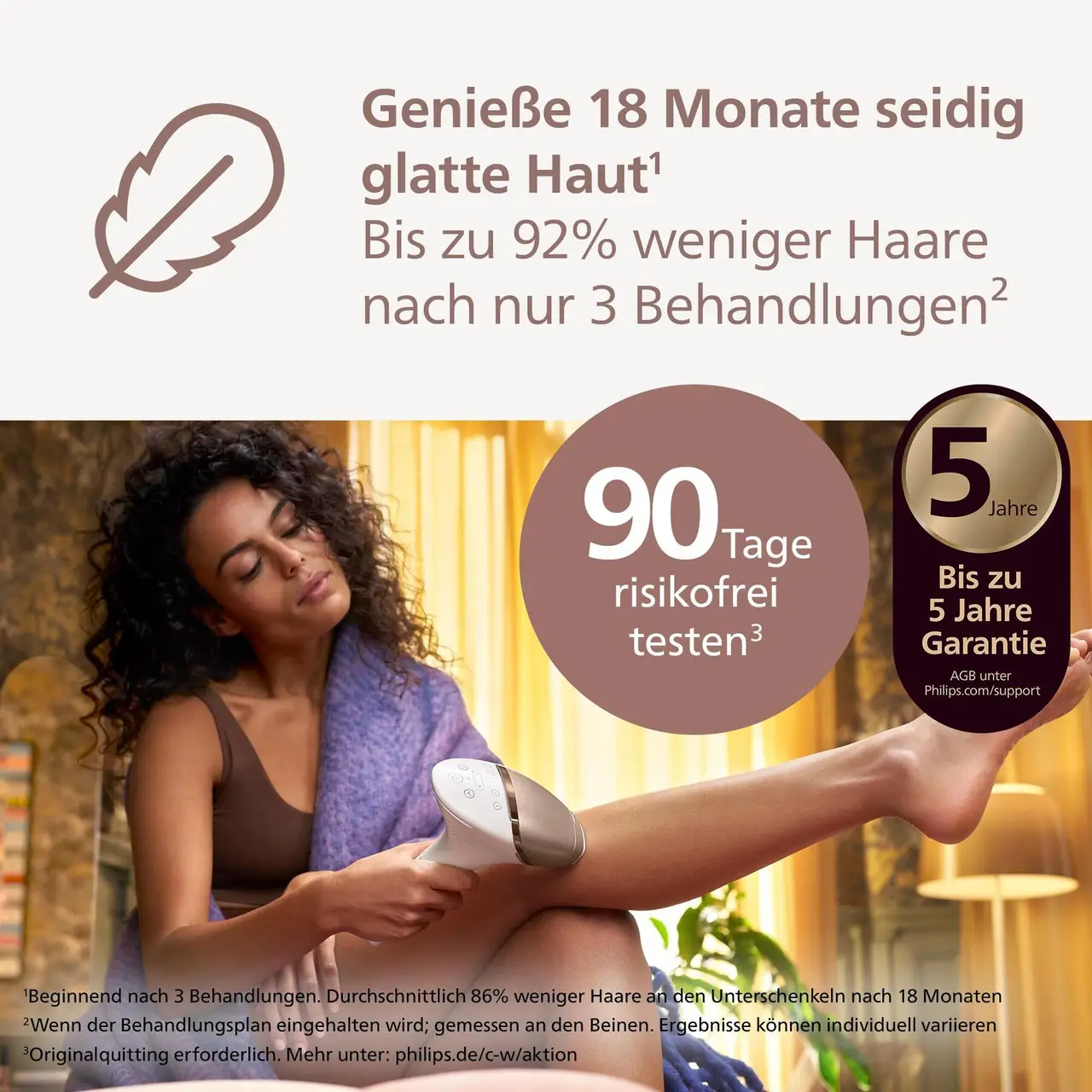
Looking for a flexible way to manage hair removal at home? The Philips Lumea IPL 9000 Series uses gentle light pulses to help reduce hair growth. SenseIQ detects your skin tone and recommends a suitable light setting, while three attachments are designed for the body, face and precision areas. Use it cordless across multiple areas, following the suggested routine of treatments every two weeks for six weeks, then monthly touch-ups; results vary. It suits people seeking an at-home IPL option for different areas.
How to Choose the Right IPL Hair Removal Device
Before buying an IPL hair removal device, check that it suits your skin tone, hair colour and intended treatment areas. Comparing safety features, ease of use and long-term value can help you choose a device that fits your routine.
Key Features to Consider
Start with compatibility and safety, then consider how practical the device will be to use and maintain.
- Skin and hair compatibility: Check the manufacturer’s compatibility chart for your skin tone and hair colour, as IPL is not suitable for every combination. Look for a skin-tone sensor and adjustable intensity levels, and read the safety instructions before use.
- Treatment areas and ease of use: Consider which areas you plan to treat and whether the device includes suitable attachments or a treatment window size for them. An ergonomic design, clear controls and a corded or cordless setup that suits your routine can make sessions easier to manage.
- Flash capacity and upkeep: Compare the stated flash count with the areas you intend to treat and check whether replacement parts or lamps may be needed. Review the care instructions, warranty and product documentation so you understand the device’s expected lifespan and maintenance.
Make At-Home Hair Removal Fit Your Routine
SenseIQ Technology for a Personalised Light Setting
The Philips Lumea IPL 9000 Series brings thoughtful technology to at-home hair removal. Its SenseIQ technology detects your skin tone and recommends a suitable light setting, helping you tailor each treatment to your needs. Gentle light pulses are designed to help reduce hair growth over time, making the device a practical choice for building a regular self-care routine at home. With a recommended schedule to guide your treatments, it is easy to make IPL care part of your plans.
Purpose-Designed Attachments for Different Areas
One device offers a considered approach to treating several areas, thanks to three attachments designed for the body, face and precision areas. Choose the attachment suited to the area you want to treat and enjoy a routine that can adapt to different needs. This multi-area design makes the Lumea IPL 9000 Series a convenient option for bringing hair removal care into your home, with each attachment supporting a more targeted treatment experience across your chosen areas.
Cordless Convenience and a Clear Treatment Routine
Make treatments easier to fit around your day with the cordless design, which adds flexibility to your at-home routine. Philips recommends starting with treatments every two weeks for six weeks, then moving to monthly touch-ups. This simple schedule gives you a clear rhythm to follow as you use gentle light pulses to help reduce hair growth. With cordless convenience and a routine designed for multiple areas, the Lumea IPL 9000 Series supports a more manageable approach to at-home hair removal.
Philips Lumea IPL Hair Removal: Who It Suits
At-home hair removal across several areas
If you want to manage hair removal across different areas at
home, use the body, face or precision attachment to match the
area you’re treating. The light pulses help reduce hair
growth, giving you one convenient way to manage several areas.
Shoppers who want help choosing a light setting
If you’re unsure which light setting to use, SenseIQ detects
your skin tone and recommends a suitable setting for your
treatment. That guidance makes choosing a setting at home more
straightforward.
People who prefer a clear treatment routine
If you’d rather follow a set plan than decide when to treat,
use the device every two weeks for six weeks, then move to
monthly touch-ups. This gives you a simple routine for
managing hair growth over time.
Those who want cordless flexibility
If you want more freedom to choose where you treat at home,
use the device cordless instead of having to manage a cable.
That makes it easier to move between treatment areas during a
session.
Frequently Asked Questions
Which areas can I treat with the Philips Lumea IPL 9000, and how long does each session take?
The Philips Lumea IPL 9000 has attachments for the body, face and precision areas, covering the legs, underarms, bikini area, chin, jawline and upper lip. A treatment takes about 8.5 minutes for the legs, 2.5 minutes for the underarms, 2 minutes for the bikini area and 1.5 minutes for the face, making it easier to plan your routine.
How often should I use the Philips Lumea IPL 9000?
Use the Philips Lumea IPL 9000 every two weeks for the first six weeks, then switch to monthly touch-ups to maintain your routine. For each session, start with clean, dry, shaved skin and use SenseIQ to find a suitable light setting for your skin tone. Results vary from person to person.
Can I use the Philips Lumea IPL 9000 over tattoos or irritated skin?
No, do not use the Philips Lumea IPL 9000 on tattoos, open wounds or darker skin areas. Its SenseIQ sensor recommends a light setting based on your skin tone, but it does not make treatment suitable for every area. If you have a skin concern or are unsure whether to use IPL, speak to a dermatologist before treating the area.
Don't just buy, Joybuy
Discover more of your favourite brands on Joybuy with great deals.