Home Organisers
When cupboards, boxes and household supplies are hard to tell apart, you can create clear text labels in the app and print them at home. The included refill lets you get started straight away, so your stored items are easier to find.


The Phomemo D30 is a compact Bluetooth label printer that helps you organise everyday items at home or in the office. Connect it to a smartphone or tablet to create custom labels with text, barcodes, QR codes, images and more. Its rechargeable battery supports cordless printing, while the app offers templates, icons, OCR and Excel imports. Use it to label storage boxes, files, cables or pantry containers—handy for home organisers, small businesses and anyone who wants clear labels on the go. One label refill is included.
Start by matching a label printer to the labels you need to produce and how often you will print them. Label size, printing method and device compatibility are key considerations for home organisation, small-business orders or shipping in Germany.
Check these essentials before choosing a model:
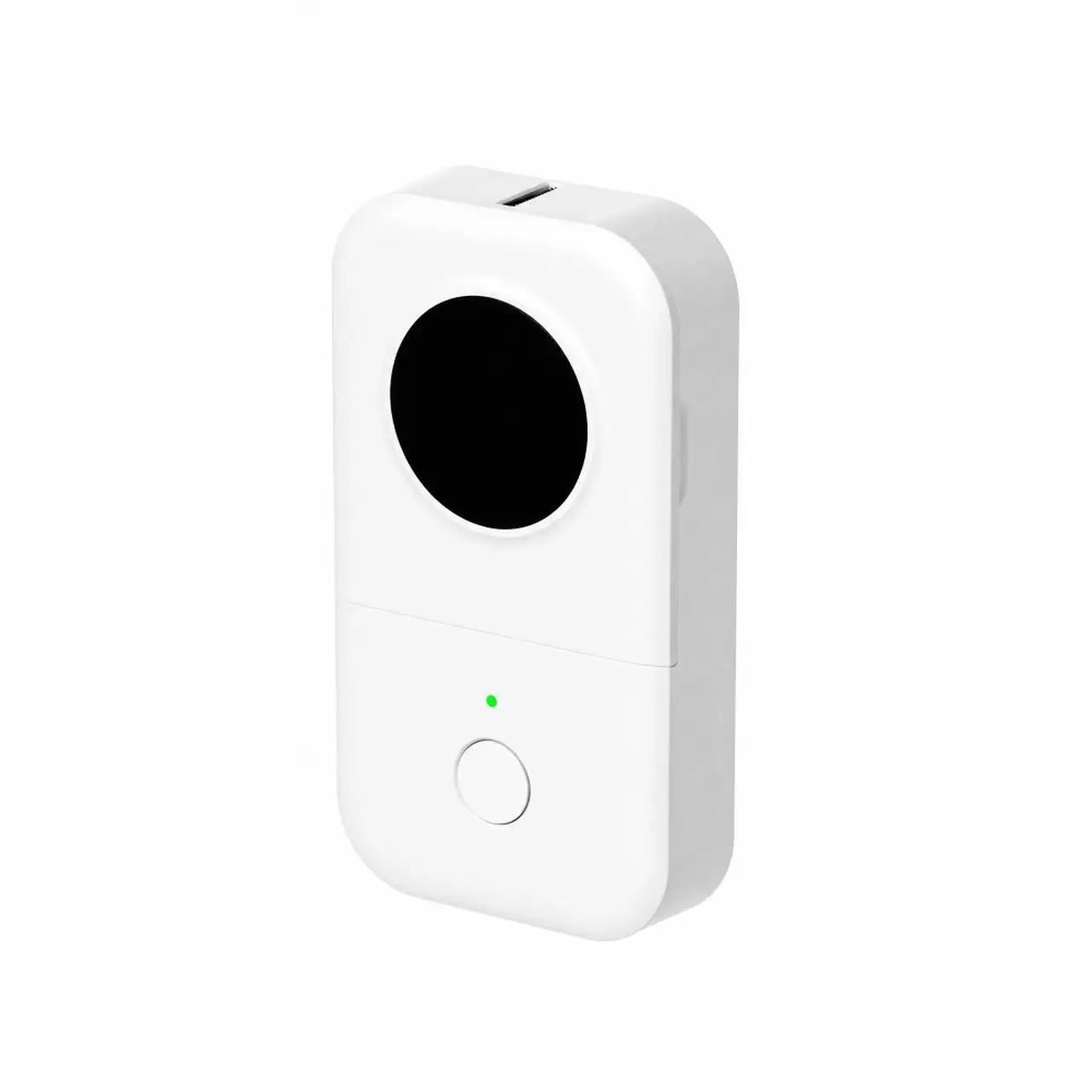
Bring flexible labelling to your home or office with the Phomemo D30. Its Bluetooth connection pairs with a smartphone or tablet, so you can create labels through the app and print them wherever they’re useful. The built-in rechargeable battery supports cordless use, making it a handy companion for organising shelves, containers, files and everyday supplies. With one label refill included, you have a practical starting point for putting your ideas into action and adding clear, customised labels to your spaces.
Turn a simple label into a polished part of your organisation system with the app’s broad range of creative options. Add text, tables, logos and images, then choose from multiple fonts, over 1,000 icons and more than 60 frames to give each design a distinctive finish. Timestamps offer another useful detail for dated items, while the straightforward mix of templates and customisation helps you create labels that suit everything from home storage to office supplies. It’s an easy way to make everyday organisation feel more personal and visually consistent.
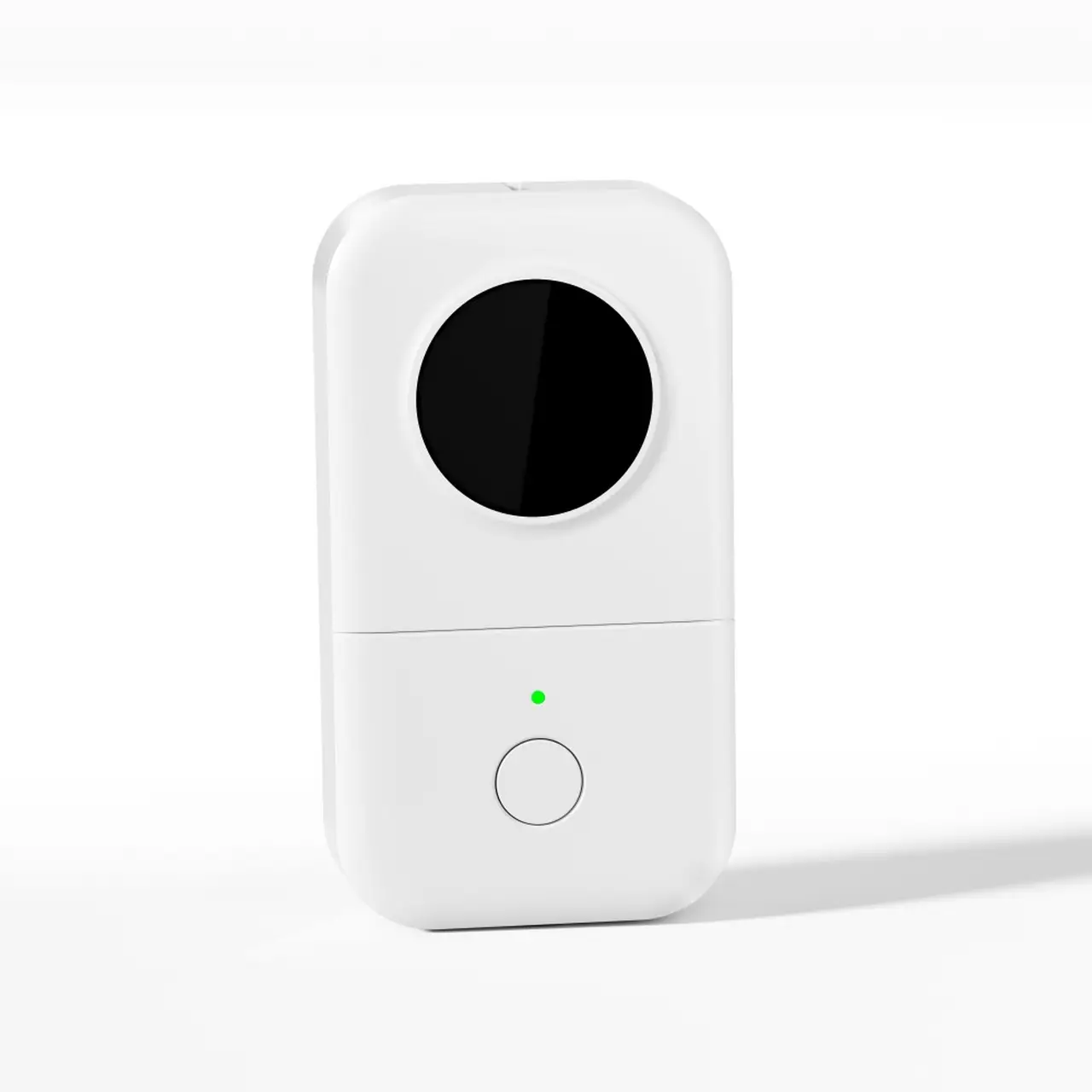
Make labels work harder with features that bring useful information within easy reach. The app supports barcodes and QR codes, ideal for adding scannable details to items, files or stock. You can also bring information into your workflow with Excel imports, scanning, OCR and voice recognition, then shape it into a label that fits the task. From keeping household essentials in order to creating a more organised workspace, these handy tools make the D30 a versatile choice for turning information into clear, custom labels.
When cupboards, boxes and household supplies are hard to tell apart, you can create clear text labels in the app and print them at home. The included refill lets you get started straight away, so your stored items are easier to find.
When your office needs consistent labels for files or stock, you can import an Excel list and create labels with tables, barcodes or QR codes, making records and labelled items easier to identify.
When you need to label things in different rooms or locations, you can connect your smartphone or tablet and print without a power cable. Labels are ready where you need them, without a trip back to your desk.
When plain text is not enough to make a label clear, you can add images, logos, icons, frames and different fonts in the app. Your labels are easier to recognise and tailored to what you are marking.
Yes, the Phomemo D30 app lets you create and print both QR codes and barcodes. You can also add text, logos, images and tables, then personalise your design with more than 1,000 icons, over 60 frames and a choice of fonts. It is a handy way to make custom labels for home or office use.
Yes, the compact Phomemo D30 is designed for portable, cordless printing at home, in the office or wherever you need a label. Pair it over Bluetooth with a smartphone or tablet, create labels in the app and print using its built-in rechargeable battery. One label refill is included to get you started.
Charge the Phomemo D30’s built-in rechargeable battery in line with its charging instructions, and keep the printer away from moisture and extreme temperatures. It is designed for label printing, so use it for that purpose and keep it out of children’s reach. These steps help keep it ready for cordless printing.
Discover more of your favourite brands on Joybuy with great deals