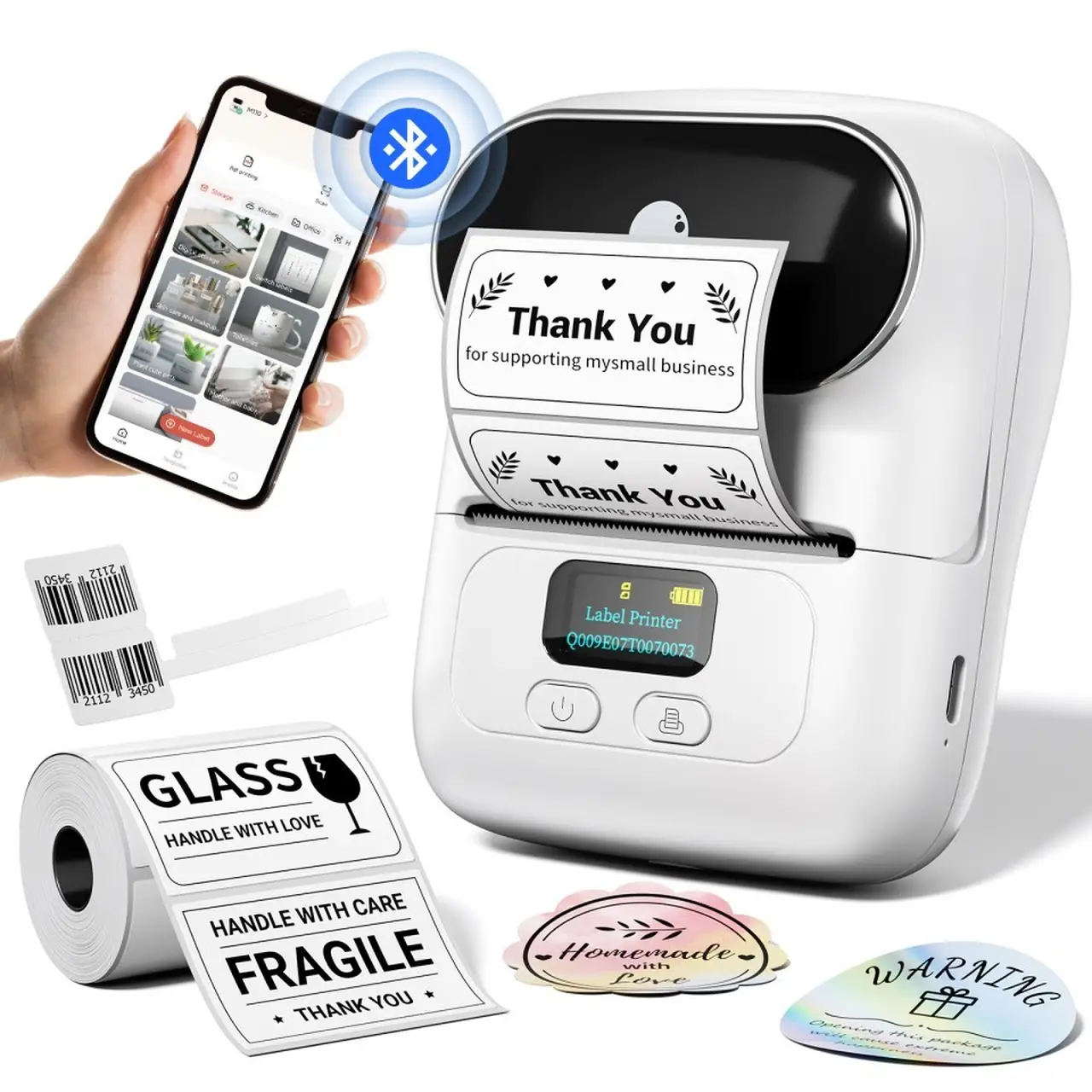
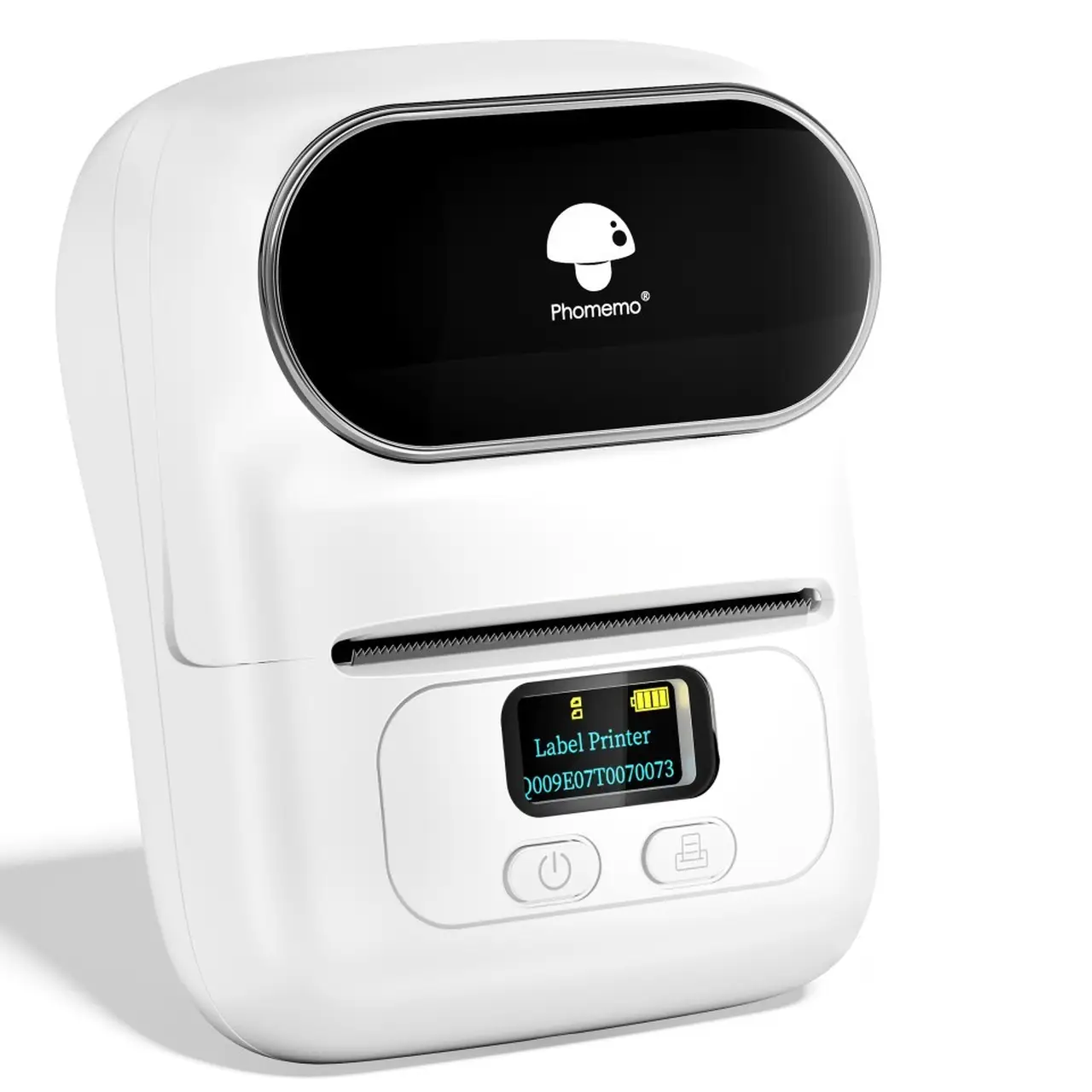
Make everyday labelling simpler with the compact Phomemo M110 portable label printer. It prints without ink or toner and connects by Bluetooth to an iOS or Android device through the Print Master app. Create product, address and stock labels using templates, custom layouts, barcodes, QR codes or logos; batch printing, Excel import and OCR can help with repeat tasks. With a rechargeable battery, support for 20–50 mm label widths and a roll included, it suits small businesses, home offices and anyone organising items on the go.
How to Choose the Right Label Printer
Start by matching a label printer to the labels you need to produce and the way you plan to use it. For shoppers in Germany, check compatibility with your devices and label formats before comparing convenience, print quality and ongoing costs.
Key Features to Consider
These three checks can help you choose a printer that suits your everyday labelling tasks:
- Print technology and intended use: Check whether the printer uses direct thermal or ink-based printing, and choose a method suited to your needs. Direct thermal models do not require ink, but labels may be less suitable for prolonged exposure to heat, light or handling.
- Label size, material and cost: Confirm the supported label width, roll dimensions and label types before buying, especially if you need address, barcode or product labels. Compare the price and availability of compatible rolls in Germany, as the ongoing cost can matter more than the printer’s initial price.
- Compatibility and portability: Check that the printer works with your computer or mobile device, operating system and preferred label-design or shipping software; look for clear details on Bluetooth, USB or other connections. If you need to print away from a desk, compare battery arrangements, weight and durability, and consider whether the controls and setup are practical for regular use.
Make Every Label Count with Phomemo M110
Create Custom Labels in the Print Master App
Turn an iOS or Android device into a handy label-design studio with the Print Master app. Connect the Phomemo M110 via Bluetooth and explore more than 100 templates for ideas across everyday labelling tasks. Custom layouts let you tailor each design, while options for barcodes, QR codes and logos help make labels informative and easy to recognise. For larger jobs, one-click batch printing, Excel data import and OCR text recognition bring useful tools together in one convenient workflow.
Ink-Free Printing for Everyday Organisation
The M110 offers ink-free label printing for a convenient way to prepare product, price, address and inventory labels. Its straightforward setup pairs a portable printer with the Print Master app, so you can create and print labels from a compatible mobile device. Choose from ready-made templates or build a custom layout to suit your task, then add details such as a barcode, QR code or logo. From organising stock to preparing parcels, it helps bring practical labelling into your daily routine.
Portable Printing with a Rechargeable Battery
A built-in rechargeable battery makes the Phomemo M110 a practical companion for labelling on the go, whether you are organising products, updating inventory or preparing address labels. Its compact, lightweight design is easy to keep close at hand, and Bluetooth connection lets you print from an iOS or Android device through the Print Master app. The printer comes with one roll of labels, so you have a useful starting point for creating labels and bringing more order to everyday tasks.
Phomemo M110 Portable Label Printer: Who It Suits
Small Online Shop Owners
When you’re preparing orders in batches, use the Print Master
app to import Excel details and print product or price labels
with your logo, barcode or QR code. Batch printing helps you
prepare a consistent set of labels with less repetitive work.
Market And Pop-Up Sellers
When you’re selling away from your desk and need to label
products or update prices, connect your phone to the compact,
rechargeable printer over Bluetooth and print on the go. You
can make the labels you need without returning to a fixed
workstation.
Stockroom Teams
When you’re labelling incoming goods or organising stock,
create inventory labels with barcodes or QR codes and print
batches from Excel. Clear, scannable labels make it easier to
identify items as you manage stock.
People Preparing Regular Post
When you’re getting letters or parcels ready, create address
labels in the app and use OCR text recognition to help turn
text into labels. Printing them directly from your phone makes
addressing post more convenient.
Frequently Asked Questions
How do I connect the Phomemo M110 label printer to my phone?
The Phomemo M110 connects to iOS and Android devices by Bluetooth through the free Print Master app. Download the app, pair the printer and create labels using its templates or custom layouts. You can print barcodes, QR codes and logos, making it easy to prepare product or price labels from your phone.
What label sizes can the Phomemo M110 print?
The Phomemo M110 supports label widths from 20 mm to 50 mm and comes with one roll of labels. Use it for product, price, address or inventory labels, with the Print Master app offering more than 100 templates and options for batch printing or Excel data import.
How should I charge and look after the Phomemo M110?
The Phomemo M110 has a built-in rechargeable battery, so you can charge it when needed for portable label printing. Keep the printer away from moisture and extreme temperatures, and use it only for printing labels. Store it out of children’s reach and charge it as directed to keep it ready for your next task.
Don't just buy, Joybuy
Discover more of your favourite brands on Joybuy with great offers.