Joybuy products for external HDD archives
The following models are portable external HDDs for storing podcast archive files. Their stated capacities can help you compare them with the amount of data you’ve worked out needs to be handed over.
 No image available
WD Elements Portable 5TB USB-C
An HDD option for a large archive folder containing episodes and project files.
Capacity: 5 TB. Connection: USB-C, USB 3.2 Gen 1. Product details list Windows and Mac compatibility, a 2.5-inch format and a weight of 240 g.
View at Joybuy
No image available
WD Elements Portable 6TB USB-C
Its stated capacity makes this an option for a large agreed archive.
Capacity: 6 TB. Connection: USB-C, USB 3.2 Gen 1. Product details list Windows and Mac compatibility, a 2.5-inch format and a weight of 240 g.
View at Joybuy
No image available
WD Elements Portable 4TB USB-C
A portable HDD option whose capacity you can compare with the complete archive folder being handed over.
Capacity: 4 TB. Connection: USB-C, USB 3.2 Gen 1. Product details list Windows and Mac compatibility, a 2.5-inch format and a weight of 240 g.
View at Joybuy
 No image available
WD Elements 2TB Portable External Hard Drive, USB-C, USB 3.2 Gen 1, 2.5", exFAT, Black
The stated exFAT formatting is a specific option for use with Windows and macOS devices; test access before handing it over.
Capacity: 2 TB. File system: exFAT. Connection: USB-C, USB 3.2 Gen 1. Format: 2.5 inches; USB-powered.
View at Joybuy
 No image available
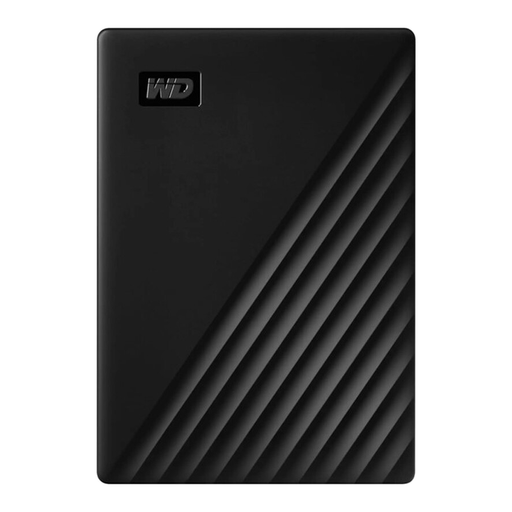
Western Digital My Passport 1TB Black
A portable HDD option for an archive that fits within the stated capacity.
Capacity: 1 TB. Connection: USB 3.0. Format: 2.5 inches; listed as weighing 122 g in the product description.
View at Joybuy
Frequently asked questions
Is it enough to hand over only the finished podcast episodes?
Only if that’s exactly what you’ve agreed. If the client may need to edit the episodes later, agree on the project files and any raw recordings they’ll need too; an exported audio mix doesn’t automatically include the separate project tracks. The Audacity Manual distinguishes a saved project from an exported audio file.
Which file system should I use for a client with both Mac and Windows?
Agree on the file system with the client, taking into account the devices they actually use, and test access before handover. Apple Support Germany describes exFAT as a Windows-compatible format and notes that macOS can read NTFS, but Disk Utility can’t write to it. Back up any existing files before formatting a drive.
How should I check the drive before handing it over?
Open selected exported files and any required project files directly from the copy being handed over. Also check that you can restore files from the separate backup. In Windows, use the safe removal feature before disconnecting the drive; Microsoft Support recommends this to help prevent data loss.
Are data recovery services or a second drive automatically included?
You can’t assume this for every model. Check the details for the specific product, and plan for a separate backup regardless of which features or tools are included.
Does every podcast handover in Germany need to be encrypted?
The guidance from the BSI and the Federal Commissioner for Data Protection and Freedom of Information doesn’t establish a blanket requirement for a particular hard drive product. If personal data is being processed, you should assess appropriate technical and organisational safeguards in line with the risks; encryption may be one option. Consider the content, roles and handover method for the specific project.


