
Lieferung heute & morgen

Qualitätsgarantie

Willkommens-Angebote freischalten: KOSTENLOSE Lieferung | Bis zu 80 % RABATT | Kostenlose 30-Tage-JoyPlus-Testphase
App herunterladen
A PoE (Power over Ethernet) switch is an efficient solution for supplying network devices like IP cameras, Wi-Fi access points, or VoIP phones with both data and power—all through a single LAN cable. However, the market is confusing, and many buyers invest in devices that don't meet their needs. Before you make a decision, you should understand the most common pitfalls that lead to performance issues and unnecessary expenses.
The two most common purchasing mistakes are:
You don't need to be a network technician to make the right choice. Focus on three crucial technical specifications that make the difference between a stable network and a frustrating one.
The PoE budget is the maximum total power in watts that the switch can deliver across all PoE ports simultaneously. Check the power requirements of your end devices (found in the manufacturer's datasheet) and add up the values. Always plan for a buffer of about 20% to handle power spikes.
Additionally, there are different standards:
A switch with PoE+ is backward compatible, making it a future-proof choice.
The number of ports determines how many devices you can connect. Plan for future expansions and choose a model with one or two more free ports than you currently need.
Speed is just as crucial:
The choice of management type depends on the complexity of your network.
Here are some models that are well-suited for specific user groups based on their objective technical specifications.
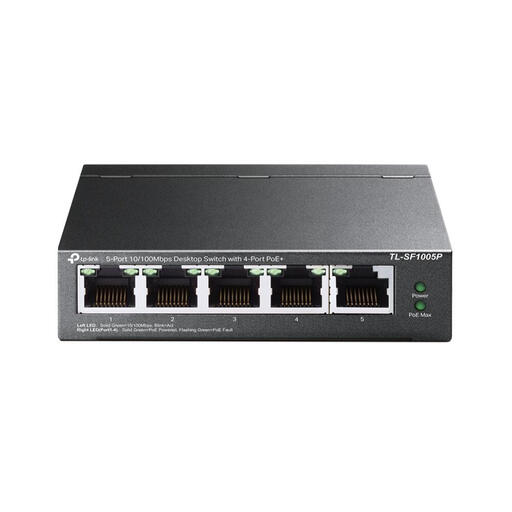
Why This Fits Their Persona: Ideal for users who want to run one or two IP cameras at home without dealing with network configurations. The installation is incredibly simple, and the device is designed for desktop use.
The device offers a clear PoE budget of 57 watts for its four PoE ports. This is sufficient to reliably power several standard IP cameras, avoiding the pitfall of an under-powered budget.
Hassle-free plug-and-play installation with no configuration required; intelligent power management protects against overload.
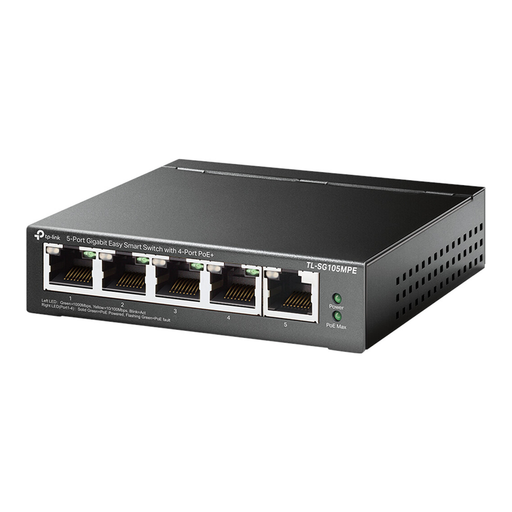
Why This Fits Their Persona: Perfect for tech enthusiasts running multiple high-resolution cameras, a home lab, or high-performance access points. The management features allow for fine-grained control of the network, and the high PoE+ budget provides reserves for demanding devices.
With Gigabit speed and PoE+, this switch avoids the "bottleneck" pitfall. The generous 120-watt budget ensures that even multiple power-hungry PoE+ devices can operate simultaneously without performance degradation.
High PoE+ budget (120 W); management features (VLAN, QoS); sturdy metal housing and fanless for silent operation.
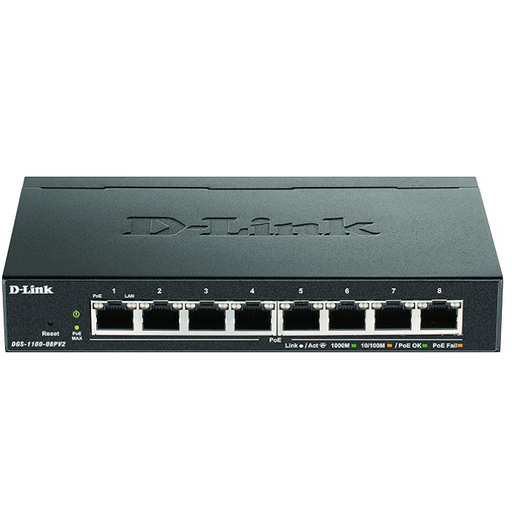
Why This Fits Their Persona: Suitable for small offices that need to connect multiple workstations, VoIP phones, and access points securely and in a structured way. The fanless design allows for silent operation directly in the workspace.
This Managed Switch prevents the mistake of buying a simple unmanaged model. With VLAN support, you can securely segment your network (e.g., separating guest Wi-Fi from the internal network), a feature that is often essential for businesses.
8 Gigabit ports for ample connectivity; L2 management features via web interface; fanless metal housing for professional use.
We have compiled a complete, continuously updated list of products that fully meet these strict selection criteria and relevant quality and safety standards.
That depends on the type. An Unmanaged Switch is a purely plug-and-play device. You plug in the cables, and it works immediately without any setup. A Managed Switch, on the other hand, offers a configuration interface (usually via a web browser) where you can set advanced options like VLANs or port prioritisation. However, for basic functionality, even these often require no initial configuration.
The power consumption of an IP camera varies by model and features. A simple fixed-focus camera often needs only 5-8 watts (PoE). A PTZ (pan-tilt-zoom) camera with infrared night vision can require up to 25 watts (PoE+). Always check the camera's technical datasheet. Add up the consumption of all planned devices and choose a switch whose PoE budget is at least 20% higher.
Yes, that's possible without any issues. A PoE switch automatically detects whether the connected device (e.g., a PC, printer, or gaming console) is PoE-capable. If the device does not request power, the port will only provide the data connection, just like a conventional Network Switch. There is no risk of damaging non-PoE devices.