
Lieferung heute & morgen

Qualitätsgarantie

Willkommens-Angebote freischalten: KOSTENLOSE Lieferung | Bis zu 80 % RABATT | Kostenlose 30-Tage-JoyPlus-Testphase
App herunterladen
A PoE Switch is the central component for a modern and streamlined network. It supplies devices like IP cameras, Wi-Fi access points, or VoIP phones with both data and power through a single network cable. However, the selection process is fraught with pitfalls that can lead to overloaded networks, unstable devices, or simply a poor purchase. Before you invest, you should be aware of the two most common and expensive mistakes users make.
This guide will help you avoid these and other mistakes and find the right network switch with PoE for your specific needs.
You don't need to be a network engineer to choose the right LAN Switch PoE. Focus on three key metrics that determine performance and reliability.
The PoE budget is the maximum total power in watts that the switch can deliver across all PoE ports simultaneously. Add up the maximum power consumption of all the devices you plan to connect. Then, add a 20% buffer to handle power spikes and future expansions.
Also, pay attention to the supported standard:
The number of ports determines how many devices you can connect. An 8 Port PoE Switch is a popular choice for home offices and small businesses. For larger installations, a 24 Port Switch or more is often required.
Even more important is the speed. A Gigabit PoE Switch (1,000 Mbps) should be the standard today. It ensures your network won't hit its limits, even with data-intensive applications like 4K video streaming or large file transfers. Fast Ethernet switches (100 Mbps) are only worth considering for very specific, low-demand scenarios.
Here are some models that are well-suited for different user profiles based on their technical specifications.
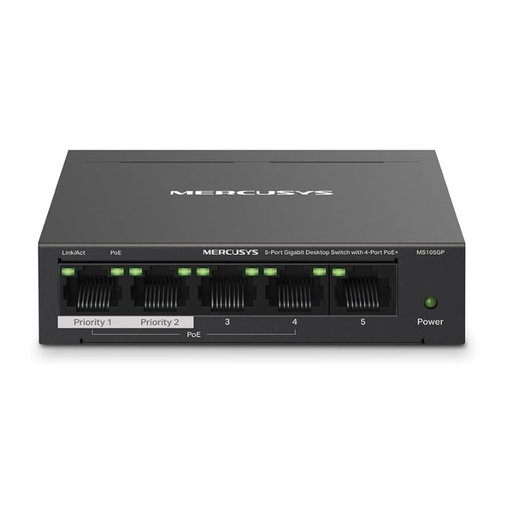
Why this model is a great fit: Perfect for getting started. If you want to run 2-3 IP cameras or an access point in your home office, this provides a straightforward and cost-effective solution. Installation requires no technical knowledge.
With Gigabit speed on all 5 ports, it bypasses the "Fast Ethernet trap" and ensures your network isn't artificially slowed down.
The 65-watt PoE budget is generous for 4 PoE+ ports. The robust metal housing ensures excellent heat dissipation and durability.
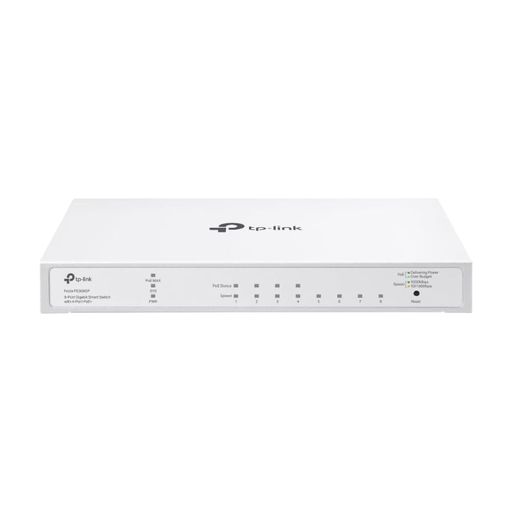
Why this model is a great fit: Perfect for small businesses or tech-savvy users who need more control but don't want to manage a complex IT infrastructure. Cloud management allows for easy configuration and monitoring from anywhere.
This model is a Cloud Managed Switch. It bridges the gap between simple unmanaged devices and complex managed switches, preventing you from "outgrowing" a basic switch.
Offers business-class features like VLAN and ACL for enhanced security and network segmentation. The fanless design ensures silent operation in an office environment.
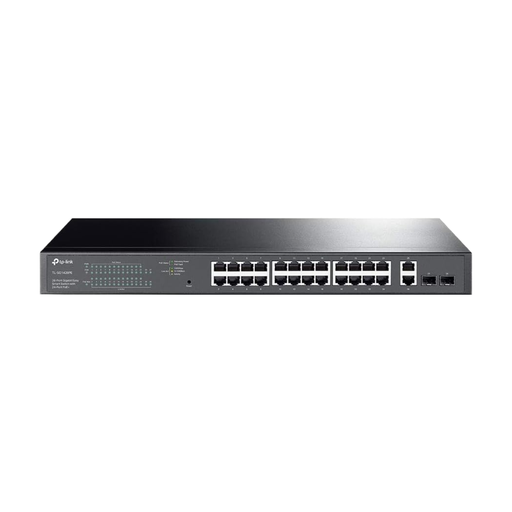
Why this model is a great fit: Designed for enterprise environments, powering entire office floors, or for extensive video surveillance systems. With 24 PoE+ ports and 4 uplink ports, it is built for heavy loads and scalability.
With a massive total PoE budget of 250 watts, it solves the problem of an undersized budget. It can reliably power a large number of PoE+ devices simultaneously.
As a Smart Managed Switch, it provides access to essential management functions via a web interface. The 1U rackmount design allows for professional integration into network cabinets.
We have compiled a complete, up-to-date list of products that fully meet these strict selection criteria and safety regulations.
1. How many watts (PoE budget) do I really need? To determine your needs, check the datasheet of each device you want to power via PoE (e.g., IP camera, access point). Add up the maximum power consumption (in watts) of all devices. Choose a switch with a total PoE budget that is at least 20% higher than this sum to ensure stable performance.
2. Can I connect a non-PoE device to a PoE switch? Yes. An IEEE-standard PoE switch (like 802.3af/at) is intelligent. Before supplying power, it checks if the connected device is PoE-compatible. If not, it only establishes a normal data connection without delivering power. Therefore, there is no risk to your computers, printers, or other non-PoE devices.
3. What is the difference between PoE and PoE+? The main difference is the maximum power that can be provided per port. Standard PoE (IEEE 802.3af) delivers up to 15.4 watts, which is sufficient for many basic devices. PoE+ (IEEE 802.3at) delivers up to 30 watts and is required for more power-hungry devices like pan-tilt-zoom cameras or modern Wi-Fi 6 access points. A PoE+ switch is always the more future-proof choice.