Solo readers at a fixed position
If you read from a fixed position, you can start with a personal webcam and test how clearly your voice comes through in your actual office. Pay attention to how quiet and loud passages sound in the recording.


For a solo reading from a fixed position, a personal webcam is a natural starting point. For several speakers in one room, a video bar may be a better fit. Noise cancellation and automatic camera tracking depend on the model, and neither guarantees natural-sounding audio for quiet and loud verses. Before the event, test the sound and framing using your own speaking style.
If you read from a fixed position, you can start with a personal webcam and test how clearly your voice comes through in your actual office. Pay attention to how quiet and loud passages sound in the recording.
If you move around while speaking, check whether automatic framing or tracking gives you the shot you want. Test how the camera follows you alongside your movements and pauses.
If several people are reading in a small room, check whether their actual standing and sitting positions are captured on camera and in the audio. A video bar is another option for this room layout, as an alternative to a personal webcam.
Best for: Reading alone from a fixed position, or moving within your own personal frame.
Consider: A personal camera is designed for one speaker’s position and won’t necessarily cover several people around the room.
Best for: Showing and hearing several speakers in different positions around the same room.
Consider: Check the actual distances and positions in the room. Manufacturers’ microphone range figures don’t guarantee clear verses in a noisy office.
| What matters | What to check before buying | Who is this important to? |
|---|---|---|
| Clear, natural-sounding audio | Make a test call in the room you plan to use, trying a whisper, a normal speaking voice, louder passages and typical background noise. Compare the microphone position and available audio settings. | If I want to be understood despite office noise, without quiet verses getting lost. Around 40% of consumers prioritise clear, natural-sounding audio. |
| Framing while moving | Test the area you’ll move around in and compare a fixed frame, framing and tracking during a test call. | If I move around while reading and want to stay in shot. Around 30% of consumers prioritise camera tracking while moving. |
| Capturing several speakers | Try every seated and standing position, then check the picture and transmitted audio from each one. | If several people are reading from different positions and need to be seen and heard clearly by the audience. Around 20% of consumers prioritise capturing several speakers. |
| Setup with your existing computer | Check the specific model’s connections, power requirements and computer requirements against your existing setup. | If I want to use the camera and microphone with my existing setup without unnecessary installation steps. Around 10% of consumers prioritise a straightforward setup. |
High image resolution doesn’t tell you whether whispers, pauses and louder passages will come through as they should.
Choose the image technology to suit your setup, then listen to a test call using your voice and typical office noise before deciding.
Personal cameras and video bars are designed for different setups. You can’t tell whether a device is suitable from its product name alone.
Test every planned speaking position with a short verse and check the framing and transmitted audio.
A camera doesn’t determine how personal data should be handled when recording, or whether you have the rights to read a protected text in public.
Consider who will be taking part, whether you plan to record and the rights to the texts separately from your choice of device. The Data Protection Conference addresses data protection issues relating to video conferences; Section 19 of the German Copyright Act (UrhG) governs the public recitation of a literary work in person.
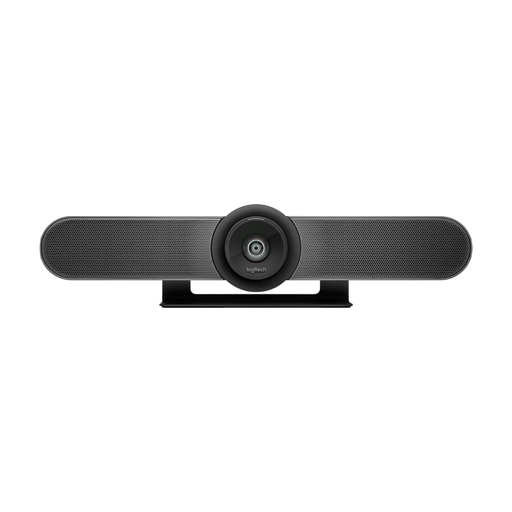
The MeetUp 2 is a USB video bar for small rooms and several speakers.
The Studio P15 is a personal video bar for one speaker who moves around in shot.
The PowerConf C300 is a webcam for an individual speaking position.
The Tiny 2 Lite is a personal PTZ webcam with tracking for presentations where you move around.
This selection includes personal webcams for individual speaking positions, as well as video bars and conference systems for several people in the room.
 No image available
For an individual speaking position; the built-in microphone is described as having noise cancellation.
4K webcam with a 99° field of view and privacy cover according to the product title; the product description lists 30 fps.
Test the sound with quiet and loud passages in the room you plan to use.
 No image available
For a solo presentation where you move around and want to use auto-framing and tracking.
4K webcam with a 1/2-inch sensor, HDR and AI Noise Cancellation according to the product description.
The description lists Windows and macOS as supported systems, but doesn’t specify compatibility with ARM-based Windows systems.
 No image available
For small meeting rooms where several speaking positions need to be covered on camera and in the audio.
120° field of view, motorised pan and tilt, and RightSight Auto-Framing according to the product description.
The description lists a beamforming microphone array and RightSound. Check the actual seated and standing positions in the room.
 No image available
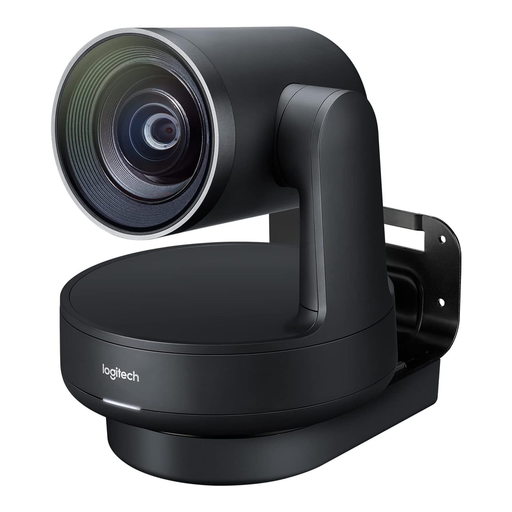
For medium to large meeting rooms; check whether the modular setup suits the room you plan to use for the reading.
4K PTZ camera, two Rally Mic Pods and RightSight Auto-Framing according to the product description.
The listed package contents are designed for up to 16 participants. The camera, speakers, hubs and microphones need to be connected and set up.
 No image available
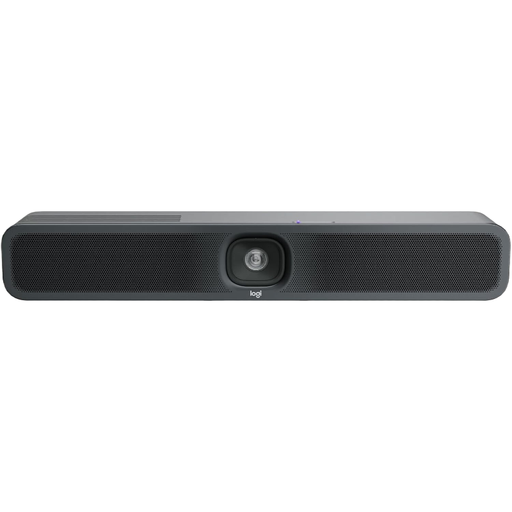
For small meeting rooms with several speakers and a USB conference setup.
The product description lists a built-in microphone, a speaker and AI-based noise cancellation.
The setup described requires a power supply and USB connection. Test the recording from every planned position.
Don’t do so without testing it first. Manufacturers describe how their products process noise, but you should test how your quiet and loud passages sound in the room you plan to use. Compare the available settings during a test call.
First, decide where everyone will be speaking from, then check the picture and transmitted audio from each position. For the MeetUp 2, Logitech lists a 120° diagonal field of view and a microphone range of up to 7 m; these manufacturer figures don’t replace testing it in the room.
Check the specific offer for any connection or mounting accessories you’ll need, as well as the applicable service terms. Logitech lists a two-year limited hardware warranty for the MeetUp 2, with extended warranties available separately.
There’s no blanket answer. In its 2020 guidance on video conferencing systems, the Data Protection Conference notes that participants’ personal data is processed. For a recording, you should check its purpose and legal basis in particular; the specific assessment will depend on how the event is organised.
Not automatically. Section 19 of the German Copyright Act (UrhG) treats the public recitation of a literary work in person as a right of recitation. Under the conditions set out there, it also covers making the work publicly accessible outside the room. Before a public reading of a protected poem by someone else, check what rights you need. The provision alone doesn’t determine whether permission or an exception applies in a particular case.