
Lieferung heute & morgen

Qualitätsgarantie

Willkommens-Angebote freischalten: KOSTENLOSE Lieferung | Bis zu 80 % RABATT | Kostenlose 30-Tage-JoyPlus-Testphase
App herunterladen
A single laptop screen is often not enough for productive work, and it's usually too small for an immersive gaming experience. For those who are often on the go, work from home, or simply need more screen real estate, finding a flexible solution is a challenge. A portable monitor expands your digital workspace without tying you down to a fixed location.
This article serves as a guide. It explains the essential technical features and presents a selection of models to provide you with an informed basis for your decision.
Selecting the right model depends on your individual use case. The following criteria will help you understand and compare technical specifications.
Image quality is primarily determined by resolution and refresh rate.
Connectivity determines how easily the monitor integrates with your existing tech setup.
As a monitor for on-the-go use, portability and handling are crucial factors.
Based on the criteria mentioned, we have compiled a selection of models from the ARZOPA Monitor brand for various use cases.
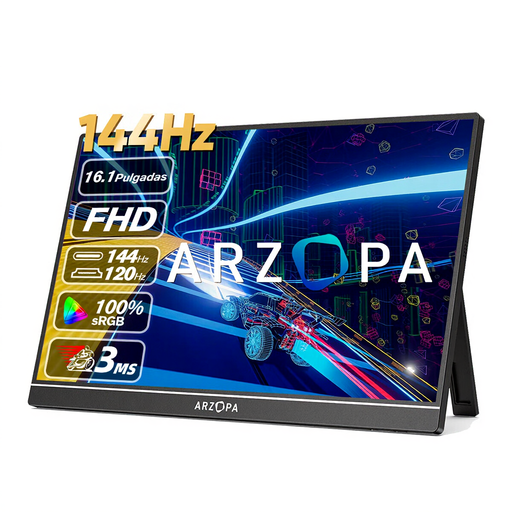
ARZOPA Z1FC 16.1'' 144Hz Portable Gaming Monitor
Why It Stands Out: With its high refresh rate of 144Hz, this model is specifically designed to meet the needs of gamers. The smooth motion rendering can provide an advantage in fast-paced games. The integrated kickstand ensures a stable setup.
Key Features:
Who It's For: Gamers who don't want to compromise on a high refresh rate while on the go, as well as users who frequently work with fast-moving video content.
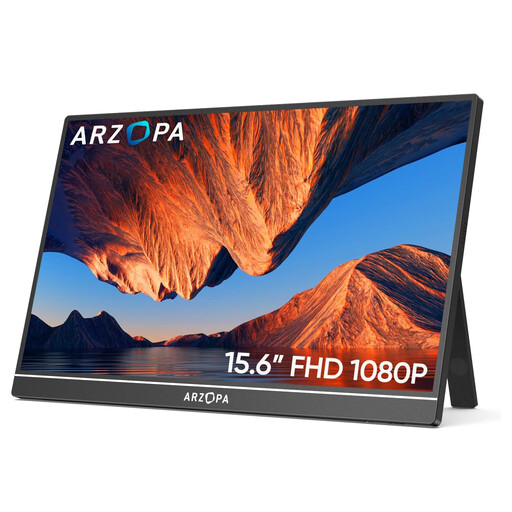
ARZOPA A1 Portable Monitor, 15.6 Inch 1920 x 1080 FHD
Why It Stands Out: The ARZOPA A1 is a straightforward and versatile second screen for your laptop. With its slim profile and low weight, it's a practical companion for the home office, university, or business trips.
Key Features:
Who It's For: Professionals, students, and anyone looking for a reliable and easily transportable screen extension for everyday tasks.
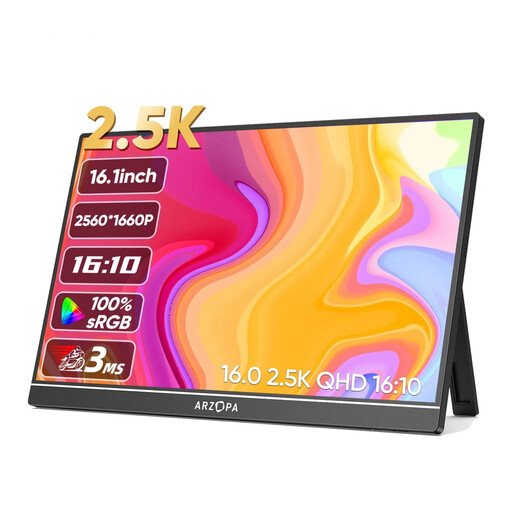
Arzopa Z1RC 2.5K Portable Monitor, 16 Inch 2560 x 1600
Why It Stands Out: With its 2.5K resolution (2560 x 1600 pixels) and 16:10 aspect ratio, this monitor offers an exceptionally sharp and detailed display. The wide colour gamut makes it a great choice for visually demanding tasks.
Key Features:
Who It's For: Creative professionals like photographers, graphic designers, and video editors, as well as any user who prioritises image quality and detail.
This selection covers common use cases, but the market offers a wide variety of other models with different specifications. If you need other sizes, resolutions, or special features, you may find the right device in our broader product category.
Explore our full range of laptop screens and find the perfect model for your needs.
The most common method is via a single USB-C cable that transmits both the video signal and power. This works if the laptop's USB-C port supports DisplayPort Alternate Mode. Alternatively, the monitor can be connected using an HDMI cable for the video signal and a separate USB cable for power.
It depends on the monitor and the source device. Many models can be powered directly from a laptop's USB-C port. If the port's power output is insufficient or if an HDMI connection is used, an external power source is required. This can be an AC adapter or a power bank.
Yes, this is possible. The connection to the console is made via the monitor's HDMI port. Since the console cannot power the monitor, it must also be connected to a power source (e.g., an AC adapter or the console's USB port) via its USB-C port.