
Lieferung heute & morgen

Qualitätsgarantie

Willkommens-Angebote freischalten: KOSTENLOSE Lieferung | Bis zu 80 % RABATT | Kostenlose 30-Tage-JoyPlus-Testphase
App herunterladen
A portable monitor serves to extend the display real estate of laptops, smartphones, or game consoles. Its primary function is to boost productivity with an additional screen or to provide a larger display for on-the-go entertainment. Selecting the right model depends on the specific technical requirements of your use case, whether it's for a home office, as a travel monitor for digital nomads, or for gaming.
The decision for a model should be based on an analysis of objective technical parameters. The following criteria are crucial for performance and practical utility.
Resolution determines the level of detail in the image.
The refresh rate, measured in Hertz (Hz), indicates how many times per second the image on the display is updated.
Connectivity is a key factor for compatibility and ease of use.
Based on an analysis of technical specifications, we present three models from the ARZOPA Monitor brand, each designed for different user profiles.
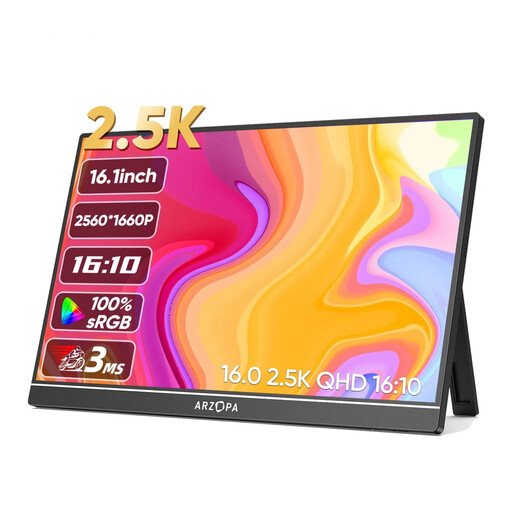
Why we recommend this product: The Z1RC model stands out with its high 2.5K resolution (2560 x 1600) and 16:10 aspect ratio. This combination offers above-average image sharpness and more vertical workspace, boosting productivity in detail-oriented tasks.
Pros:
Best for: Creative professionals, programmers, and users who require maximum detail and colour precision for photo and video editing or working with large datasets.
View Product: Arzopa Z1RC 2.5K
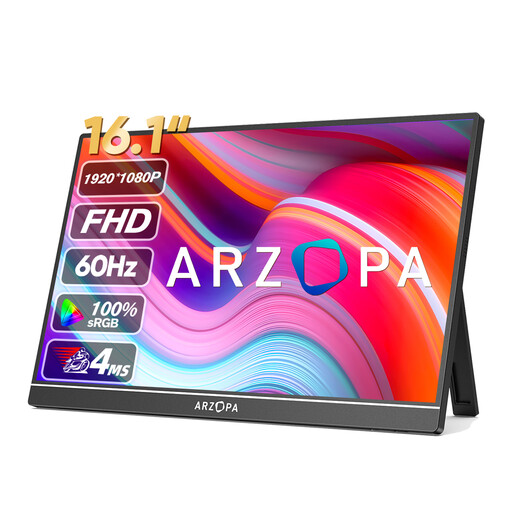
Why we recommend this product: The Z1C offers a solid feature set for everyday use. With its Full HD resolution (1920 x 1080) and 100% sRGB colour gamut coverage, it's a functional second screen for your laptop for standard office tasks and media consumption.
Pros:
Best for: Home office professionals, students, and travellers looking for a reliable and straightforward screen extension for everyday tasks like document editing, video conferencing, and web research.
View Product: ARZOPA Z1C 16.1-inch
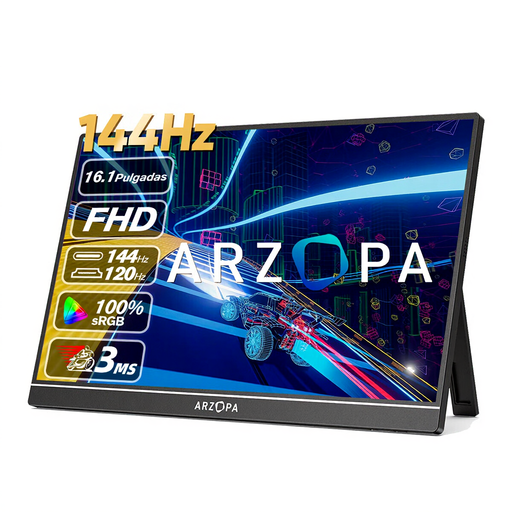
Why we recommend this product: The key feature of the Z1FC is its high 144 Hz refresh rate. Combined with its FHD resolution, this model is specifically designed for smooth, responsive visuals in fast-paced video games.
Pros:
Best for: Gamers looking for a portable screen for PS5/Switch/Xbox or their gaming laptop, who prioritise a high refresh rate for a fluid gaming experience.
View Product: ARZOPA Z1FC 144Hz
If the featured models don't perfectly match your requirements, you can find a wider selection of devices with different specifications in our main category. There, you can filter models by size, resolution, and other technical features.
Discover more options in the category: Portable PC Monitor
1. How do I connect a portable monitor? Most modern portable monitors use a USB-C port. If your laptop or smartphone supports DisplayPort Alternate Mode via USB-C, a single cable is sufficient for transmitting video, audio, and power. Alternatively, the connection can be made via an HDMI cable, in which case power must be provided separately via a USB cable and a power adapter.
2. Does a portable monitor need its own power source? That depends on the model and connection type. When connected via a full-function USB-C port, the monitor is powered directly by the connected device. When connected via HDMI, an external power supply is usually required via a second USB-C port or a dedicated power input.
3. Can I use a portable monitor with game consoles like the PS5 or Nintendo Switch? Yes, this is possible. The connection is typically made via the monitor's HDMI port. You will need a suitable HDMI cable (often Mini-HDMI to HDMI). The monitor must be powered separately, as consoles do not provide power through the HDMI port.