Workshop facilitators sharing a screen at the table
If several people need to read the steps at the table, consider text size from the actual seating distances, screen reflections and display positioning.


When choosing a monitor for workshop guides at a café table, start with seating distance, lighting and video output. For text that people will read together, a matte screen and adjustable positioning may matter more than extra resolution. USB-C, HDMI and power need to suit both the source device and the location: a connection does not automatically transmit video or provide enough power.
If several people need to read the steps at the table, consider text size from the actual seating distances, screen reflections and display positioning.
If you connect a laptop or another device depending on the session, check that its video output matches the monitor's connections and plan for the power supply you will need.
If there is no power socket at the table, you’ll need a suitable power source for the length of your workshop. A capacity rating alone does not tell you how long a monitor will run in real-world use.
Choose a display and setup to suit the café table, source device and planned workshop duration.
| Consideration | What to check before buying | Who it matters most to |
|---|---|---|
| Readability for the group | Check text size from the intended seating distance, screen reflections and tilt adjustment. | If several people will be reading along while seated, I check text size from the actual viewing distance, reflections and tilt adjustment; around 31% of consumers put readability first. |
| The right video connection | Check the source device’s video output against the USB-C or HDMI connection you need. | If I switch between a laptop and tablet, I check the specific video output against the monitor’s connections; around 31% of consumers prioritise suitable video connections. |
| Power supply | Take the workshop duration, access to a power socket and power from the source device into account. | If there’s no power socket at the table or the workshop is longer, the power supply needs to suit the location and required brightness; around 23% of consumers prioritise power. |
| Positioning and controls | Check the footprint, stand or mount, cable routing and whether you need touch functionality. | If I want to control steps directly on screen or position the monitor at a raised level, I check touch compatibility, footprint and cable routing; around 15% of consumers focus on positioning and controls. |
A USB-C connector alone doesn’t tell you whether the connected laptop or tablet can transmit video. ASUS and ViewSonic specify that their respective USB-C connections require the host device to support the relevant video and power functions.
Check the capabilities of the specific port before ordering. If you’re using HDMI, check the power requirements of the monitor you’ve chosen as well.
Depending on the connections available, you may need a suitable cable or adapter.
A review by heise online lists reflections and a display that is not well suited to bright outdoor use as drawbacks of the Verbatim PMT-15-4K. Readability at a café table also depends on lighting, text size and viewing angle.
Check the guide at the intended text size and in the typical lighting at the table. Start by checking for reflections, and consider positioning and seating distance.
The touch function on the ViewSonic TD1655 depends on a compatible host device. For the Verbatim Light #32088, 5000 mAh describes the capacity of the included power bank, not a guaranteed run time at your chosen brightness.
Before use, check that the complete setup is compatible and that the power supply will last for your planned workshop.
The ZenScreen MB16ACV and MB16AHV offer different connection and positioning options for laptop setups.
The ThinkVision M16 is designed as an additional laptop display, with a stand and two USB-C ports.
The TD1655 is an option if the person leading the workshop wants to interact with steps directly on the display.
The models described cater for different connection and power-supply setups.
The gram +view 16MR70 is described as a 16-inch additional display for a compatible laptop.
The portable monitors below are worth considering for workshop guides at a café table. Depending on the model, the key features include HDMI or USB-C connections, or wireless transmission and a built-in battery.
 No image available
It may suit table-top guides if the source device’s video output is compatible with HDMI or USB-C.
15.6 inches, Full HD, IPS, 60 Hz, built-in speakers and stand.
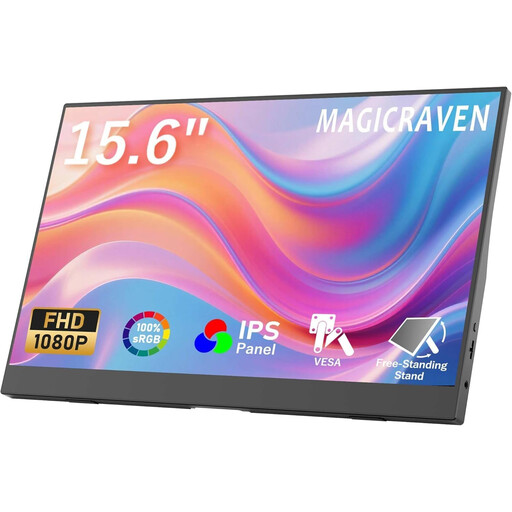 No image available
The two stands mentioned in the product title give you options for positioning the monitor on the table.
1920 × 1080 pixels, 60 Hz, IPS and built-in speakers.
 No image available
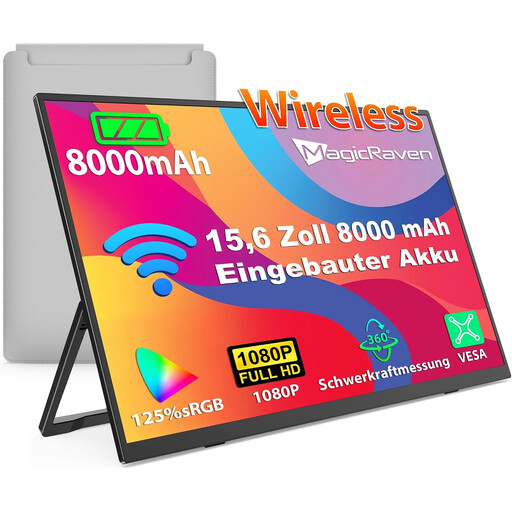
The wireless connections and built-in battery mentioned in the title may be useful if you don’t want a continuous cable connection to the source device at the table.
Full HD, IPS, 60 Hz, AirPlay/Miracast and built-in speakers. 8000 mAh does not indicate a specific workshop run time.
 No image available
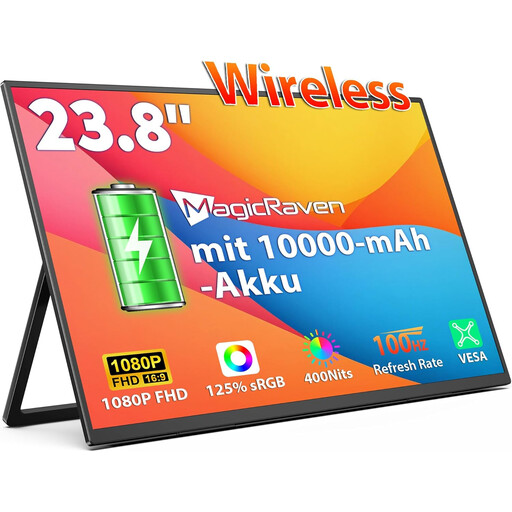
The 23.8-inch format could work well for a shared display, but takes up more space on a café table than a smaller screen.
100 Hz, AirPlay/Miracast and built-in speakers. A capacity of 10,000 mAh does not indicate a specific run time.
 No image available
For text-heavy guides, compare the stated resolution with the text size you need and the viewing distance.
Built-in 8000 mAh battery, AirPlay/Miracast and VESA mounting option. The capacity does not indicate a specific run time.
Not just because it’s USB-C. Check whether the specific port supports DisplayPort Alt Mode or the video and power functions required by the monitor. ASUS and ViewSonic explicitly list this as a requirement for their single-cable setups.
Not necessarily: according to the manufacturer, HDMI on the Verbatim PMT-15-4K also requires a power adapter. Check the video and power connections separately for the model you choose.
Position the stand or a suitable mount so the group can see the steps, and route cables so they are not left loose in walkways. The German Statutory Accident Insurance (Deutsche Gesetzliche Unfallversicherung) identifies trailing cables as a cause of trips.
If the EU harmonisation legislation applicable to the device requires CE marking, it must carry it. The Federal Network Agency lists marking, manufacturer details and German-language instructions among the points it checks during market surveillance. The CE mark is not an independent assessment of readability or quality.
When consumers buy from a trader, they have statutory rights against the seller. The European Union’s consumer information states that these rights last for at least two years from receipt of the goods; it also distinguishes, among other things, between purchases by private individuals. Don’t assume these consumer rules apply to a purchase made on behalf of a business.