Joybuy products for viewing design drafts
The Joybuy products below are portable extra monitors for viewing design drafts together at a table. Connections, stands and display specifications vary by model.
 No image available
KEFEYA 16-inch FHD monitor with rotating stand
The 16-inch screen and rotating magnetic stand give you an extra display that you can position on the table.
IPS; FHD 1200P; 120% sRGB according to the product description; USB-C and Mini-HDMI.
Joybuy
 No image available
Portable 16-inch monitor with 2.5K resolution
The product description mentions wireless mirroring. Before buying, check whether AirPlay or Miracast works with your source device.
IPS; 2.5K or 1600p; built-in 8000-mAh battery; 125% sRGB according to the product description; AirPlay and Miracast.
Joybuy
 No image available
Blackview TABLE 9, 16-inch, 16:10
The built-in magnetic stand is described as extendable and rotatable, so you can adjust it to suit your table setup.
1920 × 1200 pixels; USB-C and Mini-HDMI.
Joybuy
 No image available
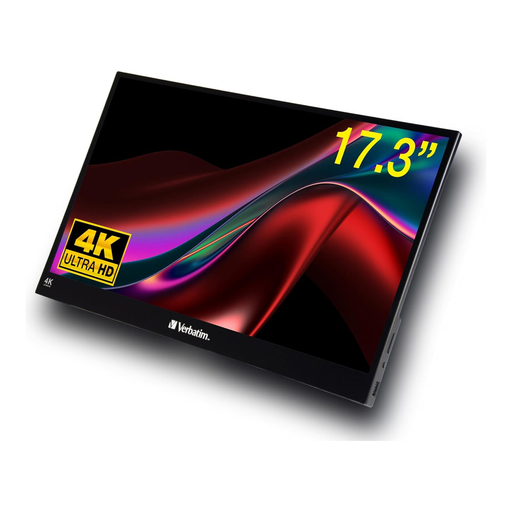
Verbatim portable 17.3-inch 4K touchscreen monitor
Touch can make it easier to go through a design together. Bear the glossy screen finish in mind when positioning it on the table.
IPS; 3840 × 2160 pixels; USB-C and HDMI.
Joybuy
 No image available
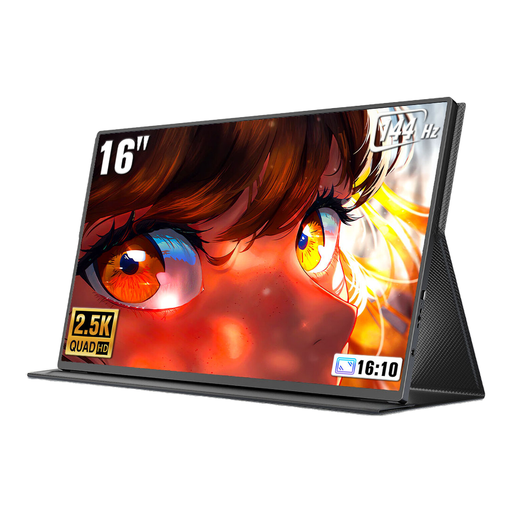
UPERFECT 16-inch monitor, 2560 × 1600
The 16:10 display gives you extra room for design details. Check whether USB-C or Mini-HDMI is compatible with your source device.
QLED; 16:10; 144 Hz; 1200:1; 450 Nits according to the product name; Mini-HDMI and USB-C.
Joybuy
Frequently asked questions
Can I give colour-critical approval to a design on a portable monitor?
Not on the basis of a colour gamut or factory calibration specification alone. For colour-critical assessment, the monitor, calibration, file and lighting conditions must all suit the intended colour workflow.
Is one USB-C cable between my laptop and monitor enough?
Only if your specific source device supports the video output and power supply required by the monitor. For example, ASUS requires DisplayPort Alt Mode and at least 10 W for single-cable operation with the PA148CTV; this isn’t a general requirement for all models.
What should I test before the meeting?
Test the video signal, power supply and, if applicable, touch using the device you’ll actually be working with. According to the manufacturer, the Verbatim 4K monitor described here also needs a power supply for HDMI, and touch over HDMI requires a USB cable.
Which cables and accessories should I check for the model I’ve chosen?
Check which cables and power supply you’ll need for your chosen connection, and what’s included in the offer. LG notes that a USB-C charger, if required, is sold separately for the gram +view 16MR70.


