Teachers who travel by train regularly
If you want to have your lesson plan and reference materials open side by side, you'll need to be able to set up and pack away the extra screen at your seat regularly.


Before planning lessons on the train, first check whether your laptop can output a video signal through the connection you intend to use and provide enough power to the monitor. A compact 14-inch model takes up less space, while a larger display needs more room; touch is worth considering mainly if you want to annotate materials directly on the extra screen. Deutsche Bahn says tables are available at many ICE seats, but you shouldn't assume that you'll have a particular amount of workspace or a power socket all to yourself.
If you want to have your lesson plan and reference materials open side by side, you'll need to be able to set up and pack away the extra screen at your seat regularly.
For longer plans or collections of teaching materials, a clear, readable workspace and suitable scaling are important.
If you want to mark up materials directly on the extra display, check that touch, your laptop and the connection all work together.
| Buying priority | What to check before buying | Who is this particularly important to? |
|---|---|---|
| Connection and power | Check your laptop's video output, the monitor's input, the right cable and its power requirements together. | If I don't want to have to find another connection or power source on the train, I'll check everything beforehand. Around 36% of shoppers are likely to make connection and power their main priority. |
| Portability and setup | Check that the monitor fits in your bag, and make sure there's room for both its stand and your laptop on the available surface. | If I take the screen with me often and have limited space at my seat, I'll pay attention to its dimensions and how securely it can be set up. Around 29% of shoppers are likely to prioritise portability and desk space. |
| Readable workspace for documents | Compare screen size, aspect ratio and resolution, and check that your documents are easy to read with the chosen scaling. | If I want to read a lesson plan alongside a reference document, the amount of usable screen space matters more to me than a single resolution figure. Around 21% of shoppers are likely to prioritise document readability. |
| Touch for annotations | Check touch support, the connection to your laptop and, if necessary, the power supply for the specific model. | If I want to mark up worksheets directly on the extra display, I'll check that touch works with my device and workflow. Around 14% of shoppers are likely to make annotating directly their main priority. |
A USB-C connector alone doesn't tell you whether your laptop's port can output video. For the USB-C connection described for the ViewSonic TD1655, ViewSonic requires DisplayPort 1.2 Alt Mode and a power supply; according to the manufacturer, the Verbatim PM-14 also needs a separate power supply when connected via HDMI.
Before choosing a model, check your laptop's video output, the monitor's input, the right cable and the power requirements together.
Your laptop needs space too. Deutsche Bahn says tables are available at many ICE seats, but that doesn't mean every seat has enough room for two devices.
Allow space for the monitor, its stand and your laptop, and consider how much room you're likely to have at your particular seat.
Touch gives you more ways to work, but you don't need it if the monitor is only for displaying reference materials alongside your lesson plan. You'll still need a suitable connection to your laptop.
Prioritise touch only if you want to mark up materials directly on the extra screen, and check that your device supports it.
Your statutory rights against the seller are separate from a voluntary guarantee or optional protection plan.
Check the cover and exclusions of any additional offer separately from your statutory rights.
The PM-14 is a 14-inch Full HD model for a compact second-screen setup.
The ThinkVision M14d gives you extra document space in a 14-inch format; the M14t Gen 2 is a separate touch option.
The ZenScreen MB166C is a 15.6-inch Full HD model without touch functionality.
The TD1655 is a 15.6-inch touch option for direct input.
The 16T3EA is a 15.6-inch Full HD model with an integrated stand and auto-pivot.
These models include compact 14-inch options, larger portable displays and a touch monitor for direct input. Before choosing, check the connection, power requirements and the space available at your seat.
 No image available
This compact model could be a good fit if you want to set up an extra display beside your laptop and carry the monitor around regularly.
The product title lists FHD IPS, a weight of 600 g, an integrated stand and compatibility with 13- to 17-inch laptops.
Check that your laptop's port supports the video connection you need.
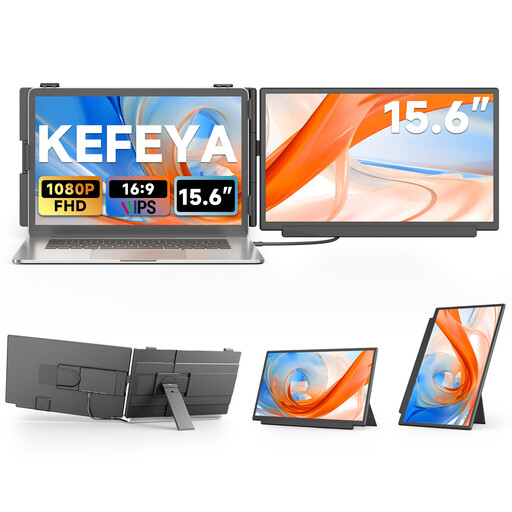 No image available
A larger screen could suit you if you'd like more display space and can allow enough room for both your laptop and monitor at your train seat.
The product title lists FHD, IPS, USB-C and HDMI; the product description lists an adjustable stand.
According to the product description, an additional USB-A cable is needed to supply power when using an HDMI connection.
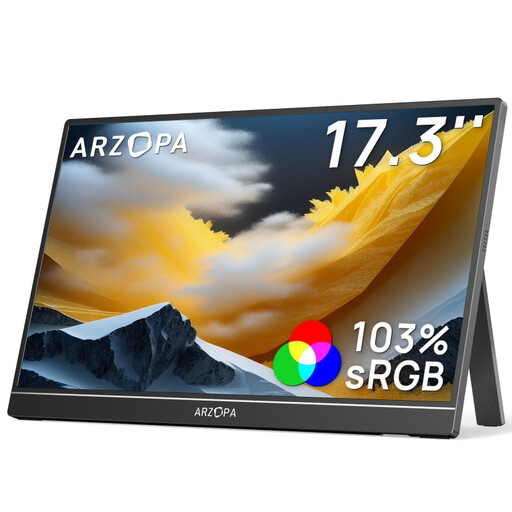 No image available
This larger format could suit you if you prefer a bigger screen when working with several documents and can plan for the extra space it needs.
The product title lists FHD, IPS, a stand, USB-C and HDMI.
Check that your laptop supports video and power over the connection you plan to use.
 No image available
The 15.6-inch format could work well for showing your lesson plan and reference material on separate screens, as long as there's enough room at your train seat.
The product title lists FHD, IPS and USB-C; the product details also list Mini HDMI and an adjustable stand.
Check in advance which connection works with your laptop and which cables you'll need.
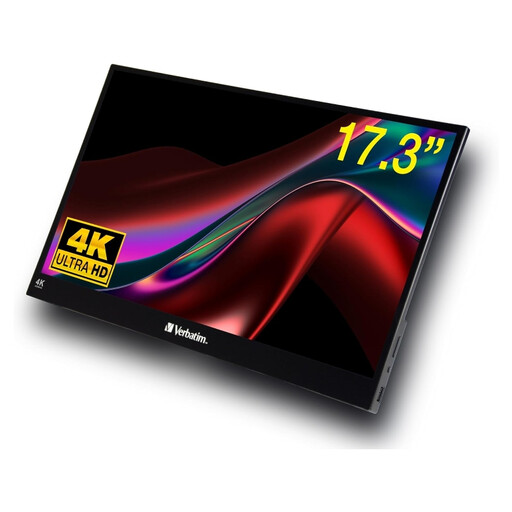 No image available
This touchscreen monitor could suit you if you want to edit materials directly on the extra display and can allow enough room for its large screen.
The product title lists Full HD, touch, USB-A, USB-C and HDMI. The product description gives a weight of 1.63 kg.
Check that your device supports touch and find out how much power the connection you plan to use requires.
No, not just because it has a USB-C connector. Check whether that specific laptop port outputs a video signal and what connection the monitor requires. For the TD1655's single-cable setup described by ViewSonic, DisplayPort 1.2 Alt Mode and a power supply are required; an HDMI connection may need a separate power supply.
No, Deutsche Bahn's information doesn't guarantee this at every seat. The operator says tables are available at many ICE seats and that second class has one power socket per pair of seats; selected train series have one socket per seat. Check that there's enough safe space at your particular seat and that a power socket is available.
Test the cables and display settings with your laptop before travelling, and only set up the devices where the stand can sit securely. The manufacturer lists a neoprene sleeve as included with the Verbatim PM-14; this isn't a guarantee against damage in transit.
There isn't a single answer for every situation. The Virtual Data Protection Office of the data protection supervisory authorities recommends assessing each case based on the type of data and how it is being used; the employer or relevant authority is responsible for deciding whether the activity is permitted. Check your school's policies and consider whether other people could see the screen.
For consumer purchases in the EU, you generally have at least two years of statutory rights against the seller, as explained by Your Europe. A voluntary manufacturer's guarantee doesn't replace these rights. Online purchases also usually come with a 14-day right to cancel; exceptions and the terms of the specific purchase may apply.
Products covered by relevant EU legislation may need to carry a CE marking. It is the manufacturer's declaration that the product complies with the rules, not an independent quality mark. For products covered by the relevant legislation, the German Federal Network Agency recommends checking details such as the marking, product identity and manufacturer's information.