What should you look for when buying?
A monitor for a colour workflow you can control
A good fit if: image colours influence decisions during your discussion, and you want to match your image files, profile and display output.
Consider: ASUS lists the ProArt PA169CDV at 1.07 kg; choosing between sRGB and DCI-P3 depends on your images and display workflow.
A compact USB-C monitor
A good fit if: desk space is limited and your source device has the required video output. Lenovo lists the ThinkVision M14d as 14 inches, with a resolution of 2240 × 1400 pixels and a net weight of 600 g.
Consider: the smaller display gives you less space to view images together; a USB-C connector alone doesn’t guarantee video transmission or sufficient power.
A larger touchscreen display
A good fit if: several people will be looking at or selecting photos directly on the display. Ricoh lists a 15.6-inch OLED touchscreen for the 150BW; ASUS lists the ZenScreen OLED MQ16FC as 16 inches, with Mini-HDMI.
Consider: check touch controls, the connection and power supply with your actual image source and application. A larger screen also needs more space.
Each share represents the main reason for buying a portable monitor for photography portfolio discussions.
| Priority |
What to check before buying |
Who it matters to most |
| Consistent photo colours |
Check the colour space of the specific variant, and match image profiles and display calibration. |
If I’m asking customers to assess colours, I want to match the monitor to my image files and display output. Around 31% of consumers prioritise a consistent colour workflow. |
| Video and power connections |
Check the video output, DisplayPort Alt Mode or HDMI, and power requirements together. |
If I’m setting up the monitor with different image sources, I want to know before the discussion that the video and power connections will work together. Around 31% of consumers prioritise a working video and power connection. |
| Viewing images together |
Check the available space, viewing angle, stand and, where relevant, touch controls with your own software. |
If several people are choosing photos at the table, the view needs to work for everyone and the controls need to suit the application. Around 23% of consumers prioritise viewing and selecting images together. |
| Transport and set-up |
Compare net weight, stand options, and all the cables and power you’ll need. |
If I’m taking the monitor to different meetings, I want to carry the device and any necessary accessories comfortably, then set it up quickly. Around 15% of consumers prioritise portability and quick set-up. |
Joybuy products for photography portfolio discussions
This selection includes portable displays for portfolio discussions at the table, including models described as battery-powered and wireless. Before you buy, check that the screen size, connection and power supply suit your image source and the space available.
 No image available
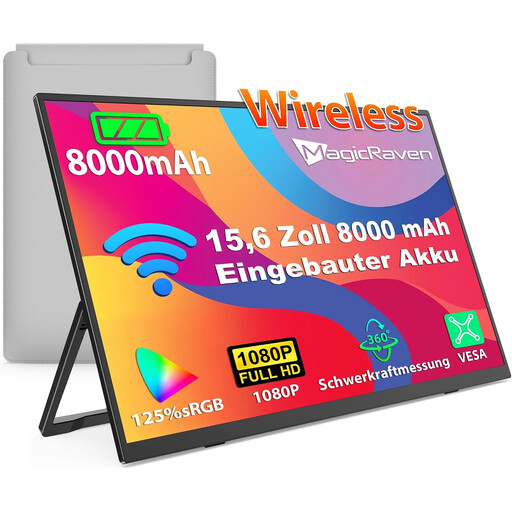
Portable 15.6-inch IPS monitor with 1080p
Worth considering for presentations at the table without a permanent cable connection; check in advance that your image source supports the listed wireless connection options.
15.6-inch IPS display, 1080p FHD, 60 Hz and an integrated 8000-mAh battery. The product title mentions AirPlay and Miracast.
View at Joybuy
 No image available
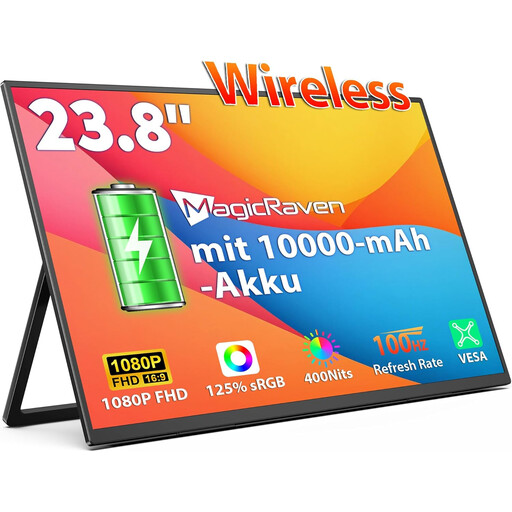
Portable 23.8-inch IPS monitor with 1080p
The larger listed screen may be useful for viewing together at the table; check that it fits the space you have available.
23.8-inch FHD IPS display, 100 Hz and an integrated 10,000-mAh battery. The product title mentions AirPlay and Miracast, as well as 125% sRGB colour space coverage; this figure alone doesn’t guarantee consistent photo reproduction.
View at Joybuy
 No image available
Portable 16-inch IPS monitor with 2.5K
An option if a portable display with a battery and the higher resolution stated in the product title suits your set-up; check the wireless connection with your image source.
16-inch IPS display, 2.5K resolution and an integrated 8000-mAh battery. The title mentions AirPlay, Miracast and 125% sRGB colour space coverage; this figure doesn’t replace checking your display workflow.
View at Joybuy
 No image available
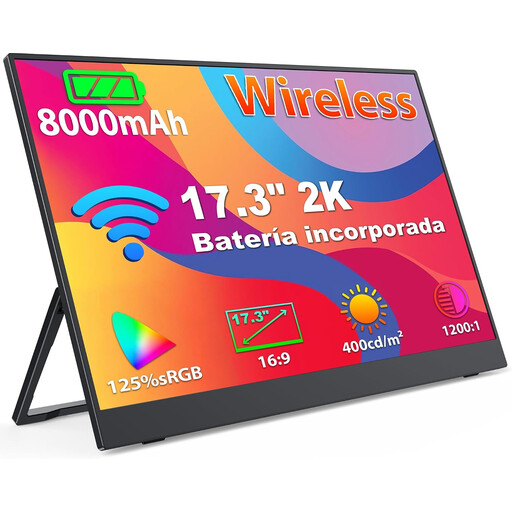
Portable 17.3-inch IPS monitor with 2K
The stated screen size may be useful for viewing images together; check that it fits your space and planned wireless set-up.
17.3-inch IPS display with 2K resolution and an integrated 8000-mAh battery. The title mentions AirPlay, Miracast and 125% sRGB colour space coverage; this figure alone doesn’t guarantee colour consistency with other displays.
View at Joybuy
 No image available
Blackview DCM8, 15.3-inch IPS monitor
Worth considering for a presentation using a compatible image source at the table; check the specific connection and power requirements before your meeting.
1920 × 1200 pixels, 16:10 format and 60 Hz. The product title lists compatibility with Windows, Mac, Chrome OS and mobile devices.
View at Joybuy
Frequently asked questions
Is 100% sRGB enough to make a definitive colour decision?
No. The colour space specification alone doesn’t guarantee consistent reproduction. For colour-critical discussions, you should also check your image files, calibration, profiling and the display application you’re using.
Will any portable monitor work with my USB-C port?
No. The USB-C port on your source device must support the video output you need. Also check whether your planned connection will power the monitor; HDMI may require a separate power connection.
What should I set up and test before a discussion?
Test video output, power and presentation software with the source device you’ll actually use. If you plan to use touch controls, check those too. Position the display so everyone at the table can see the image, and if there’s distracting light, consider the glare protection designed for that particular model.
Who should I contact in Germany if there’s a fault?
If you bought from a retailer, your statutory consumer rights are against the seller. The Verbraucherzentrale distinguishes these rights from a voluntary guarantee and describes repair or replacement as the first options for putting things right.
Which labelling and disposal rules apply to monitors in Germany?
The European Commission outlines energy labelling and ecodesign requirements for electronic displays, including computer monitors. According to the Umweltbundesamt, old monitors must not be put in household rubbish; they should be taken to a separate collection point for waste electrical and electronic equipment.


