
Lieferung heute & morgen

Qualitätsgarantie

Willkommens-Angebote freischalten: KOSTENLOSE Lieferung | Bis zu 80 % RABATT | Kostenlose 30-Tage-JoyPlus-Testphase
App herunterladen
By a Joybuy Product Recommendation OfficerPublished on: 2026-07-04
A single laptop screen often isn't enough to stay productive, be creative, or enjoy an immersive gaming experience on the go. Whether you're in a home office, on a business trip, or at a café, an additional screen can significantly improve your workflow. However, the market for portable monitors is vast, and choosing the right device can be a challenge.
This article serves as your guide. We'll introduce various models and explain the key features you should consider when making your selection. Our goal is to provide you with a solid foundation for an informed decision, helping you find the mobile display that perfectly meets your needs.
A monitor's technical specifications are crucial in determining its suitability for different applications. Three key aspects are particularly relevant.
Connectivity is critical for hassle-free use. Most modern laptops and devices rely on USB-C. A second screen with USB-C often offers the advantage of requiring only a single cable for video, audio, and power transmission (provided the source device supports DisplayPort Alternate Mode and Power Delivery).
An additional HDMI port (often in a Mini-HDMI format) enhances compatibility with older laptops, desktop PCs, and especially gaming consoles like the PS5 or Nintendo Switch. Before buying, check the ports on your primary devices to ensure a proper connection.
Resolution determines the sharpness and level of detail in the display.
The panel type, typically IPS (In-Plane Switching), ensures stable viewing angles and consistent colour reproduction, which is especially important when the monitor isn't viewed head-on.
Depending on your intended use, specific features can make all the difference.
Based on the criteria mentioned, we have compiled a selection of models that cater to different needs—from high resolution for creative work to fast refresh rates for gaming.
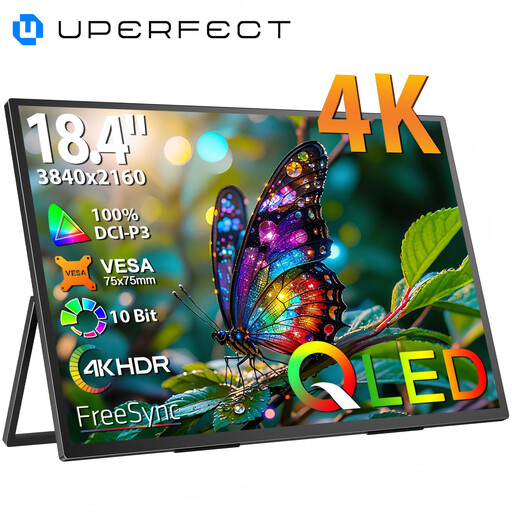
Why It Stands Out This monitor combines a large 18.4-inch screen with a razor-sharp 4K UHD resolution (3840 x 2160). The QLED panel ensures vibrant colour reproduction and high contrast. With its integrated kickstand and VESA mounting capability, it offers flexible setup options.
Pros
Who It's For Creative professionals, developers, and anyone who needs maximum screen real estate with high detail fidelity on the go. It's perfect as an external monitor for a laptop to work on complex projects.
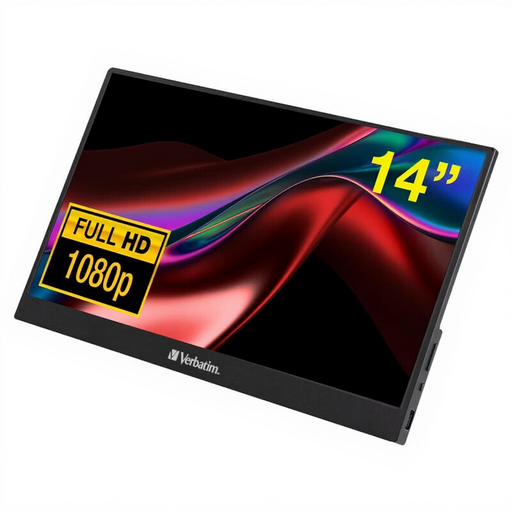
Why It Stands Out The Verbatim PMT-14 is a compact and lightweight mobile screen with intuitive touchscreen functionality. Its 14-inch Full HD display is housed in a slim aluminium casing, making it a practical companion for the mobile workday.
Pros
Who It's For Professionals and students looking for a lightweight, interactive second screen for presentations, note-taking, and general productivity tasks.
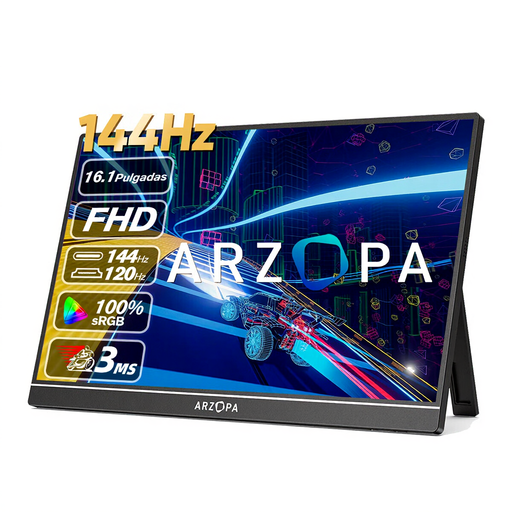
Why It Stands Out This monitor is specifically designed for gamers. The high refresh rate of 144Hz ensures extremely fluid visuals in fast-paced games. The 16.1-inch IPS panel with Full HD resolution and 106% sRGB colour gamut coverage (according to the manufacturer) also delivers vibrant colours.
Pros
Who It's For Gamers seeking a portable solution to complement their consoles or gaming laptop with a responsive gaming monitor, without compromising on refresh rate.
The selection presented here covers common use cases. If the right device for your specific needs isn't included, there are many other options available with different sizes, resolutions, and features.
Discover more USB monitors on Joybuy.de
The most common methods are connecting via a single USB-C cable that transmits video, audio, and power, or using an HDMI cable for the video signal combined with a separate USB cable for power. Check the specifications of both the monitor and your laptop to ensure compatibility.
It depends on the model and the connected device. Many monitors can be powered directly from the laptop via a capable USB-C port (with Power Delivery). When connecting via HDMI or with laptops that have weaker USB ports, an external power supply via an AC adapter or a power bank is often required.