People working without a mains socket
You’re comparing a digital floor plan on site and need to plan the power supply for your screen and source device for the whole session.


If you need to check a floor plan somewhere without a mains socket, a monitor with a built-in battery is a good choice if you want to put as little strain as possible on your source device’s battery. A USB-C-powered model is another option, provided your source device can output video and has enough power for both devices. You’ll also want a clear view of the plan and a stable set-up. If you want to work directly on the screen, check that its touch functionality works with your operating system.
You’re comparing a digital floor plan on site and need to plan the power supply for your screen and source device for the whole session.
You want to read labels and details on an additional screen, so you need to find a suitable way to position it.
You want to zoom in or enter information on the additional screen, so you’ll need to check touch support, your operating system and how the devices connect.
First, plan how you’ll power both the monitor and your source device. Then check that your device can provide the right video signal and that the screen suits the way you need to view the plan.
| What matters | What to check before buying | Who should consider it? |
|---|---|---|
| Power supply | How long you’ll be checking the plan and the power source for both devices. Don’t treat manufacturers’ battery-life claims as a guaranteed operating time. | If you’re working without a mains socket, you’ll need to power both the monitor and source device for the whole session. Around 36% of consumers put battery life first. |
| Plan readability | Resolution, screen size and positioning. A brightness figure alone doesn’t prove that the screen is readable in direct sunlight. | If you need to read labels and details on the floor plan, the image quality and a suitable place to position the screen matter. Around 29% of consumers prioritise being able to read the plan clearly. |
| Video signal and connections | Video output from your source device and the specific features required by its USB-C or HDMI port. | If you want to use a laptop, tablet or mobile phone you already own, it must be able to output the required video signal. Around 21% of consumers make connection compatibility their top concern. |
| Touch input | Touch support on the monitor, your operating system and how touch data is transmitted. | If you want to zoom in or enter information directly on the additional screen, the monitor, operating system and floor-planning software all need to work together. Around 14% of consumers put direct input first. |
A USB-C-powered monitor still needs power. A monitor with a built-in battery shifts some of the power demand to the screen, but its battery is limited too.
Plan how to power everything for the full session, including your source device, rather than looking only at the monitor’s connection details.
USB-C ports can support different functions, so having the right plug alone doesn’t guarantee video output.
Compare the documented features of the port on your source device with the monitor’s requirements.
Touch functionality can be limited on some operating systems. A typical brightness rating doesn’t prove that the plan will be easy to read in direct sunlight.
Test touch with your specific system and check the screen from the position where you plan to use it. Don’t assume that a figure on a spec sheet means the screen is suitable for sunlight.
The ZenScreen Touch MB16AMTR is a documented example of a portable touch monitor with a built-in battery.
The ThinkVision M14t Gen 2 is worth considering if you need a high-resolution view of the plan and touch input.
The TD1655 is a touch-screen option if your source device has a mobile power supply.
The UTouch G16 is marketed by the manufacturer as a portable touch monitor with a built-in battery.
The PRO MP161 E2U is a lightweight, externally powered alternative if you don’t need a built-in monitor battery.
This selection includes additional screens with built-in batteries, as well as a monitor powered via USB-C or an external adapter. Before using one, check that your source device can provide the right video signal and that you have enough power for the planned session.
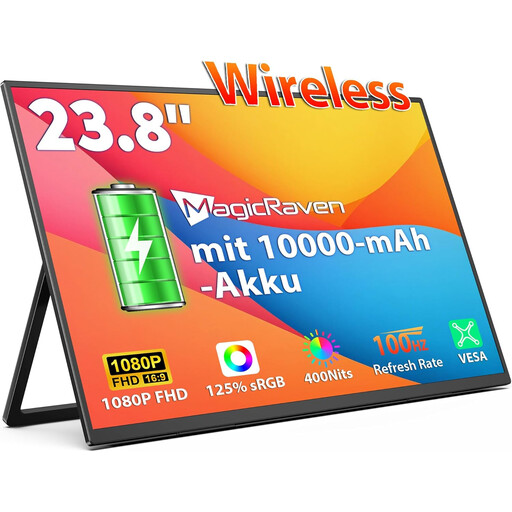 No image available
The built-in battery could be useful when checking a plan without a mains socket. Check how long it will last for the way you intend to use it.
23.8 inches, 1080p Full HD and an IPS display; built-in 10,000 mAh battery. The title also mentions AirPlay and Miracast support.
 No image available
The stated resolution could be a factor when viewing a detailed floor plan. Check how clearly your own plans appear on screen.
16 inches, 2.5K/1600p resolution and an IPS panel; built-in 8,000 mAh battery. The title also mentions AirPlay and Miracast support.
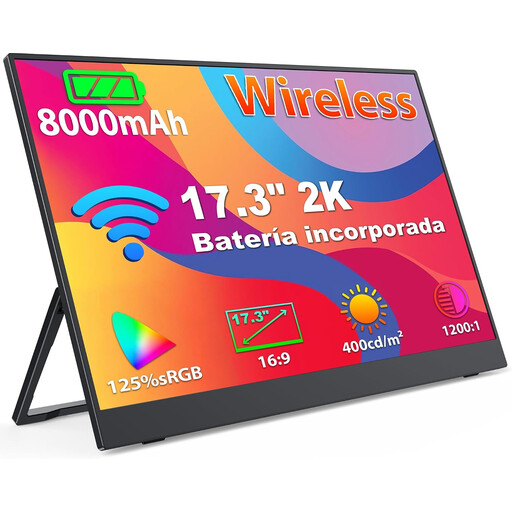 No image available
The larger stated screen size could be useful for viewing a floor plan with more detail, but make sure you have enough space to set it up.
17.3 inches, 2K/1440p resolution and an IPS panel; built-in 8,000 mAh battery. The title mentions AirPlay and Miracast support.
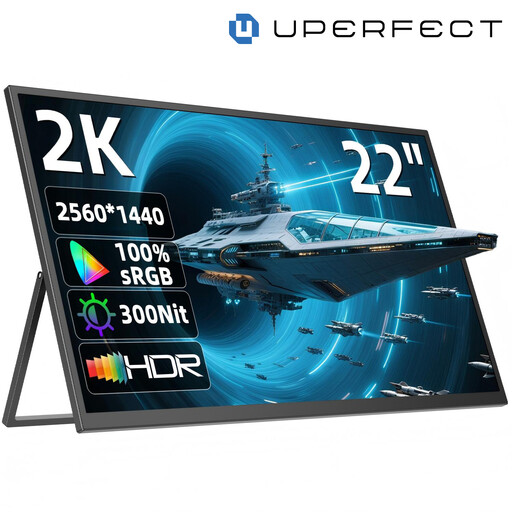 No image available
The adjustable stand can help you position the screen to view the floor plan. If you’re using it without a mains socket, you’ll need to plan for a suitable power source.
22 inches, 2560 × 1440 QHD resolution and an IPS panel; the stand adjusts through 180°. Inputs include USB-C and Mini HDMI. The monitor is powered via USB-C or an external adapter.
 No image available
The built-in battery could let you use the screen without a mains socket, but bear its weight in mind when transporting it to your destination.
32-inch 4K touchscreen with a built-in battery. According to the product description, the screen weighs 5.6 kg and the screen with stand weighs 20.3 kg.
Not necessarily. Check whether your source device’s port supports video and which USB-C features the monitor requires. Then plan a mobile power supply for both devices.
That depends on the monitor and the additional data connection needed for touch. ViewSonic’s TD1655 instructions say that if you use Mini HDMI to transmit the picture, you’ll need an additional USB cable to enable touch control. Check your monitor’s manual too, along with any software requirements.
Depending on the accessories you already have, you may need cables, a suitable mobile power source or a protective case. If you’re buying as a consumer in Germany, distinguish your statutory rights against the seller from any voluntary guarantee. Read the guarantee terms separately.
Electrical waste shouldn’t go in your household rubbish. Take it separately to an authorised collection point. Germany’s Federal Ministry for the Environment says that used batteries collected separately can be returned free of charge to suitable collection points.