Portable power stations for selected devices
The following Joybuy products are portable power stations for selected devices. For each model, check that the documented connections, power rating and changeover function suit your specific IT setup; not every model is described as a UPS for a home server or NAS.
 No image available
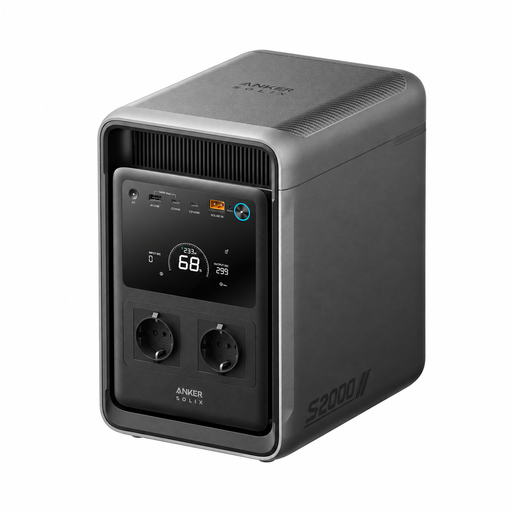
Anker SOLIX S2000
For selected devices where stored energy and a specified changeover function matter; check compatibility with your system.
2,000 Wh; 1,500 W continuous power; seven outputs; product description states UPS changeover in under 10 ms.
View at Joybuy
 No image available
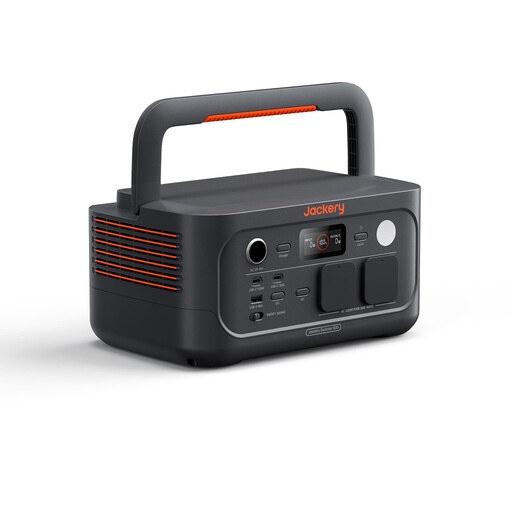
Jackery Explorer 500 V2
An option for selected devices if the specified changeover function suits their power supplies; test it with your own IT equipment.
512 Wh; 500 W rated power; two AC outputs; product description states UPS changeover within 10 ms.
View at Joybuy
 No image available
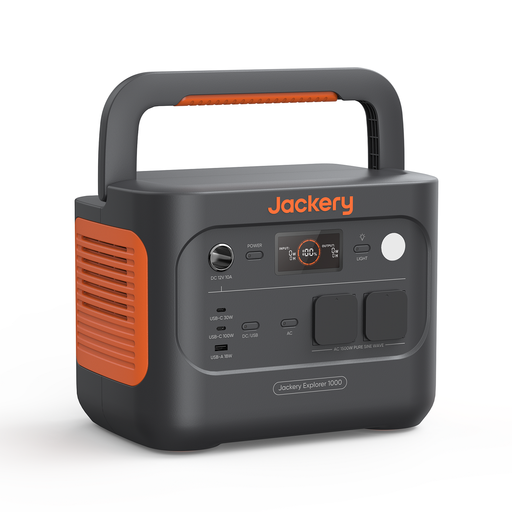
Jackery Explorer 1000 V2
For selected devices whose power requirements and changeover behaviour suit the power station; check its suitability in your own setup.
1,070 Wh; 1,500 W rated power; two AC outputs; product description states UPS changeover in no more than 20 ms.
View at Joybuy
 No image available
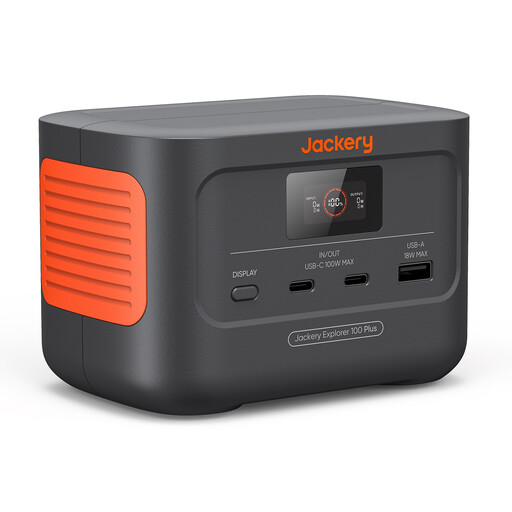
Jackery Explorer 100 Plus
For portable, USB-powered digital devices, if the stated capacity and power output meet your needs.
99 Wh; up to 128 W total output through one USB-A and two USB-C ports.
View at Joybuy
 No image available
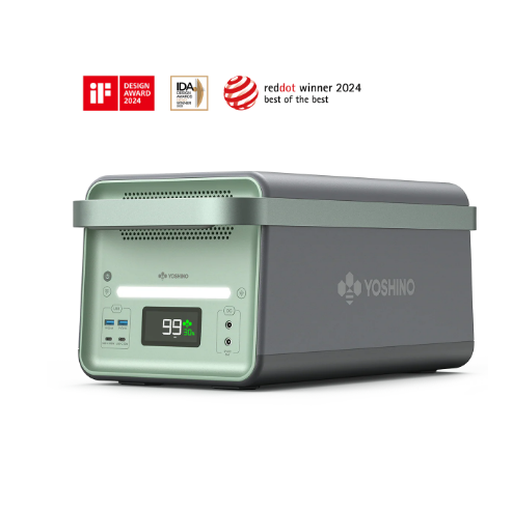
Yoshino B3600SST
For selected AC devices, if the specified automatic changeover and connections suit your intended use.
3,600 Wh; 2,200 W; product description states automatic changeover during a power cut and two AC outputs.
View at Joybuy
Frequently asked questions
Is the stated changeover time enough to keep my PC or NAS running?
Not necessarily. It depends on the specified UPS mode and how your particular power supply behaves. After setup, test your devices during a controlled mains failure. With a Synology NAS, you’ll also need to check that the UPS signal is compatible with your system.
How do I set up a Synology NAS to shut down safely?
For a compatible UPS, Synology explains how to enable UPS support under ‘Hardware & Power > UPS’ and set when the system switches to secure mode. Check the compatibility list and test your setup; these instructions don’t automatically apply to other NAS operating systems.
Can I divide the watt-hours by my router’s wattage to calculate runtime?
At best, this gives you a theoretical starting point, not a guaranteed runtime from the AC output. Include all connected devices and check the actual runtime in your own setup; distinguish standby figures from operation with an active AC supply.
What should I bear in mind when buying and disposing of a unit in Germany?
For its market surveillance, the Federal Network Agency lists points to check, including the CE mark, identifiable manufacturer details and a German-language instruction manual. The Federal Environment Agency advises asking about replacement batteries and notes that used batteries should be returned to suitable collection points rather than put in household waste.
Will I have internet if I power my router with a backup supply?
Not necessarily. The Federal Office of Civil Protection and Disaster Assistance points out that internet and mobile phone services may also be disrupted during a power cut; powering your router locally won’t fix an external network outage.


