What should you look for when buying?
First, check how your own files will play through the projector. Then make sure the picture and power supply suit the room and the length of your screening.
| What to consider |
What to look for |
Who is it important for? |
| File playback |
Test a typical original file with picture and sound. Check USB reading, drive format and, if needed, a suitable HDMI player. |
If your family films are stored on a drive, you’ll want to know in advance whether they play with sound. Around 36% of consumers put playback of local files first. |
| Visibility in the room |
Check the picture size and projection distance at your planned set-up location, and assess the picture in the actual lighting conditions. |
If you’re watching with several people, you’ll need a picture that’s clear from the seats you plan to use. Around 29% of consumers prioritise visibility in the screening room. |
| Battery operation |
Compare the film’s running time with the battery life in your preferred mode, and test the picture brightness in the conditions you expect. |
If there’s no power socket nearby, you’ll want to be able to finish the film without mains power. Around 21% of consumers prioritise battery operation. |
| Set-up and sound |
Try the alignment and focus at your chosen location, and listen to the film’s audio from the seats you plan to use. |
If you regularly set up the projector in different rooms, you’ll want to know in advance how easy it is to set up and how clear the sound is. Around 14% of consumers prioritise easy set-up and sound. |
Joybuy products for family films
This selection includes portable projectors for local films, with HDMI or USB playback options. Check your specific file and the compatible connection before relying on playback.
 No image available
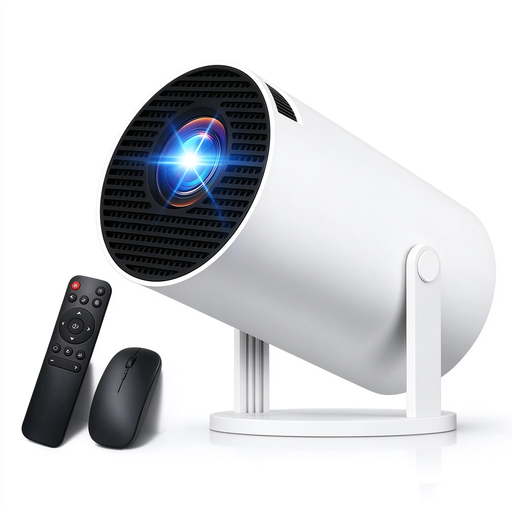
Portable projector with 4K support, 1080P, Wi-Fi 6 and BT 5.4
It could be suitable for local films if you use a compatible player with one of the listed connections.
The product name lists 4K support, 1080P, Wi-Fi 6, BT 5.4, automatic keystone correction, 180° rotation, and HDMI, TV stick, USB and laptop as playback options.
View at Joybuy
 No image available
XBJ projector with native 1080P resolution and 700 ANSI lumens
It could be worth considering if you’re comparing portable projectors with adjustable stands and autofocus. Try setting it up in the room you plan to use.
The product name lists native 1080P, 700 ANSI lumens, a 280° rotating stand, autofocus, keystone correction, obstacle avoidance and HDR10.
View at Joybuy
 No image available
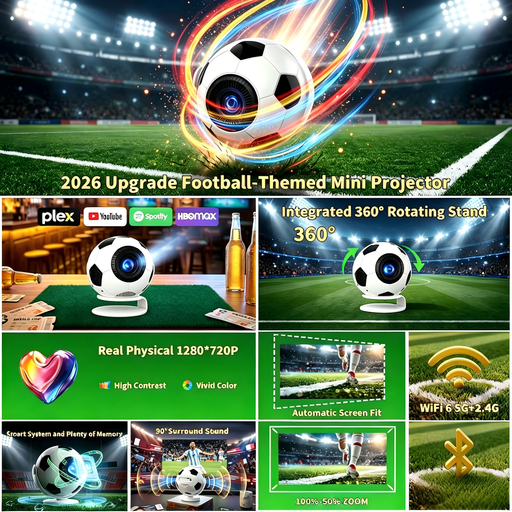
Football-shaped mini projector with 1080P and 800 ANSI lumens
If you’re looking for a compact projector to use in different locations, compare the listed features with the space available and the lighting in your screening room.
The product name lists 1080P, 800 ANSI lumens, Android 14, Wi-Fi 6, Bluetooth 5.4 and automatic keystone correction.
View at Joybuy
 No image available
XGODY Gimbal N6 Pro, native 1080P, 700 ANSI lumens
This model could be an option for local films played through a separate device, provided its connection is compatible with one of the listed inputs.
The product name lists native 1080P, 700 ANSI lumens, WhaleOS 3.0, Wi-Fi 6, BT 5.4, autofocus, automatic keystone correction, and HDMI, USB, smartphone and PS as compatibility details.
View at Joybuy
 No image available
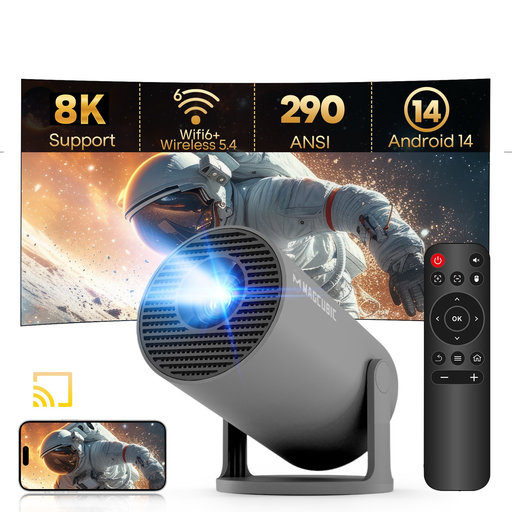
MAGCUBIC HY300Pro Grey, 290 ANSI, 180° rotating stand
If you want to play local films via USB, test your specific file on the device. HDMI is also listed as a connection in the product name.
The product name lists 8K and 1080P support, 290 ANSI, Wi-Fi 6, BT 5.4, Android 14, automatic keystone correction and a 180° rotating stand.
View at Joybuy
Frequently asked questions
Is a USB port enough to play my digitalised films?
No. A USB port alone doesn’t confirm that your films will play. Test a file of your own, with picture and sound, on the specific model. Nebula Support lists FAT32 and NTFS for USB drives used with the Capsule 3 Laser; this doesn’t confirm support for any particular video or audio codec. Using a compatible player via HDMI is another option.
What should I check before my first screening?
At your planned set-up location, check the distance, picture size, focus, battery mode and sound from the seats you intend to use. Testing with a sample file that you know works will help you check your chosen playback method.
What are my rights when buying online in Germany if the projector isn’t suitable or is faulty?
For online purchases from a trader, the EU’s Your Europe consumer information generally provides a 14-day right to cancel from the date of delivery, subject to legal exceptions. Any return postage costs should be checked separately. Faults are covered by statutory consumer rights, not a voluntary manufacturer’s guarantee. Your Europe states that this protection lasts for at least two years from receipt of the goods.
What product safety details should I check for a projector sold in Germany?
According to the EU’s Your Europe consumer information, goods sold online must also comply with the applicable product safety rules. It also lists CE marking requirements for electrical and electronic equipment. Check the product information for the specific device rather than assuming that a particular listing has the required marking based on the brand name alone.


