To make dance footage easy to see, first match the viewing distance, desired image size and projector position. Then choose the brightness and throw ratio that suit the room. A battery-powered projector makes it easier to give presentations where reliable mains power isn’t available. In a room with ambient light, a mains-powered model with a higher stated brightness may be a better fit. Manufacturer figures alone can’t guarantee that people and their movements will be visible on your planned screen from the back row.
Who is this buying guide for?
Club organisers presenting to an audience with back rows
If you’re showing dance footage to a group, plan the image height, sightlines and visibility from the furthest seat. Epson Germany highlights choosing the right screen size as an important factor in making the image easy to see.
Presenters using different venues
If you transport your projector often, you’ll need to weigh up battery life, access to mains sockets and whether you can darken the room.
Presenters with existing video footage
If you already have dance videos, decide in advance whether you’ll play them directly or use a media player, and check which connection you’ll need.
What should you look for when buying?
First, measure the viewing distance, usable image height and possible projector position. Then consider the room lighting and access to power to decide which brightness level and power option will suit your presentation.
| Consideration |
What to check before buying |
Who is this important to? |
| Visibility from the back row |
Measure the furthest seat and usable image height; check the image width at the planned projector position. |
If I want people and dance movements to be visible even from the back, I’ll set the image height and projector position with that seat in mind. Around 36% of consumers put visibility from a distance first. |
| Visibility in ambient light |
Check the venue’s lighting and whether you can darken the room; consider brightness figures alongside their stated measurement standard. |
If I can’t darken the room enough, visibility matters more to me than being able to use the projector without a socket. Around 29% of consumers prioritise visibility in ambient light. |
| Portability and power |
Compare the length of your programme with battery life in the mode you need; check whether accessories for longer battery life are sold separately. |
If I often change rooms or can’t rely on a socket, I need a power option that will last throughout the presentation. Around 21% of consumers prioritise portability and power. |
| Playing existing dance videos |
Decide which file and media player you’ll use; check the required input and test playback before the event. |
If I want to show existing footage using a particular media player, I’ll check the connection to the projector in advance. Around 14% of consumers put playing their dance videos first. |
Which buying mistakes should you avoid?
-
Buying based only on the maximum advertised screen size
Your desired image size needs to suit the distance between the seats, the throw ratio and the lighting conditions.
Mark the seating, screen area and projector position on a room plan before choosing a model.
Depending on the room, you may need a different screen, a better projector position or more effective blackout.
-
Treating different lumen figures as directly comparable in real-world use
ISO lumens and ANSI lumens are different measurement standards. Neither, on its own, proves how visible the image will be in your room at your chosen size.
Record the measurement standard, planned screen area and room lighting separately, rather than comparing models on the figures alone.
-
Assuming a battery life or accessory included in a bundle comes with the base model
Battery life depends on the operating mode. The PowerBase stand for the XGIMI MoGo 4 is sold separately for longer battery life.
Check the battery life for the image mode you need, along with what’s included in the specific version.
For longer battery life, you may need a separately available battery stand or another power source.
-
Assuming a similarly named version has the same bundle without checking
Model names and what’s included can vary between versions, which may affect the accessories you actually receive.
Compare the full model name and the contents of the specific product version.
Different bundle contents or an unclear product identity can make it harder to choose the right accessories.
-
Assuming the CE mark is an independent quality seal
The European Union’s Your Europe website explains that CE marking is only required for products covered by relevant EU rules that require it. It is not an independent quality seal.
Check the applicable product safety requirements for the specific device and version, as well as the CE mark if it is required.
A guide to relevant brands
Epson
The EB-FH54 is a mains-powered Full HD option for venues with a power socket.
- Epson states that the EB-FH54 has a brightness of 4.100 lumens.
- This is a manufacturer’s figure, not proof of visibility at a particular image size. Battery operation is not confirmed for this model.
XGIMI
The MoGo 4 is a compact battery-powered option for presentations at different venues.
- XGIMI lists 1080p, 450 ISO lumens and up to 2,5 hours of battery life from the built-in battery.
- The PowerBase stand is sold separately to provide longer battery life. The manufacturer’s figures don’t confirm that it’s suitable for a large screen in ambient light.
Nebula
The Mars 3 Air is a portable battery-powered projector with HDMI input.
- Anker lists native 1920 × 1080 resolution, 400 ANSI lumens, a 1,2:1 throw ratio and up to 2,5 hours in Eco mode for the Mars 3 Air.
- The battery life figure applies to Eco mode and doesn’t confirm the same playback time in every brightness mode.
ViewSonic
The PX701HD is a mains-powered option with a documented throw ratio.
- ViewSonic lists 3.500 ANSI lumens and a throw ratio of 1,5–1,65:1. The stated lamp life of up to 20.000 hours applies in SuperEco+ mode.
- This model uses a lamp and has no built-in battery. The specifications don’t replace checking the image size and viewing conditions in your own room.
BenQ
The GV50 and GP100 ranges offer different options for portable presentations.
- BenQ lists 500 ANSI lumens, HDMI and a built-in battery for the GV50; the GP100 is listed at 1.000 ANSI lumens.
- These figures apply to the respective models and don’t, on their own, tell you what image size will be visible from your planned position.
Portable projectors at Joybuy
Here you’ll find portable projectors for showing video. Choose based on projector position, screen area, room lighting and access to power; brightness figures using different measurement standards aren’t directly comparable.
 No image available
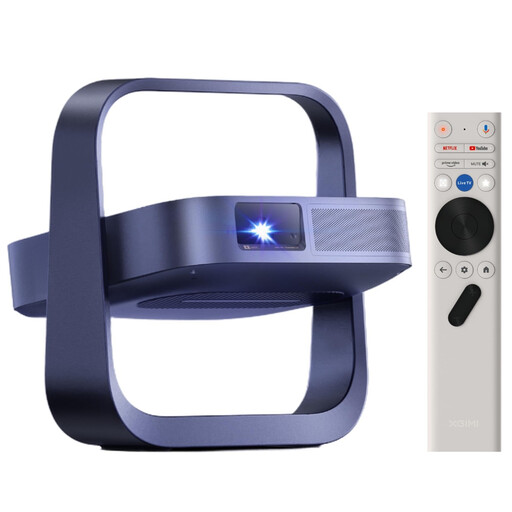
XGIMI Elfin Flip Laser 1080P
If you’re looking for a portable model, check the screen area and projector position before deciding whether the stated brightness will suit you.
The product specifications list 1080P and 1.600 ISO lumens; this figure isn’t directly comparable with ANSI lumen figures.
View at Joybuy
 No image available
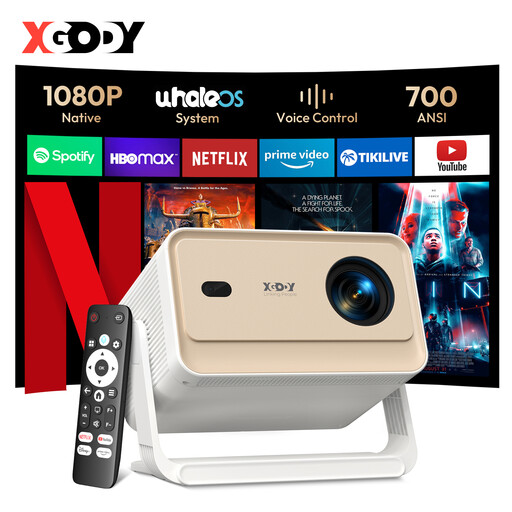
XGODY Gimbal N6 Pro
If you’re planning to keep the projector in one position, check the available distance against your desired image size.
The product specifications list native 1080P, 700 ANSI lumens, HDMI and USB. The stated projection size is 40–200 inches at 1–5 m; check which image size suits your room.
View at Joybuy
 No image available
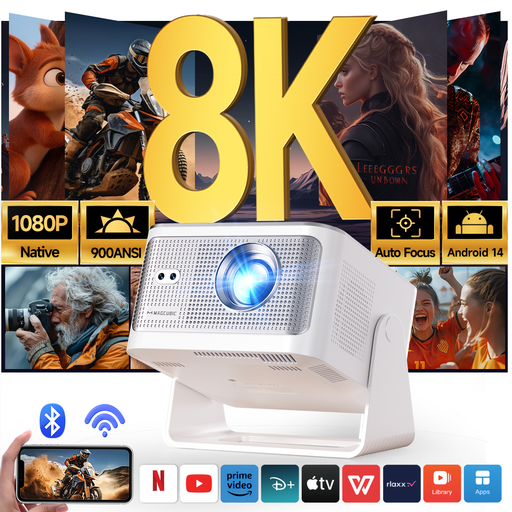
Magcubic HY350Max
If space for the projector is limited, factor its stated throw ratio into your room plan.
The specifications list native 1080P, 900 ANSI lumens, a 1:1 throw ratio, HDMI and USB. These figures don’t guarantee visibility at a particular image size or in specific lighting conditions.
View at Joybuy
 No image available
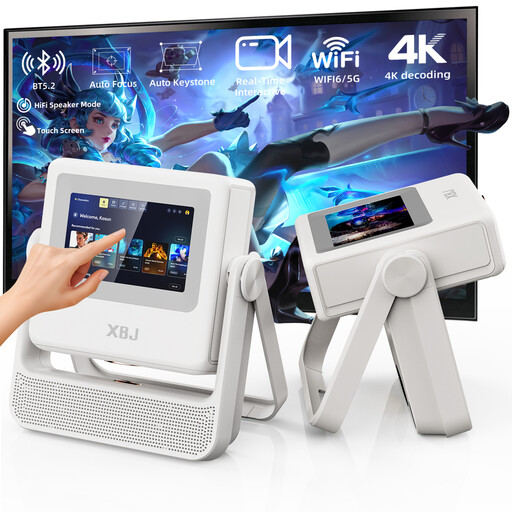
XBJ A5Pro, White
If you’ll be setting up in different places, you can factor the stated rotating stand into your plans.
The product specifications list native 1080P and 900 ANSI lumens, as well as autofocus and a rotating stand. These figures alone don’t tell you what image size will be visible in your room.
View at Joybuy
 No image available
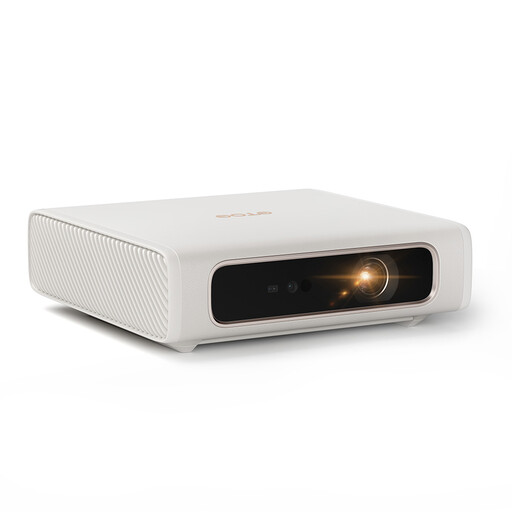
ETOE Dolphin 2 RGB Laser 1080P
If there’s no power socket at the venue, compare the length of your programme with the stated battery life.
The product specifications list 800 ANSI lumens, 1080P, a built-in 54-Wh battery offering up to 2 hours of use, HDMI 2.1 and USB-C. Check that the battery life suits how you plan to use it.
View at Joybuy
Frequently asked questions
Is a long distance between the audience and the screen the same as a long projection distance?
No. For people in the back rows, image height and visibility matter; projection distance is the distance between the projector and the screen. Check both separately using your room plan and the throw ratio of the specific model.
How should I set up a presentation using existing dance videos?
First, decide which file and media player you’ll use. Anker lists an HDMI input for the Mars 3 Air, as does ViewSonic for the PX701HD. Test your footage with the media player and setup you plan to use before arranging the presentation.
What should I plan for when using a battery-powered projector for a longer programme?
Compare the length of your programme with the battery life in the operating mode you need, and plan for another power source if necessary. XGIMI lists up to 2,5 hours of use from the built-in battery for the MoGo 4; the PowerBase stand is sold separately.
Which rights and markings matter when buying a projector in Germany?
Electrical devices must comply with the applicable EU product safety rules. CE marking is required when the relevant EU rules specify it for that product. The European Union’s Your Europe website explains that the mark isn’t an independent quality seal. Verbraucherzentrale distinguishes statutory consumer rights from a voluntary guarantee. Most online purchases generally come with a 14-day right to cancel; check whether any exceptions apply to your specific purchase.


