What should you look for when buying?
First, check that your files will play using your intended playback method. Then plan the image size, position and power supply for your viewing space.
| Consideration |
What to check before buying |
Who is this most relevant to? |
| Local videos with subtitles |
Test file access, the player, video format and subtitle file using your own sample files; alternatively, plan to use an HDMI-connected device. |
If I want to play episodes directly from storage, I want to know in advance whether the player, video and subtitles will work together. This is a key concern for around 33% of consumers who mainly want local playback. |
| Reading subtitles from your viewing spot |
Plan the distance and image size for your intended viewing spot, then check short passages of text under your usual room lighting. |
From my seat, I want to be able to read subtitles clearly at the planned image size. Around 27% of consumers prioritise readability from their viewing spot. |
| Watching TV series without a mains socket |
Check runtime and brightness in the same operating mode; use mains power if needed. |
If there’s no mains socket near my viewing spot, I want to know whether the battery will last for my planned viewing time. Battery operation is the top priority for around 20% of consumers. |
| Positioning the projector in your room |
Consider the available surface, projection distance, angle and power cable at your intended viewing spot. |
If space is limited, I want to know whether the distance and angle will work for the image I want. The right positioning is the priority for around 20% of consumers. |
Joybuy products
These portable projectors may suit flexible setups and playback using a compatible local media player. Before buying, check that the connections and playback method will work with your files and viewing spot.
 No image available
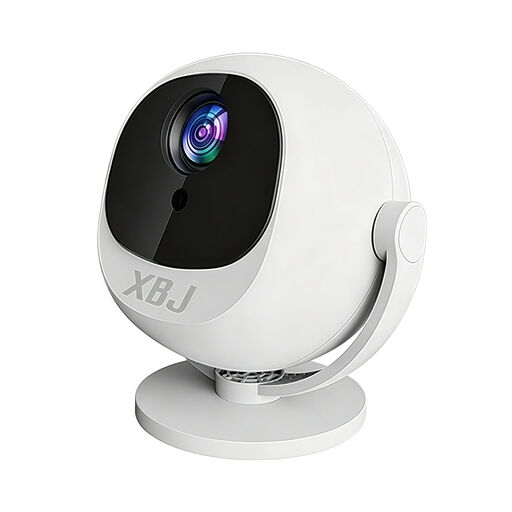
XBJ Portable 360° Smart Projector, Full HD 1080P
For changing projection directions and use with a local media player via HDMI.
The product title lists Full HD 1080P, 300 Lumens, HDMI, manual focus and automatic keystone correction.
Joybuy
 No image available
XGIMI Vibe One
An option for different viewing spots if a built-in stand and autofocus are important for positioning.
The title lists 1080p, a built-in 160° stand, autofocus and keystone correction, as well as 250 ISO lumens.
Joybuy
 No image available
XGIMI Elfin Flip Laser
For different viewing spots where a foldable design and autofocus are useful for positioning.
The product title lists 1080P, 1600 ISO lumens, RGB triple laser and a foldable design.
Joybuy
 No image available
XBJ TYYK8QBS
For different projection directions; the product title lists a 360° mount and automatic keystone correction.
The title lists native 1080P resolution, as well as 4K decoding, Wi-Fi 6 and Bluetooth 5.4.
Joybuy
 No image available
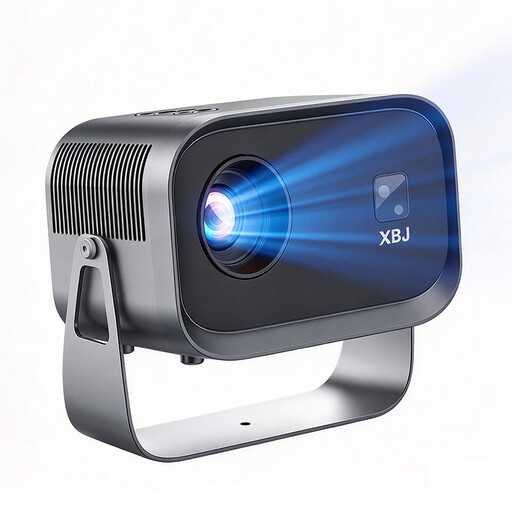
XBJ K6
An option for flexible setups; the title lists 180° rotation and automatic keystone correction.
Full HD 1080p, 4K decoding and 490 ANSI lumens are listed in the title. 4K decoding does not mean 4K output.
Joybuy
Frequently asked questions
Is a USB port enough for German subtitles?
No. A USB port alone is not enough to confirm that subtitles will work. Test file access, the player, video and subtitle file together. VideoLAN explains how to use embedded subtitles and external files such as SRT in VLC; for the MoGo 4 series, XGIMI recommends installing an additional file manager.
How do I test a separate SRT file?
Have a video and its matching SRT file ready to test. VideoLAN explains that using the same base filename for both files can allow VLC on a computer to match them automatically. With a projector, you’ll also need to check storage access, the player you’re using and how to select subtitles.
What should I do if playback problems arise after buying online?
Test your sample files as soon as possible and keep a record of the product listing. The Verbraucherzentrale explains that online purchases generally come with a 14-day right to cancel. Your statutory rights if a product is faulty are separate from any voluntary guarantee. Whether a specific file function was promised depends on the details of the offer.
Can I watch or copy drama files stored locally for private use in Germany?
Under certain conditions, Section 53 of the German Copyright Act (UrhG) allows individuals to make individual copies for private use, provided the source is not obviously an illegally produced or publicly accessible copy. The mere presence of a file does not prove that it was obtained legally.
What should I look for in a wireless projector?
Check the markings and documentation for the specific device being offered. As part of its market surveillance, the Bundesnetzagentur checks, among other things, for CE marking, manufacturer details, German-language instructions and a declaration of conformity. Information in a product listing is no substitute for checking the documentation supplied with the device.


