What should you look for when buying?
First, check the view from the seats furthest to the side and the maximum image width available. Then consider the room lighting, power supply at each screening location, connection to your film source and audio playback.
| Consideration |
What to check when buying |
Who should pay particular attention? |
| View from seats at the edges |
Check seating positions, screen surface and viewing angle; view the film format from the furthest seat. |
If you want visitors at the edges to be able to see the picture, assess the screen before considering image correction. Around 36% of consumers would make visibility from side seats their top priority. |
| Picture in ambient light |
Measure ambient light, desired image width and projection distance; check the brightness rating, including its unit and operating mode. |
If you can’t fully darken the screening room, a clear picture at the intended size is important. Around 29% of consumers would prioritise ambient light and image size. |
| Moving between venues and power |
Consider access to a socket, the transport route, film length and runtime in the intended mode; plan for a secure place to set up. |
If you move between rooms and don’t always have access to a socket, compare the runtime with picture performance on battery power. Around 21% of consumers would prioritise portability and power supply. |
| Film source and audio |
Connect your playback device and original file using a suitable input; test the audio from the seats furthest away. |
If you play local film files from existing devices, you’ll need a suitable connection and clear audio throughout the room. Around 14% of consumers would prioritise playback and sound. |
Portable projectors for changing screening locations
This selection includes portable battery-powered projectors and bundles with a battery, including models supplied with a screen. For each option, check the runtime, image size and connections against the needs of your specific screening room.
 No image available
Aurzen Tri-Fold DLP Mini Projector
The built-in battery could be useful at screening locations without access to a socket; compare the runtime with the film length.
The title lists a 5000 mAh battery and up to 1.5 hours of runtime. 4K support is not the same as native 4K resolution.
View at Joybuy
 No image available
ETOE Dolphin 2 RGB Laser
The built-in battery and listed HDMI and USB connections could be useful when moving between screening locations and using external film sources.
The title lists 1080P FHD, 800 ANSI lumens and up to two hours of battery life. Check that the runtime is long enough for the film you plan to show.
View at Joybuy
 No image available
XGIMI MoGo 4, Match Night EU Edition
The battery could be useful at screening locations without access to a socket; check that the runtime suits the film length and intended mode.
The title lists Full HD 1080p, 450 ISO lumens and 2.5 hours of battery life. HDMI is mentioned in the product description. According to the title, this edition includes an EA SPORTS FC 26 Game Code.
View at Joybuy
 No image available
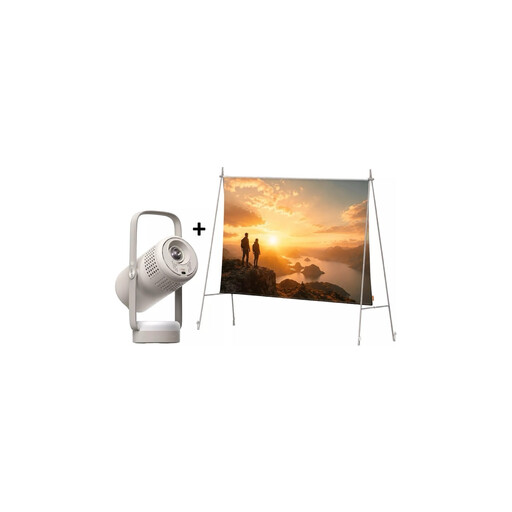
XGIMI Vibe One Match Night Collection
This bundle combines a portable projector with a screen and stand; check that the screen size suits the room and seating positions.
The title lists FHD 1080P, 250 ISO lumens and a built-in battery. The description mentions a 70-inch screen; runtime in Eco mode is stated as up to 1.2 hours.
View at Joybuy
 No image available
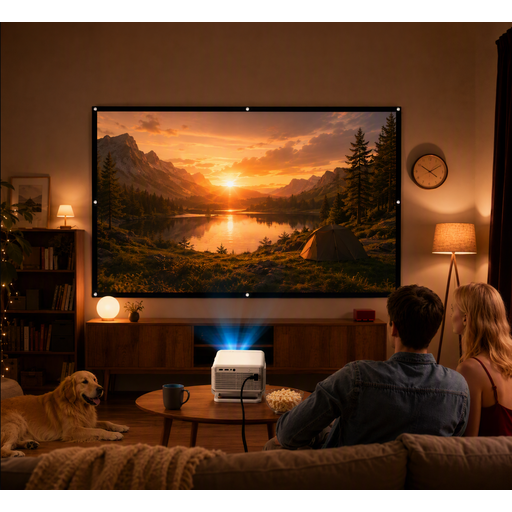
XGODY Gimbal N6 Pro with 120-inch screen
The screen included could be handy when moving between screening locations; compare its viewing angle with the actual seating positions.
The product specifications list native 1080p resolution, 700 ANSI lumens and HDMI. The screen is listed as 120 inches, with a viewing angle of 160°.
View at Joybuy
Frequently asked questions
Does keystone correction help if visitors are sitting to the side?
No, it won’t improve the view simply because someone is sitting to the side. Keystone correction straightens a trapezoid-shaped image, for example when the projector is at an angle to the screen. For seats at the edges, the screen’s viewing angle is what matters; according to BenQ, stronger digital correction can affect picture quality.
How do I work out where to place the projector and screen?
Measure the available image width and the distance from the projector to the screen. The throw ratio expresses the relationship between projection distance and image width. Then check the view from the seats at the sides and back.
Will the battery last for a full-length museum film?
It depends on whether the specific model’s runtime in the intended mode is long enough for the screening. XGIMI lists up to 2.5 hours for the MoGo 4 Laser without the separately available PowerBase stand. Compare the runtime with the film length and the picture mode you need.
What happens if the projector develops a fault in Germany?
The statutory warranty is generally the seller’s responsibility and is separate from a voluntary manufacturer’s warranty. Verbraucherzentrale states that the statutory warranty generally lasts for two years; the details depend on the sales contract and the specific circumstances.
Can films made by volunteers be screened publicly in a museum?
Buying a projector doesn’t give you the rights to screen a film. Section 19 of the German Copyright Act (UrhG) covers the public communication of a film work using technical equipment; section 94 also protects certain rights of film producers. Whether a specific event counts as public, and which rights have been granted to the museum, depends on the audience, the film and the agreements in place.


