
Lieferung heute & morgen

Qualitätsgarantie

Willkommens-Angebote freischalten: KOSTENLOSE Lieferung | Bis zu 80 % RABATT | Kostenlose 30-Tage-JoyPlus-Testphase
App herunterladen
The search for a 1TB external SSD can quickly become overwhelming. Manufacturers advertise high speeds and robust casings, but not every product lives up to its marketing promises. Unrealistic performance expectations or unnoticed technical limitations often lead to an unsatisfactory buying experience.
This guide will help you identify the crucial features. We'll highlight the most common pitfalls and explain which technical parameters truly matter, enabling you to make an informed decision for a reliable and fast storage solution.
Before making a purchase, you should be aware of the common marketing traps that often lead to disappointment.
To separate the wheat from the chaff, you should examine three core technical aspects. These determine the real-world performance and longevity of your external SSD.
The interface is the bottleneck for data transfer. Pay attention to the USB port standard:
The case is more than just a shell. A unibody aluminium enclosure not only provides stability and drop protection but also acts as a passive heatsink. It effectively dissipates the heat generated during operation away from the memory chips, preventing the thermal throttling mentioned earlier. Models with a robust metal case therefore offer more consistent performance under heavy load.
Check the manufacturer's specifications for compatibility before purchasing. This is especially important if you plan to use the SSD with specific devices like an SSD for PS5 or a MacBook with only Thunderbolt/USB-C ports. A good indicator of a well-thought-out product is what's included in the box: if both a USB-C to C cable and a USB-C to A cable are included, the SSD can be used flexibly with both older and newer devices without needing to buy extra accessories.
Based on the criteria above, we have identified some models that are suitable for specific user groups.
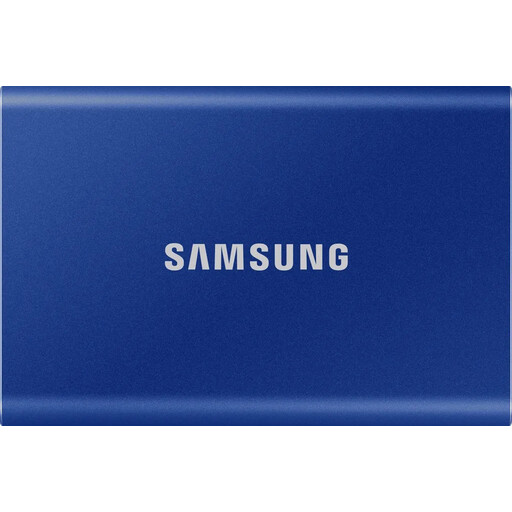
Why it's a good fit: Ideal for creative professionals and business users who need a fast and reliable storage solution on the go. Its compact form factor and low weight make it the perfect companion for laptops like the MacBook. Anyone considering buying a Samsung T7 will find a proven option here.
The aluminium case ensures effective thermal management and prevents performance drops. Thanks to USB 3.2 Gen 2 and internal NVMe technology, the advertised speeds of up to 1,050 MB/s are achievable in real-world use. Both relevant cables (USB-C to C and C to A) are included in the box.
A balanced combination of high speed, robust construction, and broad compatibility. The optional AES 256-bit hardware encryption provides additional data security.
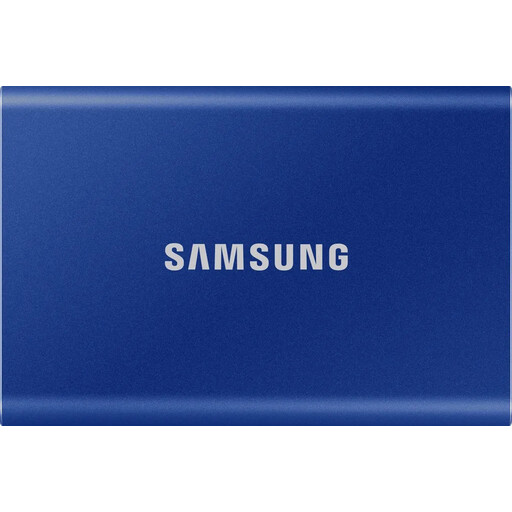
Why it's a good fit: With 2TB, this model offers ample space for extensive game libraries or large video projects. Its high speed is ideal for reducing load times on consoles like the PS5 or for editing 4K footage directly from the drive.
Samsung's Dynamic Thermal Guard technology ensures stable performance without overheating, even on the larger 2TB model during long gaming sessions or rendering tasks. Compatibility with game consoles is assured.
Double the storage capacity with the same high and reliable performance. A future-proof investment for growing data needs.
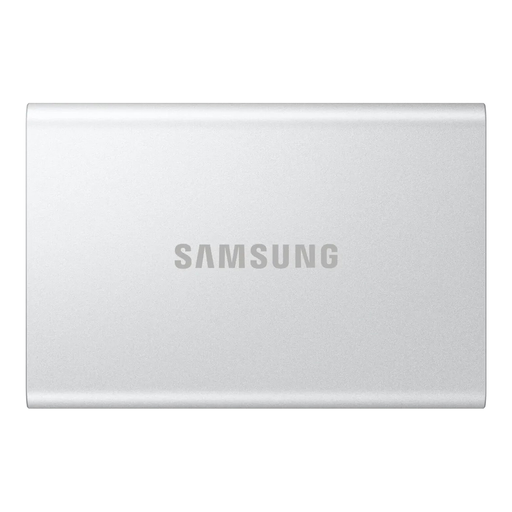
Why it's a good fit: For users who value sustainability without making technical compromises. This model offers the identical high performance of the T7 series, but its enclosure is made from 100% recycled aluminium, according to the manufacturer.
Since its technical foundation is identical to the proven T7 series, this model bypasses the typical performance and thermal issues of cheaper alternatives. It combines proven technology with a sustainable approach.
Delivers the full performance and reliability of the Samsung T7 1TB in an enclosure made from recycled materials. A great choice for eco-conscious buyers.
We have compiled a complete, real-time updated list of products that fully meet these strict selection criteria and German safety regulations.
The main difference lies in the technology. An SSD (Solid-State Drive) uses flash memory with no moving parts, making it significantly faster, more resistant to shocks, and more compact than a traditional HDD (Hard-Disk Drive), which is based on rotating magnetic disks. HDDs often offer more storage space for a lower price but are considerably slower and more fragile.
Usually not. Most external SSDs are "plug-and-play" and are immediately recognised as an external drive by Windows and macOS systems. However, some models, like the Samsung T7 series, offer optional software. This allows you to set up features like password protection via hardware encryption or update the drive's firmware.
Yes, this is possible and a common use case. You can store and play PS4 games directly from the external SSD. PS5 games can be archived on the external SSD to free up the console's internal storage. However, to play a PS5 game, it must be moved back to the console's ultra-fast internal SSD. Thanks to the high speed of a portable SSD, this copying process is much faster than redownloading the game.