
Lieferung heute & morgen

Qualitätsgarantie

Willkommens-Angebote freischalten: KOSTENLOSE Lieferung | Bis zu 80 % RABATT | Kostenlose 30-Tage-JoyPlus-Testphase
App herunterladen
By Joybuy Product Recommendation Officer, July 09, 2026
Anyone who frequently works, studies, or plays on the go knows the limitations of a single laptop screen. Juggling multiple windows and applications can hinder productivity and diminish your media experience. A portable touchscreen monitor expands your digital workspace, offering the flexibility needed for efficient multitasking or immersive entertainment.
This article serves as your guide. It explains the key features to consider when making your selection and presents a curated list of models that cater to various needs. Our goal is to provide you with an informed basis for your purchasing decision.
Choosing the right model depends on your individual needs. The following criteria will help you filter your options and make an informed decision.
Resolution determines the sharpness and detail of the image.
Connectivity is crucial for compatibility with your devices.
A mobile monitor should offer a balance between screen real estate and portability.
Based on the criteria mentioned, we have compiled a selection of models suitable for various applications.
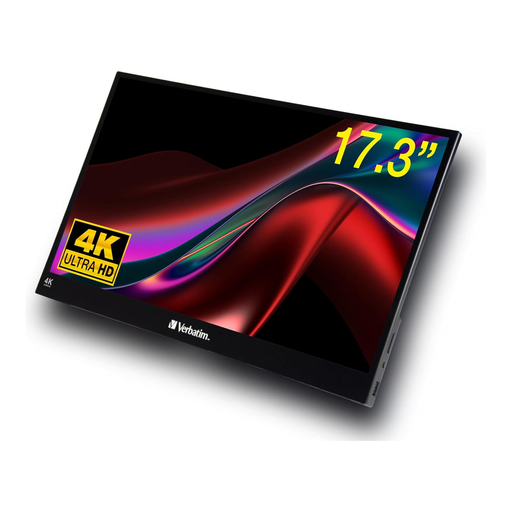
Why It Stands Out: This model combines a large screen size with an impressive 4K UHD resolution. Its IPS panel ensures accurate colour reproduction and wide viewing angles, making it an excellent option for visually demanding tasks.
Pros:
Who Is It For? This Verbatim monitor is ideal for creative professionals, content creators, and gamers who don't want to compromise on high resolution and a large display area while on the move. It is perfectly suited for image and video editing, as well as for a high-quality entertainment experience with 4K content.
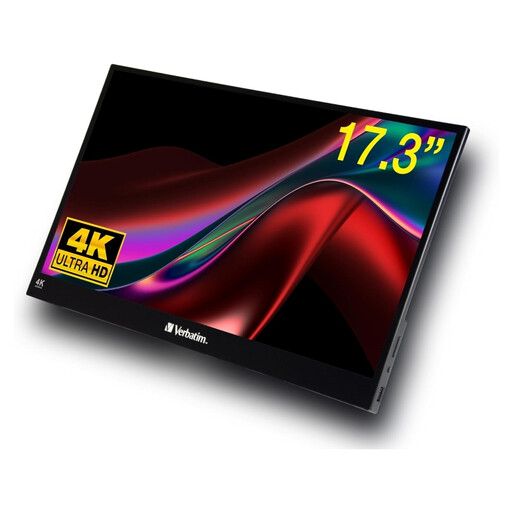
Why It Stands Out: The PMT-17 offers a generous 17.3-inch screen area with a Full HD resolution. It is designed as a versatile portable monitor for productive work and comes with all the necessary ports and a practical protective sleeve.
Pros:
Who Is It For? This model is aimed at professionals and students who need a large second screen for their laptop to boost their productivity in a home office or while travelling. The large surface area makes it easier to work with multiple documents or applications simultaneously.
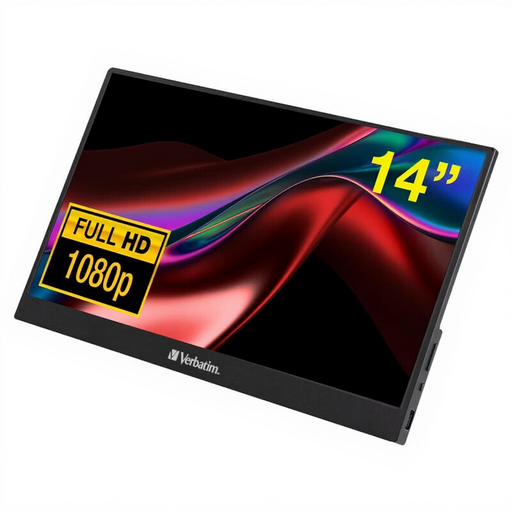
Why It Stands Out: Weighing under one kilogram and featuring a compact 14-inch size, the PMT-14 is designed for maximum portability. Despite its lightweight design, it offers a durable aluminium housing and all the essential ports.
Pros:
Who Is It For? This monitor is the right choice for digital nomads, commuters, and anyone looking for an extremely lightweight and easy-to-transport second screen. It's a practical companion for presentations, working in a café, or at the library.
The models presented here cover common use cases. If you haven't found the right solution for your specific needs, there are more options to explore.
Explore our full range of Laptop & Tablet Accessories to find more portable monitors and other useful enhancements for your devices.
How do I connect a portable monitor? Most modern portable monitors are plug-and-play. Simply connect them to your laptop, tablet, or smartphone using a USB-C or HDMI cable. When connecting via USB-C to a compatible device, no other cables are often necessary.
Does a mobile monitor need its own power supply? That depends on the model and the connection type. Many monitors can be powered directly from the laptop via a single USB-C port. When using the HDMI port or to achieve maximum brightness, connecting to the included power adapter is typically required.
Is a portable monitor suitable for gaming? Yes, many models make for an excellent gaming monitor on the go. Look for a low response time (e.g., 6 ms or less) and a sufficient refresh rate (60 Hz is standard). Models with an HDMI port are directly compatible with consoles like the Nintendo Switch or PS5, enabling a gaming experience anywhere.