Mobile office with several devices
If you want to power a laptop, phone and possibly a router at the same time, the connections and their individual power ratings need to suit your devices. The ADAC assesses connections and usable energy separately.


First, choose the devices you want to run at the same time, along with their connections and the energy they’ll need over the working day. Then make sure the outputs, usable energy and weight suit how you plan to use the power station. A compact unit may be enough for short appointments, while longer stints call for more energy in reserve or a charging option that’s actually available. Rated capacity alone won’t tell you how long a power station will run for; the ADAC distinguishes between rated capacity and usable energy in the power stations it has tested.
If you want to power a laptop, phone and possibly a router at the same time, the connections and their individual power ratings need to suit your devices. The ADAC assesses connections and usable energy separately.
For a longer working day, the energy needed for your specific routine matters. Rated capacity and usable energy aren’t the same; the ADAC reports separate AC and DC measurements for the SOLIX C800 Plus.
If you’ll be carrying the power station regularly or can recharge between locations, weigh up its weight and suitable charging options together. EcoFlow lists the RIVER 3 Plus at 4.7 kg, while Bluetti lists the AC2A at 3.6 kg. Fan noise depends on the model and load.
A good fit if: You want to carry the power station between appointments and power devices via USB-C or a suitable mains adapter connected to AC.
What to consider: Limited rated capacity may mean recharging more often. Check the exact model variant and its outputs.
A good fit if: A suitable vehicle socket and enough driving or charging time are available between appointments.
What to consider: A listed vehicle charging option doesn’t guarantee a particular charging speed. Make sure the input, power rating and cable you need suit your planned journey.
A good fit if: You’ll be working for longer in a location without mains power, with a suitable area where you can set up a compatible panel.
What to consider: The panel, cable and conditions need to be suitable. Solar charging doesn’t guarantee a set amount of recharging.
| Consideration | What to check when buying | Who should consider this? |
|---|---|---|
| Suitable outputs | Check the connections you need, the power available from each output and the total load when running devices at the same time. | If you want to connect a laptop, router and another work device at the same time, every output needs to be suitable. Around 28% of consumers put connectivity first. |
| Usable energy | Calculate the energy your devices need in watt-hours for the planned duration, and factor in whether you’ll use AC or DC. | If you need to work for several hours without a mains socket, you’ll need a reserve suited to your routine, rather than relying on an estimated run time based on rated capacity alone. Around 28% of consumers prioritise run time. |
| Portability and quiet operation | Check the weight, including any accessories you’ll need, and compare noise levels under a similar load. | If you move between locations regularly or need a quiet working environment, it’s important to choose a power station that’s easy to carry and won’t disrupt you during planned use. Around 17% of consumers focus mainly on portability and noise. |
| Vehicle charging | Check the compatible input, vehicle connection, connecting cable and available charging time. | If you plan to recharge in your vehicle between appointments, the connection and actual driving time need to be sufficient. Around 16% of consumers prioritise vehicle charging. |
| Solar charging | Check that the power station and panel are compatible, and that the input and set-up location are suitable. | If you’ll be working for longer in a suitable location without mains power, you can plan to use solar as an additional charging option. Around 11% of consumers prioritise this. |
Usable energy may differ from rated capacity depending on the output you use. The ADAC reports different AC and DC measurements for the SOLIX C800 Plus; these figures aren’t a general loss rate for other models.
For each device you’ll use at the same time, multiply its power in watts by the number of hours it’ll run, and take the relevant output type into account. Where possible, look for test results for the specific model and output you plan to use.
A power station that’s too small could mean an unplanned stop to recharge or the need to carry extra energy in reserve.
Anker describes the SOLIX C300 DC as a variant with DC outputs only. It therefore won’t suit a device that needs an AC socket for the connection you plan to use.
Before buying, check the full model name and the actual outputs on that variant.
If a connection you need is missing, you may need a different power station for that device.
The ADAC reported loud fan noise when discharging the SOLIX C800 Plus at maximum AC load. This finding applies to the model and operating conditions described, not to all power stations or loads in general.
Check model-specific information or tests carried out under a load as close as possible to the one you expect at your workplace.
The RIVER 3 Plus is a compact AC option. EcoFlow also lists vehicle and solar charging for this model.
According to the manufacturer, the SOLIX C300 combines 288 Wh with AC and DC outputs. The C300 DC is a separate variant without AC outputs.
The AC2A is a compact AC/DC power station. Bluetti lists car and solar charging as charging options.
This selection includes power stations for working on the move, with suitable AC and USB connections, as well as variants for vehicle or solar charging. Before buying, check that the outputs, energy capacity and charging options suit your devices and appointments.
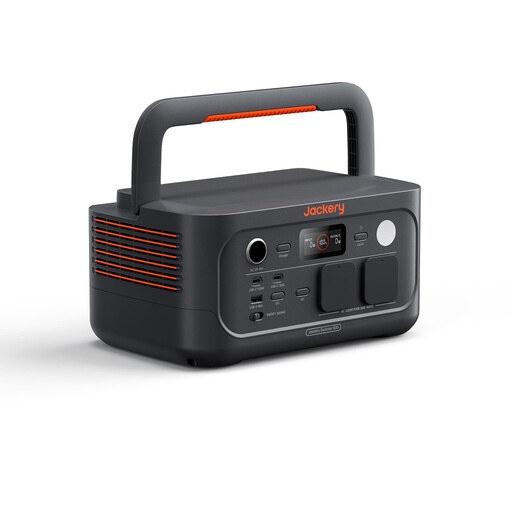 No image available
For mobile work devices whose power requirements match the listed outputs. Check the run time you need against your actual routine.
512 Wh; 230 V/500 W, peak power 1,000 W; USB-C up to 100 W; weight listed for the product: 5.7 kg.
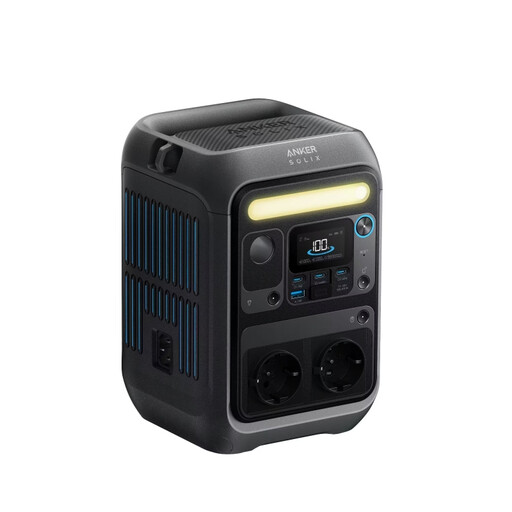 No image available
If your laptop or power adapter is compatible with the connections, the C300 offers several ways to power a mobile workstation.
288 Wh; 300 W, up to 600 W; USB-C up to 140 W.
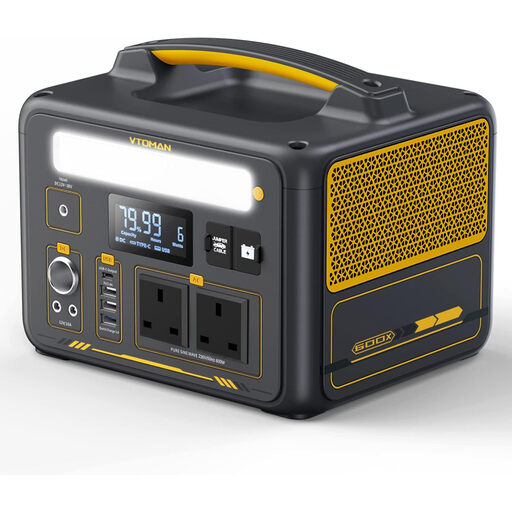 No image available
For appointments away from home where charging in your vehicle between visits is an option. Check that the charging method suits your vehicle and the time available.
299 Wh; 600 W, peak power 1,200 W; USB-C at 60 W.
 No image available
For work routines with higher energy demands, provided the listed outputs suit your devices. The actual run time depends on how you use it.
828 Wh; 1,000 W rated power, peak power 2,000 W; USB-C up to 100 W.
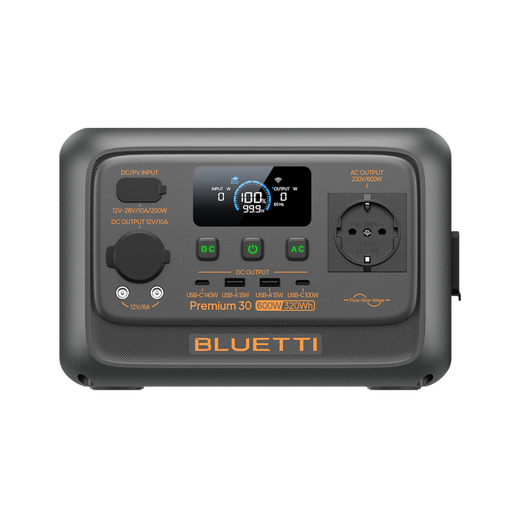 No image available
An option for working on the move with several devices, provided their connections and power requirements match the outputs.
320 Wh; 600 W AC output.
For each device you’ll use at the same time, multiply its power in watts by the number of hours it’ll run, and allow for conversion losses. Rated capacity doesn’t automatically equal usable AC or DC energy. The ADAC lists separate measurements for the SOLIX C800 Plus, both below its rated capacity.
Not necessarily: the key is whether you can charge your laptop using the available USB-C output and a suitable cable. If you need to connect its power adapter to AC, check the AC output on the exact variant. Anker distinguishes between the C300, with AC/DC outputs, and the C300 DC, which has DC outputs only.
Compare the inputs on the specific power station with your vehicle connection or panel, and check which connecting cable you’ll need. EcoFlow lists vehicle and solar charging for the RIVER 3 Plus, and Bluetti does the same for the AC2A; this doesn’t guarantee enough charging time for your appointment.
For consumer purchases in Germany, statutory rights relating to faulty goods are claims against the seller, while a guarantee is a voluntary promise with its own terms. For work-related purchases, how these apply depends on the specific contract and buyer. The Verbraucherzentrale explains the difference between statutory rights and guarantees.
As part of its market surveillance, the Bundesnetzagentur checks points including CE marking, product traceability and correct manufacturer details. According to the Umweltbundesamt, electrical equipment that has reached the end of its life shouldn’t go in household waste; it should be disposed of separately.