Households with several mains-powered devices
If you want to plug selected devices directly into a mains socket, you’ll need to balance the power they require at the same time with how long you want to run them.


A power station makes sense if you want to power several mains-powered devices or compatible AC devices. For compatible phones and USB-C laptops, a power bank may be enough. Plan around usable energy, not just the rated capacity, and check the switchover time for the specific router model and how your devices behave. A power station that keeps running does not guarantee uninterrupted router operation or an internet connection.
If you want to plug selected devices directly into a mains socket, you’ll need to balance the power they require at the same time with how long you want to run them.
If you want to keep a router or workspace powered with as little interruption as possible, check both the switchover behaviour and the devices connected to it.
If your priorities are a phone, a compatible USB-C laptop or a radio, you could also consider lighter or off-grid options alongside a power station. The Federal Office of Civil Protection and Disaster Assistance recommends keeping power banks charged and having battery-powered or wind-up radios as part of your emergency preparations.
A good fit if: selected devices need a mains adapter or you want to run several at once.
Bear in mind: weight and keeping the unit charged are part of the plan; usable AC energy may be lower than the rated capacity.
A good fit if: you can charge your phone or laptop using compatible USB outputs.
Bear in mind: it won’t necessarily provide a 230-V socket for a router or an incompatible laptop charger.
A good fit if: you need access to information even when phone or internet services are disrupted.
Bear in mind: it provides information, but won’t power a router or laptop.
A good fit if: you want to top up compatible rechargeable batteries as an extra measure.
Bear in mind: it doesn’t guarantee runtime for AC devices or replace a suitable power supply.
| What you need | What to look for when buying | Who is it most relevant to? |
|---|---|---|
| Usable energy and runtime | For each device, calculate watts × planned hours; compare the wattage needed at the same time with the continuous output separately. For mains-powered devices, use the usable AC energy where possible. | If I want to power a router, lights or other mains-powered devices at the same time, I’ll plan for both output and runtime rather than looking at the capacity figure alone. Around 36% of consumers prioritise powering several devices and how long they will run. |
| Router and switchover | Check the switchover time for the exact model and test your own router and any network devices you need in the intended setup. | If I want my router to keep running without restarting, I’ll test the specific unit in advance rather than relying on a switchover figure alone. Around 29% of consumers prioritise keeping a router or workspace powered with as little interruption as possible. |
| Charging a phone and laptop via USB | Check that the specific laptop supports USB-C charging and USB Power Delivery, and confirm its power requirements and the right cable. | If I mainly want to charge a phone and a compatible laptop, I don’t automatically need an AC socket. Around 21% of consumers prioritise portable USB charging. |
| Information and keeping devices charged | Keep a battery-powered or wind-up radio to hand and charge batteries or power banks regularly; treat solar charging as an extra option only. | If communication networks are disrupted, I want to be able to receive important information without relying on a power station. Around 14% of consumers prioritise off-grid information and simple charging preparations. |
The energy available from the AC output may be lower than the stated rated capacity. In its tests, ADAC measured less usable AC energy than the rated capacity for every model tested.
Make a note of the power consumption of your priority devices and how long you plan to use them. Compare their requirements with the model’s usable energy figures, and check the power needed at the same time separately.
A power cut can also affect internet and phone connections. So, keeping your router powered does not mean the external connection will remain available.
Think of a power station as one part of your communications plan, and keep a battery-powered or wind-up radio to hand as well.
A model’s stated switchover time does not guarantee that every router or workspace will keep running without restarting.
Check the exact model name and intended operating mode, then test your own devices and any network equipment you need.
What’s included can vary by model. In the ADAC test, the EcoFlow DELTA 3 Plus did not include a PV charging cable, while the Allpowers R1500 did not include vehicle or PV charging cables.
For the exact model, check what’s included, which inputs are supported and what accessories you’ll need before planning to recharge it.
Depending on the model, you may need to buy compatible cables or adapters separately. Factor in these accessories, but don’t count on solar charging to provide guaranteed runtime.
The details below apply to the specific models tested by ADAC in its test dated 11 June 2025, not to every product range from these brands.
The AC180P tested by ADAC offers a larger measured reserve of AC energy for selected devices.
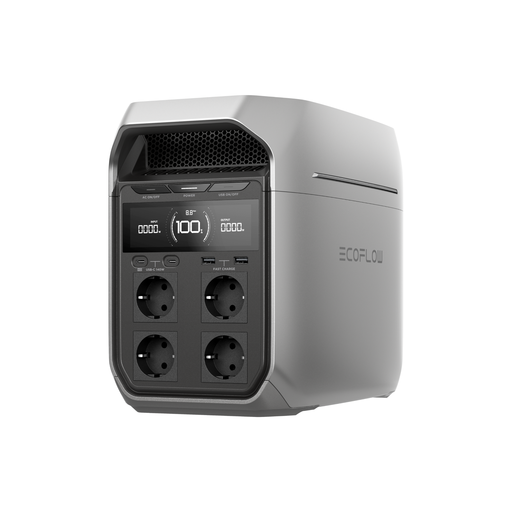
The DELTA 3 Plus has several AC and USB-C outputs, as well as a manufacturer-stated switchover time.
The C800 Plus tested by ADAC is worth considering if included lighting accessories and portability matter to you.
The R1500 tested by ADAC has several AC outputs for powering selected devices directly.
This selection includes portable power stations for powering individual devices and communication equipment during a power cut. Don’t assume the stated rated capacity is the same as usable AC energy.
 No image available
Several mains sockets and the stated switchover time are useful when planning to power selected AC devices. Still, test your own router in the intended setup.
Specifications include a rated capacity of 1.024 Wh, a rated output of 1.800 W and four AC outputs. EcoFlow states a switchover time of under 10 ms; this does not guarantee uninterrupted operation for every connected device.
 No image available
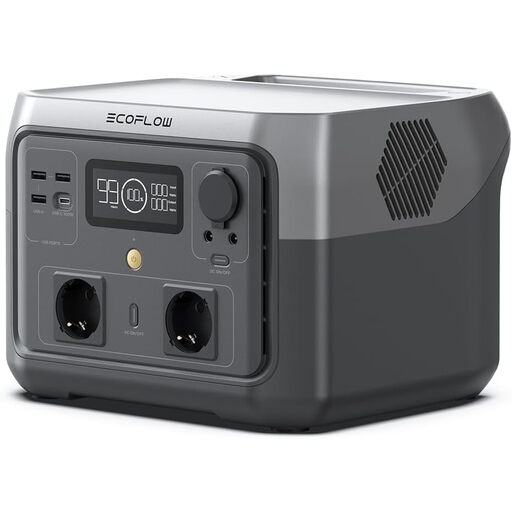
May suit selected devices with lower power requirements. Check that their combined power demand is within the stated AC output.
Specifications include 512 Wh, a 500-W AC socket and a USB-C output of up to 100 W. The description also lists a solar input of up to 220 W and an included car charging cable; check that any accessories you need are compatible.
According to the product manual, do not use in the rain or damp conditions.
 No image available
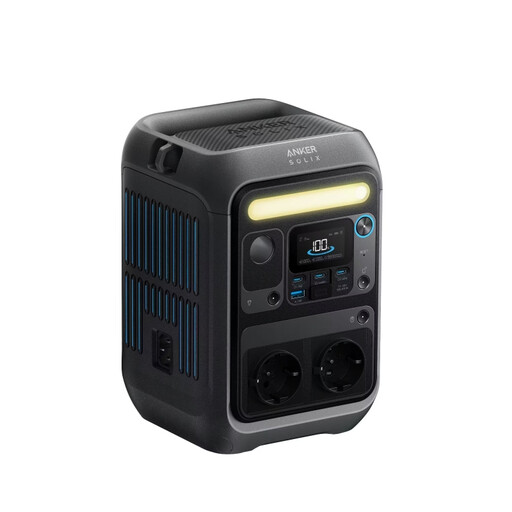
For individual AC devices with lower power requirements or compatible USB devices; check the power requirements and connections you need beforehand.
Specifications list 288 Wh, a rated AC output of 300 W, two AC outputs and USB-C outputs of up to 140 W.
 No image available
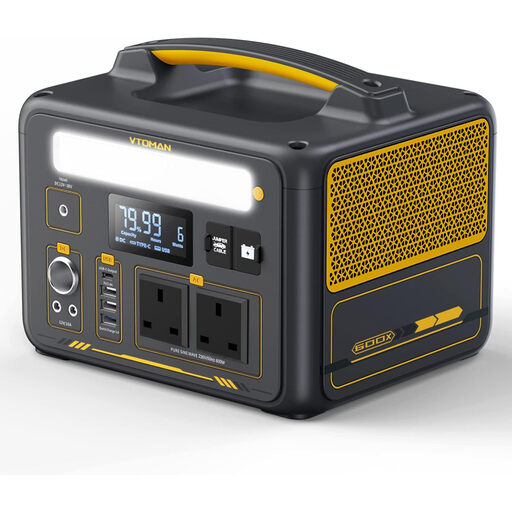
For selected AC and USB devices, provided the stated capacity and output meet their power requirements.
Specifications include 299 Wh, two AC outputs with a rated output of 600 W and USB-C up to 60 W. According to the description, expanding the capacity to 939 Wh requires a separately sold additional battery.
 No image available
For several selected AC or USB devices, as long as their combined power consumption is within the rated output.
Specifications include 828 Wh, a rated output of 1.000 W, three AC outputs and USB-C up to 100 W. Expanding the capacity to 2.376 Wh requires a separately sold additional battery.
According to the product manual, do not use in wet or rainy conditions.
For each device you plan to use, multiply its power in watts by the number of hours you expect to run it; the total gives you the energy required in Wh. For mains-powered devices, compare this with the usable AC energy rather than just the rated capacity, and check that the total wattage needed at the same time is within the continuous output. Without knowing your devices’ power consumption, it’s not possible to give a reliable estimate of your specific runtime.
The label alone does not guarantee uninterrupted operation. EcoFlow states a switchover time of under 10 ms for the DELTA 3 Plus; test your specific router, its power supply and any network equipment you need in the intended setup. Even if the router keeps running, a power cut may affect your external internet connection.
The Verbraucherzentrale recommends charging batteries and power banks regularly. Anker also recommends charging and discharging its power banks at least once every three to four months, and storing them in a dry, well-ventilated place. This timeframe is not a general recommendation for power stations from other models; follow the instructions for your device on charging, use and storage.
Your statutory rights against the seller and a voluntary guarantee are different things. Before buying, check the guarantee terms and what’s included with the specific offer; for example, the EcoFlow DELTA 3 Plus tested by ADAC did not include a PV charging cable.
The Federal Network Agency states that registration is not required if an electricity storage unit is not operated in a fixed location or is not, and is not intended to be, connected directly or indirectly to the electricity grid. This does not mean it can be used to feed electricity into a home electrical system. For any other setup, especially one that is fixed or connected to the grid, check how the applicable requirements apply.