
Lieferung heute & morgen

Qualitätsgarantie

Willkommens-Angebote freischalten: KOSTENLOSE Lieferung | Bis zu 80 % RABATT | Kostenlose 30-Tage-JoyPlus-Testphase
App herunterladen
A printer does more than just print. Depending on your daily needs, you may want to print photos while you are out and about, create stickers for DIY projects, process documents wirelessly, or scan and copy as well. The choice ranges from a mini printer and portable printer to an A4 multifunction device.
However, technical terms and advertising claims can make comparisons difficult. Three common pitfalls particularly often lead to unsuitable purchases:
The printing technology determines which media and formats can be processed:
Do not compare only the purchase price. Also consider paper, toner, cartridges and the available yield. With an inkless printer, you avoid buying cartridges, but you still need consumables.
Before buying, you should establish which print format you will use most often. A photo printer for small keepsake pictures serves a different purpose from an A4 multifunction printer for work documents.
Also look out for:
The PANTUM BM2300NW supports A4, A5 and A6, among other formats, as well as envelopes, labels and paper weighing 60 to 163 g/m². The paper tray holds up to 150 sheets. For a small workspace, the footprint is also important: the device measures 396 × 297.5 × 249 mm.
A Bluetooth printer is generally paired directly with a smartphone or tablet. This connection is practical for occasional mobile prints. A Wi-Fi printer, on the other hand, can be integrated into a network and, with suitable models, supports multiple devices, AirPrint or Mopria.
Check the following in advance:
A portable printer with a battery offers flexibility when you are out and about, while a stationary multifunction device generally provides more features for regular use at home and in the office.
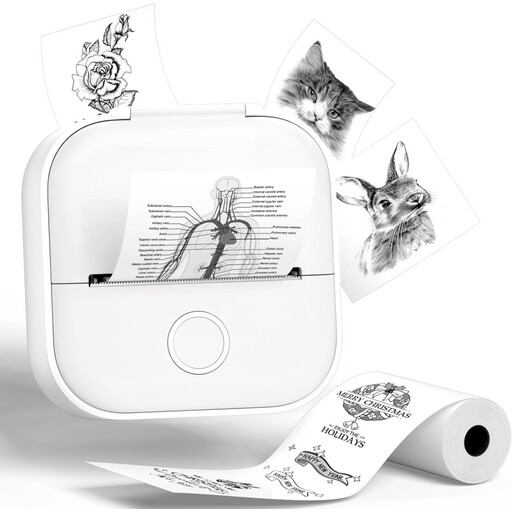
Why this product suits this profile: This mini printer is designed for brief notes, study materials and stickers, and can be stored neatly without taking up much space.
Its clearly defined area of use makes it obvious that this is not an A4 printer. This helps you avoid buying it for extensive documents when a different device would be needed.
Compact design focused on study notes and stickers. The appropriate thermal paper must be factored into your costs separately.
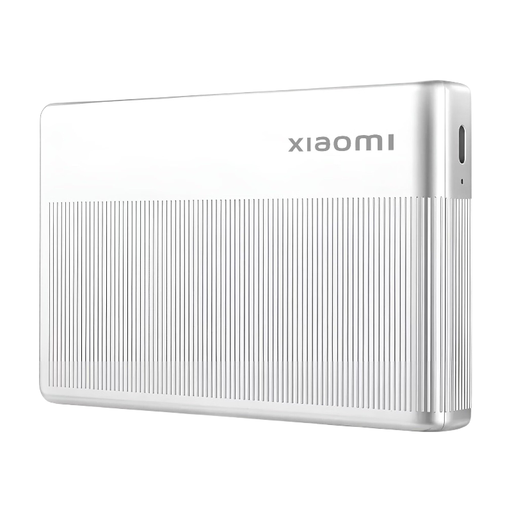
Why this product suits this profile: For mobile colour photos in 50 × 76 mm format, this device combines Zink technology, Bluetooth and the Xiaomi Home app.
The fixed paper format prevents false expectations about A4 or document printing. The paper capacity is up to 10 sheets.
313 × 512 dpi, a weight of 180 g and Bluetooth connectivity for iOS and Android. Self-adhesive Zink photo paper is required for printing.
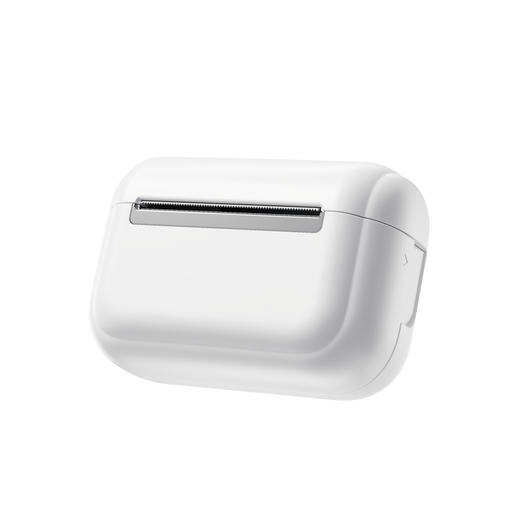
Why this product suits this profile: This sticker printer is designed for creative DIY applications, labelling and small gift projects.
Calling it a pocket device makes its limitation to small stickers clear. A different printing technology is required for colour photos or multi-page A4 documents.
Thermal, inkless printing designed for stickers. Check that the appropriate consumables are available before placing your order.
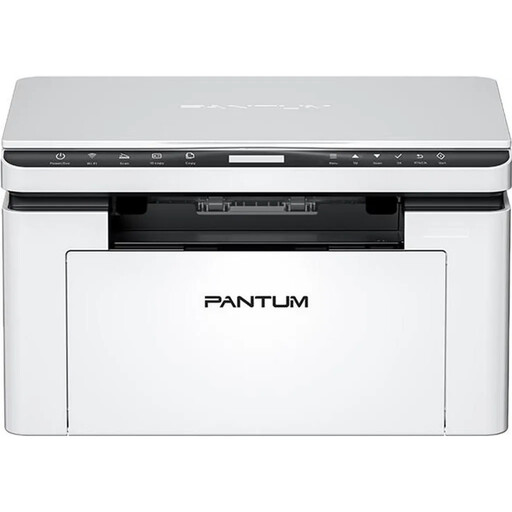
Why this product suits this profile: This A4 multifunction device combines printing, copying and colour scanning for home workspaces and small offices.
Its technical specification is designed for documents rather than mobile photo printing. This clearly separates the format requirements before you buy.
Up to 22 pages per minute, 1,200 × 1,200 dpi optical scanning resolution, dual-band Wi-Fi, Bluetooth, AirPrint and Mopria.
We have compiled a complete, regularly updated list of products that fully meet these strict selection criteria and the safety regulations applicable in the EU.
For individual photos, notes or stickers, a mini printer, photo printer or Bluetooth thermal printer is a practical choice. Pay attention to the weight, battery life, paper format and required app. For A4 documents while travelling, you need a mobile document printer with suitable media support.
The service life depends on print volume, maintenance, paper quality and consumables. With laser printers, you should consider the toner and drum unit, as well as any components specified by the manufacturer. For mobile devices, the battery, paper compatibility and mechanical strain are important factors. It is not possible to give a reliable fixed lifespan without specific usage data.
An inkless printer does not require ink cartridges or toner cartridges. Instead, you incur costs for thermal or Zink paper. You should therefore compare the price per sheet, paper format and required print quality. For regular A4 text pages, a laser printer with toner may be more economical; for occasional stickers or small photos, a compact thermal model may be sufficient.