
Lieferung heute & morgen

Qualitätsgarantie

Willkommens-Angebote freischalten: KOSTENLOSE Lieferung | Bis zu 80 % RABATT | Kostenlose 30-Tage-JoyPlus-Testphase
App herunterladen
Buying printer cartridges can quickly become overwhelming. An empty cartridge often brings the entire home office or personal correspondence to a halt, and a hasty search for a replacement frequently leads to costly mistakes. Many users grab the wrong product, falling for common marketing claims or vague product descriptions. This guide will help you understand the crucial criteria and make the right choice for your printer and your needs.
Before we dive into the technical details, it's important to know the most common errors that lead to unnecessary expense and frustration.
To avoid these pitfalls, focus on three objective criteria. These will help you systematically find the right ink cartridge or toner.
The most important criterion is compatibility. This is determined not by the printer brand, but by the specific number of the cartridge.
Check this number before you buy. It's the only way to ensure the cartridge will be recognized by the printer and function correctly.
The choice between original accessories and third-party products depends on your budget and quality standards.
The cost-effectiveness of a cartridge is measured by its cost per printed page.
When you buy printer accessories online, you can easily compare these parameters and make an informed decision.
Here are some recommendations tailored to different user needs, designed to help you avoid the common pitfalls.
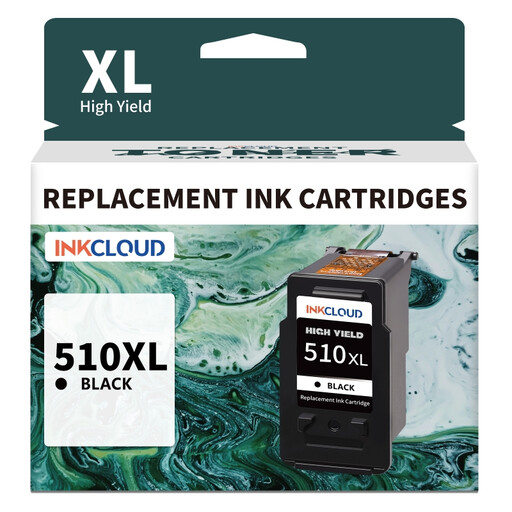
Why This Fits Their Persona: Ideal for users with older but still common Canon PIXMA printers who only print documents occasionally and are looking for a cost-effective solution without sacrificing functionality.
As a remanufactured cartridge from a reputable third-party brand, it bypasses the risk of no-name products. The XL capacity also addresses the cost-per-page pitfall by offering more ink than a standard cartridge.
Significant cost savings compared to the original. Reusing original casings also reduces plastic waste.
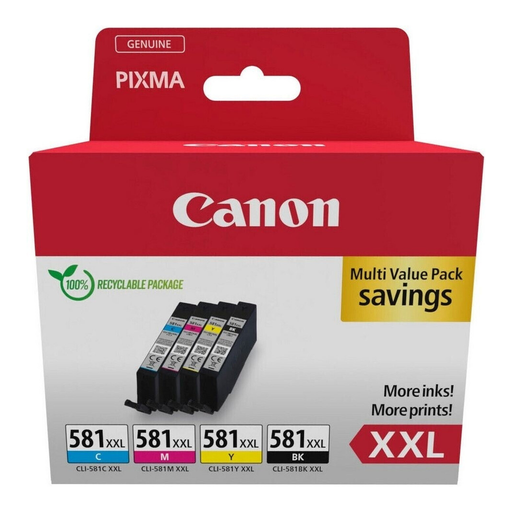
Why This Fits Their Persona: Perfect for home office users or small businesses that regularly print a high volume of documents and graphics and depend on reliability and a low cost per page.
As an original Canon product, it completely avoids the incompatibility trap. The XXL multipack is specifically designed for high page yield and a low cost per page, making it more economical in the long run.
Maximum page yield and guaranteed print quality. Buying the multipack lowers the cost compared to purchasing individual cartridges.
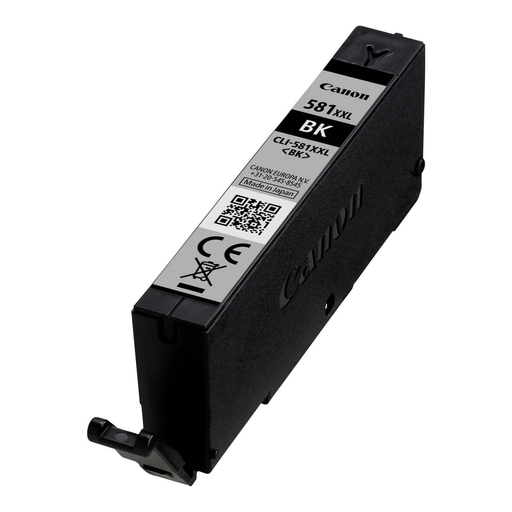
Why This Fits Their Persona: For users who prioritize high-quality photo printing. This special photo black ink is designed to produce deep blacks and fine contrast in images.
It prevents the mistake of using a standard text black ink for photo printing, which leads to unsatisfactory results. As an original product with the ChromaLife100 system, the quality and longevity of the prints are assured.
Enables high-quality, long-lasting photo prints. The XXL size ensures a high page yield and is more cost-effective than the standard version.
We've compiled a complete, up-to-date list of products that fully meet these strict selection criteria.
The surest way is to read the model number directly from your old, empty cartridge. Alternatively, you can find this information in your printer's manual or on a sticker inside the device, usually near the cartridge slot. Search online specifically for this number to avoid incorrect purchases.
Printer manufacturers warn that using third-party cartridges may void the device's warranty. While reputable compatible cartridges are generally safe, extremely cheap, unbranded products carry an increased risk of leaks or electronic faults that could damage the printer. It's wise to weigh the cost savings against the potential risk.
Unopened printer cartridges typically have a shelf life of about two years. The exact expiration date is printed on the packaging. To maintain ink quality, they should be stored in a cool, dark place in their original sealed packaging. Once opened, they should be used within about six months.