
Lieferung heute & morgen

Qualitätsgarantie

Willkommens-Angebote freischalten: KOSTENLOSE Lieferung | Bis zu 80 % RABATT | Kostenlose 30-Tage-JoyPlus-Testphase
App herunterladen
By: Joybuy Product Recommendation Officer
Finding the right printer cartridges can quickly become overwhelming. The cost of original ink adds up, while compatible alternatives often raise concerns about quality. Meanwhile, ink tank printers are establishing themselves as a long-term solution for high-volume users. This guide is designed to help you make an informed decision based on your specific printing needs and budget. We'll analyse the facts and present various options objectively, so you can find the perfect solution for your home or office.
Before making a decision, there are a few key aspects to consider. These factors determine not only the print quality but also the long-term running costs of your device.
The choice between original equipment manufacturer (OEM) cartridges and compatible third-party cartridges is one of the most common dilemmas.
The price of a single cartridge is only half the story. The key to cost-effectiveness is the cost per printed page. Pay attention to the stated page yield (often specified according to ISO standards). High-capacity cartridges, often labelled XL or High Yield (like the hp 62xl), have a higher purchase price but significantly lower the cost per page, making them the more economical choice for users with regular printing volumes.
For users who print a lot, an all-in-one printer with an integrated ink system can be the most sensible investment. Instead of replacing cartridges, an ink tank printer is refilled with ink from larger bottles poured directly into the device's tanks. The initial purchase price for these printers is higher, but the cost per page is extremely low. Models like the hp smart tank often come with enough ink for several thousand pages, minimising running costs for years.
Here, we present a selection of products that cover different needs—from a cost-effective replacement cartridge to a complete printing solution.
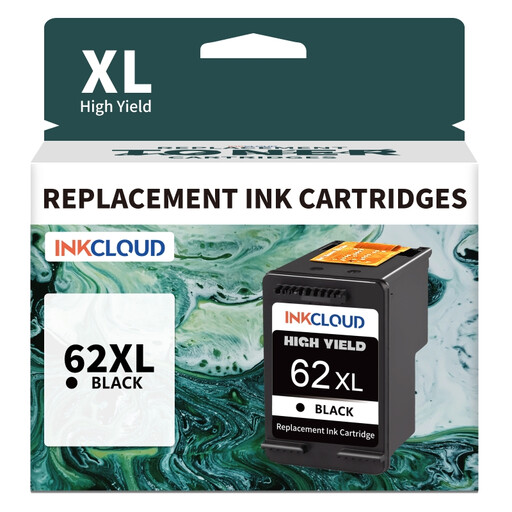
Why It Stands Out: The inkcloud 62XL cartridge is designed as a cost-effective alternative to the original HP 62XL black cartridge. It offers a high page yield and is engineered for compatibility with a range of popular HP Envy and Deskjet printers.
Advantages:
Who It's For: Home office users and households with a compatible HP printer who want to reduce their ongoing printing costs for documents and everyday tasks.
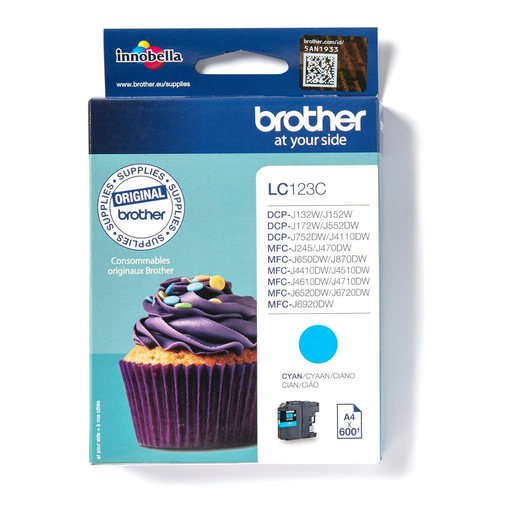
Why It Stands Out: As Original Ink from Brother, the brother lc-123c cartridge guarantees optimal calibration with the manufacturer's printers. It is designed for consistent quality and reliability.
Advantages:
Who It's For: Users of Brother printers who value maximum reliability, guaranteed compatibility, and manufacturer-defined print quality for critical documents or high-quality colour prints.
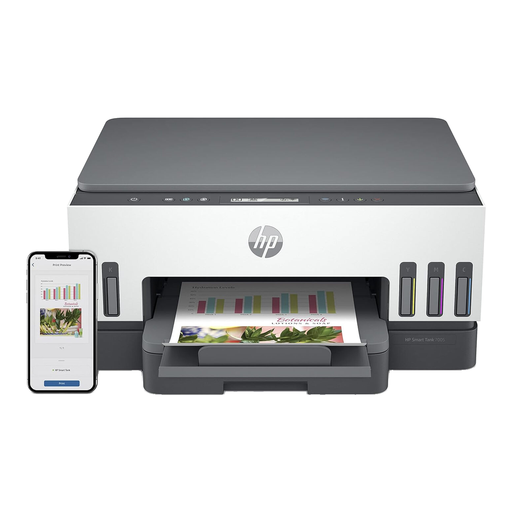
Why It Stands Out: The HP Smart Tank 7005 is an all-in-one printer that replaces the cartridge system with a refillable ink tank. According to HP, it includes up to three years of original ink in the box, drastically reducing running costs.
Advantages:
Who It's For: Families, small businesses, and home office users with high printing volumes who are looking for a long-term, economical, and more eco-conscious printing solution and are willing to make a higher initial investment for lower running costs.
Didn't find the right solution for your needs? The right printer accessories heavily depend on your specific printer model and usage profile. You can find a wider selection of devices and consumables in our Inkjet Printers category.
1. Will I void my printer's warranty by using compatible ink cartridges? As a general rule, using compatible cartridges does not automatically void your printer's statutory warranty. However, if damage to the printer is proven to be a direct result of a faulty compatible cartridge, the printer manufacturer may refuse to cover the repair costs for that specific issue.
2. How do I find the right cartridge for my printer? The easiest way is to check your printer's model name. You can usually find it on the front or top of the device. Alternatively, the cartridge model number is printed on the old cartridge you are replacing. Many online stores also offer a search tool where you can enter your printer model to find compatible accessories.
3. What does the "XL" label on ink cartridges mean? The "XL" or "High Yield" label indicates a cartridge with a larger volume of ink compared to the standard version. Although XL cartridges are more expensive to buy, they offer a significantly higher page yield. This lowers the cost per printed page, making them a more economical choice, especially for users who print regularly.