
Lieferung heute & morgen

Qualitätsgarantie

Willkommens-Angebote freischalten: KOSTENLOSE Lieferung | Bis zu 80 % RABATT | Kostenlose 30-Tage-JoyPlus-Testphase
App herunterladen
An empty cartridge is quick to replace – but finding the right printer cartridge is often far less straightforward. Similar model numbers, different fill volumes and separate colour cartridges can all lead to you ordering the wrong variant, even when the details seem to match. This applies equally to Canon printer cartridges, Epson printer cartridges, Brother printer cartridges and HP printer cartridges.
Before you buy, it’s worth avoiding three common pitfalls:
The model number on your old cartridge or in the printer menu is the most important thing to check. Also look at the list of compatible printer models in the product description. Examples from our range:
A cartridge that looks similar but has a different number is not automatically compatible. So before you buy, check the brand, printer series, model and cartridge code.
Original printer cartridges come from the printer manufacturer. The cartridge code, firmware communication and intended printer series are all matched to each other. Examples include Canon, Epson and Brother original cartridges.
Compatible printer cartridges are made by a different supplier and offered for specific printer models. An integrated chip may be needed for the printer to recognise them. Compatibility should be explicitly stated for your particular model.
Remanufactured cartridges use a previously used cartridge housing that has been cleaned and refilled, depending on the product. This can save materials, but it also requires a precise model check. Terms like “remanufactured” or “compatible” should not be treated as original accessories.
Check whether you need black ink, individual colour cartridges or a complete set. With inkjet printers, black and the colours cyan, magenta and yellow are often sold separately. This means that when a magenta cartridge runs out, you don’t necessarily have to replace the whole set.
Page yields are usually calculated according to ISO/IEC 24711 and serve as a comparison value. The actual result depends on text coverage, image areas, print quality and cleaning cycles. With a laser printer, you use toner cartridges instead of ink cartridges; the consumables are not interchangeable.
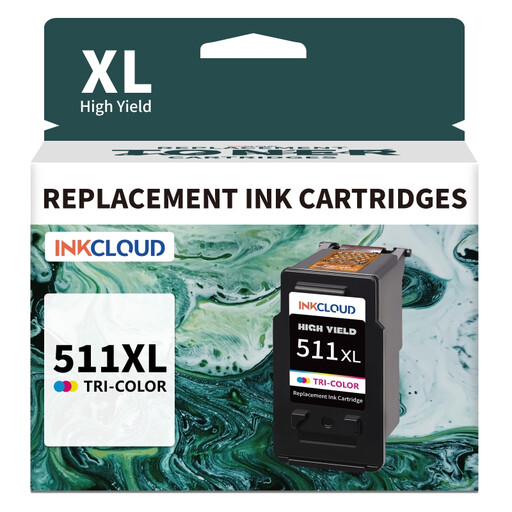
Why this product fits the profile: This remanufactured black cartridge is intended for selected Canon PIXMA MP495, iP2700 and MX410 models, making it suitable for everyday text documents.
The description lists specific Canon PIXMA models and its use as a black replacement cartridge. Check this list before ordering.
XL version and remanufactured housing; ideal for monochrome documents instead of an unnecessary colour set.
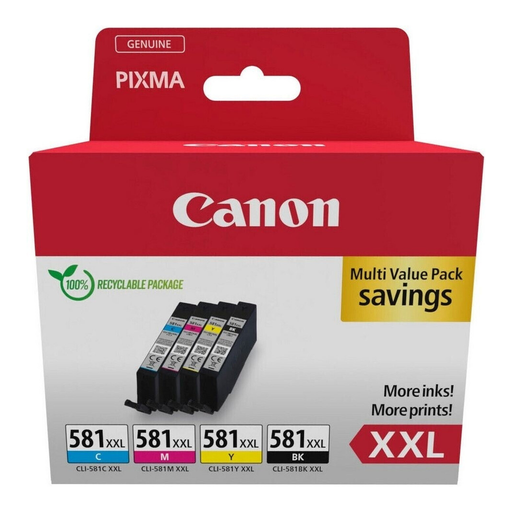
Why this product fits the profile: This original multipack contains black, cyan, magenta and yellow, and is designed for numerous Canon PIXMA models from the series mentioned.
The product data lists compatible printer models and the XXL size specifically. This allows you to match the purchase with your own PIXMA model.
Original Canon accessory; four separate cartridges in high-yield format for documents and colour printing.
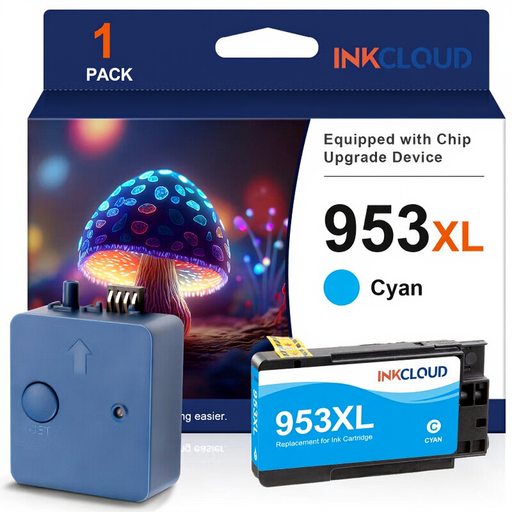
Why this product fits the profile: This set is listed for several HP OfficeJet Pro models and contains black, cyan, magenta and yellow for regular colour printing at home or in the office.
The model list and the note about a chip should be checked against your specific HP printer and its firmware before purchasing.
XL format; available as a 4-pack for multiple ink colours and regular document or graphics jobs.
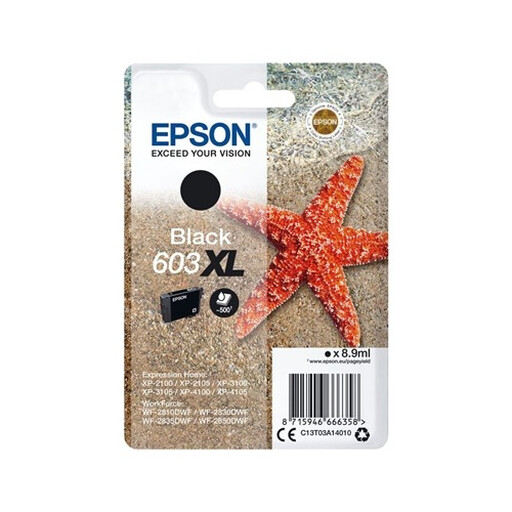
Why this product fits the profile: This single black Epson 603XL cartridge is aimed at users whose black ink consumption is higher than their colour usage.
Instead of a full colour set, you buy only the colour you need. The stated yield is 150 pages according to the product data.
Original Epson cartridge; XL size; compatible with several WorkForce and Expression Home models.
Compare the cartridge number from your printer menu, manual or old cartridge with the product description. The brand, series and full model name must also match. For compatible products, the listed model list is especially important.
Not in every case. XL printer cartridges can reduce the number of changes if you print regularly. With low print volumes, you should also consider storage time, expiry date and your actual colour usage. A multipack is worthwhile mainly when you need several colours on a regular basis.
There’s no fixed time frame that applies to all. Unopened cartridges should be stored in a dry, cool place away from direct sunlight and used within the stated shelf life. Once opened, print frequency, automatic cleaning cycles and the coverage of your printouts all affect consumption. Empty cartridges should be taken to a return or recycling point in line with local regulations, not thrown in the household waste.