
Lieferung heute & morgen

Qualitätsgarantie

Willkommens-Angebote freischalten: KOSTENLOSE Lieferung | Bis zu 80 % RABATT | Kostenlose 30-Tage-JoyPlus-Testphase
App herunterladen
When your printer's warning light flashes, a confusing search often begins. The market for printer cartridges & toner is filled with deals that seem attractive at first glance but can quickly turn into costly mistakes. As your Joybuy Product Recommendation Officer, I'm here to help you navigate the common pitfalls and make an informed decision that suits your printer and your needs.
Many users focus solely on the purchase price, overlooking crucial factors that lead to higher long-term costs and frustration.
To avoid these traps, you should check three essential parameters before you buy toner.
The most important step is to identify the correct model number for your ink cartridges or laser toner. You can find this information in several places:
Pay attention to the exact character string, for example, "Canon 054H" or "Brother LC3237Y". This is the only way to ensure the cartridge will physically fit and be recognised by the printer.
The page yield indicates how many pages you can print with one cartridge. This value is usually specified according to an ISO standard at 5% page coverage. A text page corresponds to this coverage, but a full-page photo does not. To compare the true costs, divide the price of the cartridge by the stated page yield.
Cost Per Page = Cartridge Price / Stated Page Yield
This quickly reveals whether a supposed bargain is truly economical.
Here are some recommendations tailored to different user profiles that take the above criteria into account.
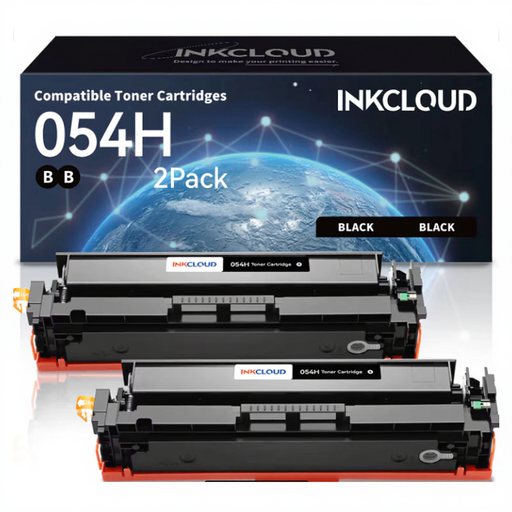
Why it fits this profile: Ideal for printing documents, school assignments, or online research where cost is the primary concern. The double pack offers excellent value for users with regular, but not excessively high, printing volumes.
This product is explicitly designed for Canon models like the LBP622Cdw and MF644Cdw, minimising the risk of incompatibility. The high page yield (H-version) ensures a low cost per page, bypassing the hidden cost trap.
Significant cost savings compared to the original product, without noticeable compromises in print quality for standard text documents.
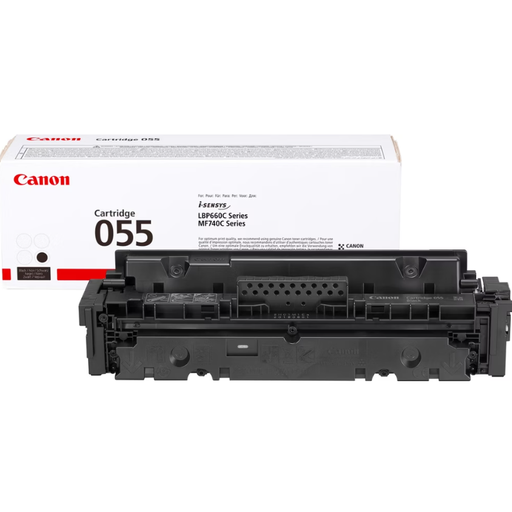
Why it fits this profile: For users who print professional documents, invoices, or presentations in a home office. Here, reliability and flawless print quality are crucial for making a professional impression.
As an Original Toner from Canon, compatibility with i-SENSYS printers like the LBP663Cdw is guaranteed. The clearly defined page yield of up to 2,300 pages provides cost transparency and protects against quality defects.
Maximum reliability and protection for your printer. The print quality is consistently high, with sharp text and no risk of smudging.
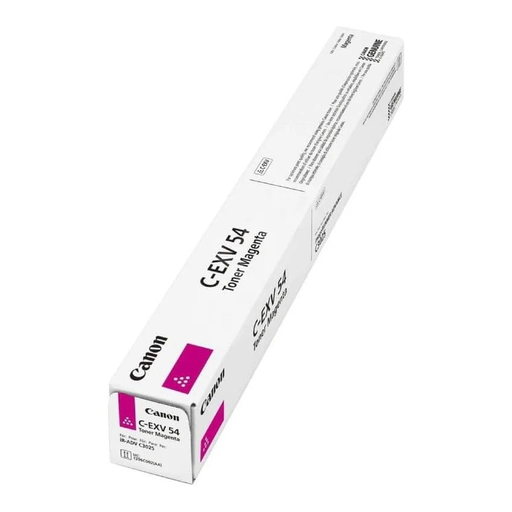
Why it fits this profile: For small businesses or departments with high printing volumes where efficiency and low operating costs are paramount. Fewer toner cartridge changes mean fewer work interruptions.
The extremely high page yield of up to 8,500 pages results in a very low cost per page and maximises cost-effectiveness. As an original Canon product, all risks regarding compatibility and quality are eliminated.
Maximum page yield for minimised operating costs and reduced maintenance. Ideal for office environments where the printer is in continuous use.
We have compiled a complete, up-to-date list of products that fully meet these strict selection criteria and all relevant safety standards.
Unopened and sealed printer cartridges and toner for printers typically have a shelf life of at least two years when stored in a cool, dry, and dark place. Once installed in the printer, they should be used within about six months, as ink can dry out and toner powder can clump due to humidity.
This is a valid concern, especially with extremely cheap, no-name products. Low-quality ink can clog the printhead, and poorly manufactured cartridges can leak. However, compatible cartridges from established suppliers, which are made for specific models, are designed to work safely. It is advisable to trust products from retailers who provide clear information on compatibility and quality standards.
The surest way is to open your printer's cover and read the model number from the currently installed cartridge. Alternatively, you can find this information in the device's manual or often on a sticker on the printer itself. A quick internet search with your printer model (e.g., "Canon i-SENSYS LBP663Cdw toner") will also lead you to the correct supplies.