Joybuy products
This selection includes projectors for family videos in a small living room, including devices with HDMI or USB connections and models described as suitable for short distances or flexible placement.
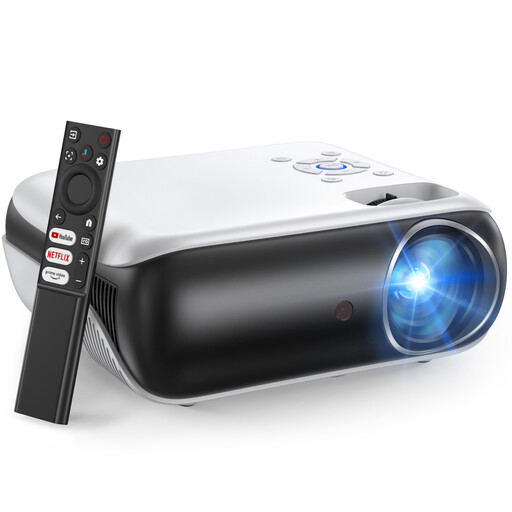 No image available
Happrun 510G projector
For family videos from devices that can be connected via HDMI or USB.
Full HD 1080p; 1,000 ANSI lumens; Google TV; HDMI and USB connections.
Joybuy
 No image available
Philoent ultra-short-throw projector
For placement close to the screen; check first that its position will work in your room.
Supports 4K/1080P; Wi-Fi 6; Bluetooth 5.4; automatic keystone correction. The product details also mention an integrated Android system.
Joybuy
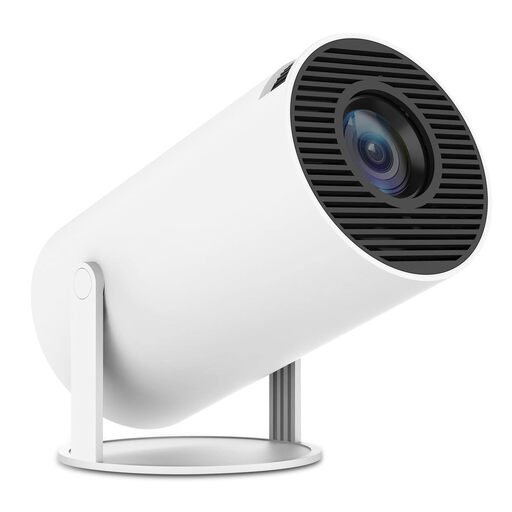 No image available
SUMTAB portable mini projector with 180° rotation
For flexible positioning; check whether your video source can connect via one of the listed ports.
Wi-Fi 6; Bluetooth 5.0; integrated apps; 180° rotation; HDMI compatibility with TV sticks, laptops and smartphones.
Joybuy
 No image available
Projector with integrated apps and 180° rotation
For different video sources; check that the listed connections and devices are compatible with your existing equipment.
Image size according to the product title: 50–200 inches; digital zoom: 50–100%; 180° rotation; compatible with HDMI, USB drives, iOS, Android and laptops.
Joybuy
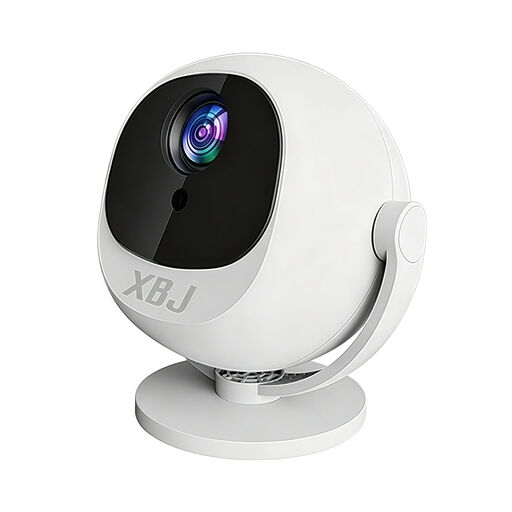 No image available
XBJ portable 360° smart projector
For family videos from compatible smartphones or PCs; check how your device will connect before buying.
Full HD 1080p; 360° rotation; Android 14; Wi-Fi, Bluetooth and HDMI; listed as compatible with smartphones, PCs and PS5 in the product title.
Joybuy
Frequently asked questions
How can I check whether the image size I want will fit in my living room?
Measure the available screen width and the possible distance from the projector lens to the screen. Divide the distance by the width and check whether the result falls within the specific model’s throw ratio. Also check its supported image sizes and placement requirements.
Can I wirelessly show any video from my smartphone?
No, universal compatibility can’t be guaranteed. For Google Cast, Google lists a Cast-enabled app and devices on the same Wi-Fi network among the requirements. For saved videos, check the specific app, a supported screen-mirroring feature or a suitable cable connection.
What should I bear in mind when setting up and cleaning the projector?
Keep the ventilation openings clear and don’t place the projector on soft upholstery or in an enclosed compartment. BenQ advises disconnecting its devices from the power supply before cleaning and using suitable tools for the lens. Always follow the instructions for your specific model.
Are a guarantee and statutory rights the same thing?
No. According to the Verbraucherzentrale, statutory consumer rights are set out in law, while a guarantee is a voluntary offer with its own terms. Also check who is responsible for servicing the product and providing any replacement parts.
What should I check for compliance when buying an electrical projector offered in Germany?
As part of its market surveillance, the Bundesnetzagentur lists the CE marking, identifiable manufacturer details, a declaration of conformity and a German instruction manual with the required warnings among the points to check. A CE marking alone isn’t an independent quality assessment of a particular product listing.


