What should you look for when buying?
First, measure the available screen width and the distance from the projector to the screen. Then check that text and maps remain legible from the back of the room.
| Consideration |
What to check before buying |
Who will find this especially important? |
| Legible text and maps |
Planned image width and native resolution; view typical slides from the back of the room. |
If I need to make out dates, map keys and subtitles from the back row, readability in the actual room is what matters. Around 36% of consumers put clear detail at a distance first. |
| Image size from the available position |
Measure the distance from the projector to the screen and the available screen width; check the throw ratio and zoom of the specific model. |
If the projector has to stay in a fixed position, I want to be sure I can achieve the required image width from there. Around 29% of consumers prioritise getting the right image size from the available position. |
| Visibility in ambient light |
Assess the light falling on the screen at presentation time; consider brightness ratings and their stated measurement alongside the planned image size. |
If the lights need to stay on so people can take notes, I still want them to be able to make out maps and text on the planned screen. Around 21% of consumers prioritise a clear image in ambient light. |
| Sound and regular use |
Test speech from the back of the room; check audio connections and model-specific information about the light source. |
If lectures are held frequently or recorded content is shown, I need clear sound and a suitable solution for regular use. Around 14% of consumers put these considerations first. |
Projectors at Joybuy
This selection includes projectors for presentations and Full HD image content. Before choosing, check that the set-up, room lighting and sound are right for your lecture room.
 No image available
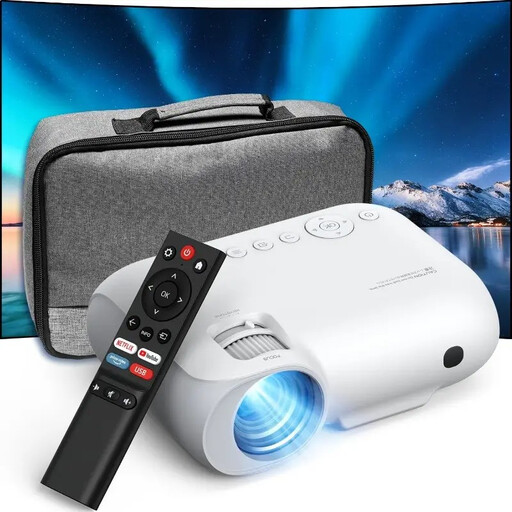
Projector with built-in app store, Wi-Fi 6 and Bluetooth, 2026 model
Could be suitable for a presentation using an HDMI-compatible source; check the desired image size and readability in your room.
The product title lists automatic image correction, 50–100% digital zoom and 180° rotation.
View at Joybuy
 No image available
YOTON Y7 Native 1080P Full HD projector
Could be suitable for Full HD lecture material; check the image size from the intended projector position.
The product title lists Wi-Fi, Bluetooth and 4K input support.
View at Joybuy
 No image available
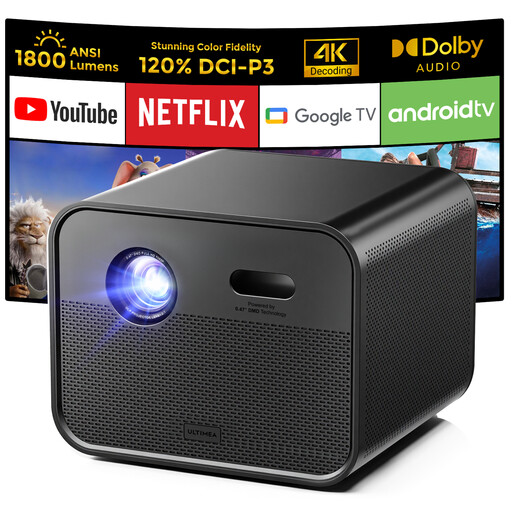
Ultimea Poseidon E100 Native Full HD 1080P DLP projector
Could be worth considering for Full HD content; check that the stated set-up works with your desired image width.
The product title lists 1,800 ANSI lumens and 4K support.
View at Joybuy
 No image available
Dangbei Atom portable laser projector, 1080p
Could be suitable for presentations with Full HD content; check the image size and visibility under typical lighting conditions.
The product title lists 1,200 ISO lumens and a portable laser design.
View at Joybuy
 No image available
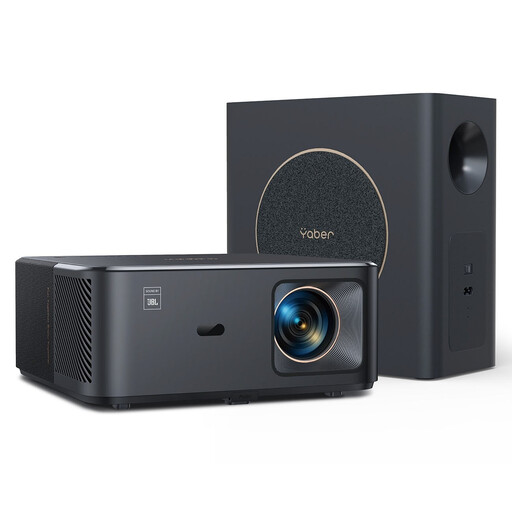
Yaber K2s Pro LCD Full HD 1080p multimedia projector
Could be suitable for Full HD lecture material; check that the throw ratio matches the intended distance.
The product title lists JBL speakers and a black finish.
View at Joybuy
Frequently asked questions
Does a long viewing distance automatically mean you need a long-throw projector?
No. Viewing distance is measured from the seat to the screen, while the throw ratio describes the projector’s position relative to the screen. First work out the image size needed from the back row, then check whether you can achieve it from the intended projector position.
Can I simply use keystone correction to align a projector positioned off to one side?
Only if the specific model supports correction in the direction you need. BenQ lists vertical 1D correction for the MH560; it also states that digital keystone correction can affect image edges, sharpness and image size. So first try to position the projector as squarely as possible.
Is the built-in speaker good enough for a recorded lecture?
A wattage rating alone does not tell you whether speech will be clear in your room. According to BenQ, the MH733 has a 10 W speaker and a 3.5 mm audio output. Test the sound from the furthest seat and, if necessary, check whether you can connect a suitable external sound system.
Who is responsible if something goes wrong, and is a manufacturer’s warranty the same as your statutory rights?
When you buy from a trader in the EU, you are generally entitled to a minimum two-year legal guarantee from the seller, starting when you receive the goods. Your Europe explains that any additional manufacturer’s warranty is separate; check its specific terms separately.
What are the rules on labelling and disposal in Germany?
Products must carry a CE marking where the relevant harmonised EU rules require it; it is not a central EU quality mark. Electrical and electronic waste must not be put in mixed waste but should be taken to separate collection schemes. The German Environment Agency provides information about local collection points, which generally accept electrical and electronic waste free of charge.


