What should you look for when buying?
Start by deciding on the distance and image width. Then consider the room’s lighting, audio and playback source to work out whether a mains-powered or portable projector is better suited to your viewing spaces.
There are five main priorities to consider when choosing a projector for a shared flat in Germany.
| What matters |
What to check when buying |
Who is this important to? |
| Image size and positioning |
Measure the image width and distance, then compare them with the model’s throw ratio. |
If I only have a few places to set up the projector, I want to know whether I can achieve my preferred image width from the available distance. Around 28% of consumers put finding the right position first. |
| Stage scenes and subtitles |
Consider the room’s ambient light and image size; check the native resolution and how the brightness figure was measured. |
If I want to make out details and subtitles in a room with some ambient light, the image needs to suit the conditions in the communal room. Around 22% of consumers prioritise image clarity. |
| Dialogue and audio |
Check that your existing speakers or headphones are compatible with the projector’s connections, and consider its operating noise in the mode you want to use. |
If I want dialogue to be clear without unnecessarily disturbing my flatmates, I’ll look for a suitable audio connection and good sound. Around 22% of consumers prioritise audio that works well in a shared flat. |
| Playing the recording |
Choose the service, file or source device you’ll use, then check the required app and connections for that option. |
If my theatre recording is already on a particular device or service, I want to be able to play it from there. Around 17% of consumers prioritise compatibility with their playback source. |
| Portability and power |
Compare battery life in your intended mode with the recording’s duration; don’t assume separately sold accessories are included. |
If I regularly move the projector or won’t always have a socket nearby, an easy portable setup matters to me. Around 11% of consumers focus mainly on moving the projector and its power supply. |
Projectors at Joybuy
Joybuy projectors to consider for watching recorded theatre performances in a shared flat, with options for different viewing spaces.
 No image available
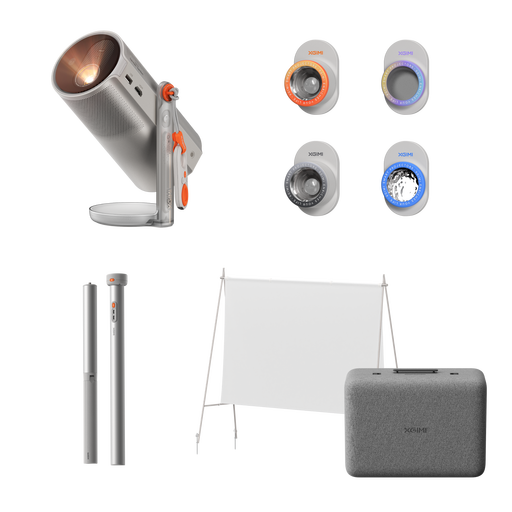
XGIMI MoGo 4 Match Night EU Edition with EA SPORTS FC 26 Game Code
Could suit different viewing spaces if a built-in battery and streaming features work with your planned playback source.
Full HD 1080p, 450 ISO lumens, Google TV, Harman Kardon audio and 2.5 hours of battery life according to the product specifications.
Joybuy
 No image available
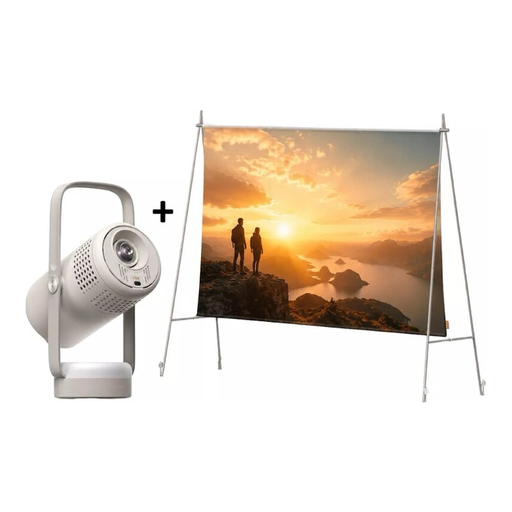
XGIMI Vibe One Match Night Collection
Could work for a mobile viewing night if you’d like to use a screen and stand with built-in audio, all in one set.
Full HD 1080p, 250 ISO lumens, Google TV and JBL audio. The set includes a 70-inch screen and a stand; stated video playback time in Eco mode is up to 1.2 hours.
Joybuy
 No image available
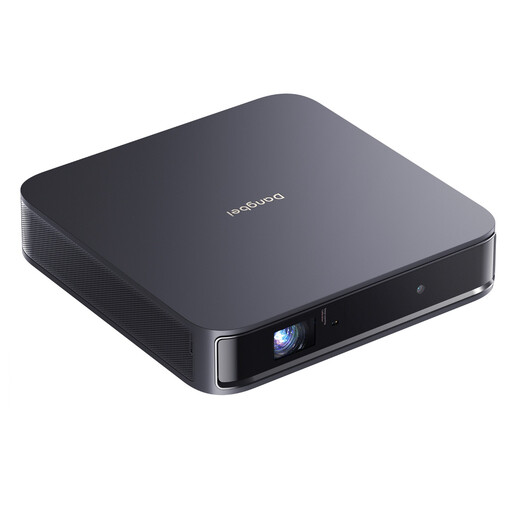
Dangbei Atom Portable Laser Projector
Could suit recorded theatre performances if native Full HD resolution, streaming and built-in speakers work for your room and preferred playback source.
Native 1080p, 1200 ISO lumens, 1.2:1 throw ratio and two 5 W speakers. The product name also mentions 4K HDR input; this isn’t the same as native 4K resolution.
Joybuy
 No image available
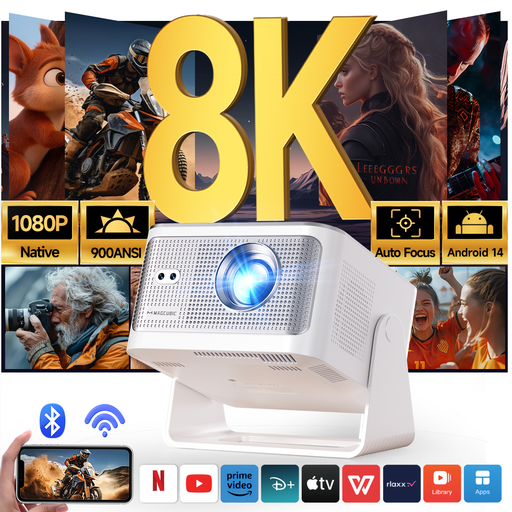
Magcubic HY350Max Smart Projector
Could be worth considering if projection distance is limited, provided the stated 1:1 throw ratio works with your preferred image width and setup.
Native 1080p, 900 ANSI lumens, 1:1 throw ratio and Bluetooth 5.4.
Joybuy
 No image available
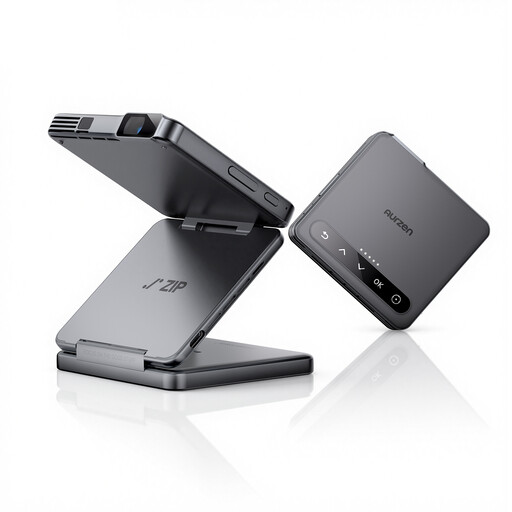
Aurzen Tri-Fold DLP Mini Projector
Could suit mobile viewing spaces if your chosen recording can be played through a compatible source device.
5000 mAh battery and 1.5 hours of battery life according to the product specifications; the description lists USB-C and ToF autofocus. Google Cast isn’t supported, and the description says screen mirroring isn’t possible with Google Pixel and Motorola phones or Chromebooks.
Joybuy
Frequently asked questions
How do I check whether the image will fit in our shared flat?
Measure the available image width and the possible distance between the lens and the screen. The throw ratio is the distance divided by the image width; compare your measurement with the specifications for the exact model.
Is a built-in speaker enough for a theatre recording?
It depends on where people are sitting, how loud you want the sound and the recording itself. If you want to use existing speakers, check how they connect to the projector’s outputs. BenQ lists a 3.5 mm audio output and HDMI ARC among the GV50’s connections.
What should I check about power consumption and service?
Before buying, compare the power consumption and warranty terms for the exact model. Battery life tells you how long you may be able to use the projector without mains power; it isn’t the same as power consumption when plugged in.
Is every theatre recording cleared for a shared-flat viewing or a larger screening?
There’s no blanket yes or no for a specific screening. The German Patent and Trade Mark Office explains that public performance of a copyright-protected work generally requires prior permission. Whether a particular screening falls under this rule, and what rights the recording covers, depends on the work, the licence and the circumstances.
What should I look for in a projector sold in Germany?
The German Federal Network Agency lists CE marking, product traceability and correct manufacturer details among the points checked during market surveillance. Check these details on the specific product listing and device.


