What should you look for when buying?
First, check the view from the seats at either end, then plan where the projector will go. Draper, Inc. and Da-Lite / Legrand AV cover viewing angles and screen surfaces, while BenQ Deutschland explains projection distance and digital keystone correction.
Centrally positioned projector, wide seating area
A good fit if: you can position the projector centrally and want those at either end of the seating area to have a good view. Check the view from the furthest seats and the screen-surface specifications.
Trade-off: A high-gain screen that directs light more narrowly may restrict the side viewing area. A matte white screen needs controlled ambient light for good contrast. Draper, Inc. and Da-Lite / Legrand AV explain this trade-off.
Projector positioned to one side with lens shift
A good fit if: the projector has to stay off-centre and its documented horizontal adjustment range covers the planned position. Epson Deutschland and XGIMI Deutschland list models with horizontal lens shift.
Trade-off: Projection distance, image size and adjustment ranges all need to work together. For the XGIMI HORIZON 20 Max, the stated maximum horizontal shift applies only when vertical shift is set to 0.
Digital keystone correction
A good fit if: you move the projector between locations or need to correct a small alignment issue that can’t be resolved another way. Test the required correction in the planned position using both a film image and text.
Trade-off: BenQ Deutschland notes that digital correction can affect image edges, image size and sharpness, among other things. It won’t improve the screen’s viewing angle.
| Priority |
What to check when buying |
Who it matters most to |
| Viewing from the side |
The viewing angle and surface of the specific screen; test the view from the furthest seats. |
If I’m planning a wide seating area, I want a clear picture from the seats at either end, too. Around 36 % of consumers say side-on viewing is their top priority. |
| Projector positioned to one side |
Check the projection distance and image size against the stated horizontal lens-shift range; don’t confuse it with vertical shift. |
If the projector has to sit off-centre, I need an alignment that works in my room. Around 29 % of consumers prioritise the projector’s position to one side. |
| Lighting and text readability |
Consider the ambient light during movie night, image size and screen together; check text from the seats at either end. |
If the lights will stay on for a discussion, I want to assess the picture and on-screen text in those conditions. Around 21 % of consumers prioritise ambient light and text readability. |
| Sound and source connections |
Check the connections and audio output of the specific model against your film source and planned sound system. |
If I want to use a film source and a separate sound system, the connections need to work together. Around 14 % of consumers put sound and source connections first. |
Key brands at a glance
The model features below can help you compare specific installation options; they don’t apply as a blanket statement to every product from a brand.
Epson
Epson Deutschland describes the Epson EH-LS11000W as having horizontal and vertical lens shift.
- Epson Deutschland specifies horizontal ±47,1 % and vertical ±96,3 % for this model.
- These figures don’t prove that every combination of room depth, image size and side-to-side offset is possible. Check your specific set-up and screen.
XGIMI
According to XGIMI Deutschland, the HORIZON 20 Max combines horizontal and vertical lens shift with optical zoom. The HORIZON S Max is described as having a flexible stand and automatic digital image adjustment.
- XGIMI Deutschland specifies up to ±45 % horizontal shift for the HORIZON 20 Max.
- According to the manufacturer, this maximum horizontal shift applies only when vertical shift is set to 0. The stand and automatic keystone correction on the HORIZON S Max don’t demonstrate the same optical adjustment range.
BenQ
BenQ Deutschland’s current model page lists vertical lens shift and 2D keystone correction for the W2710i.
- These specifications offer two different ways to assess installation and image alignment.
- Don’t assume there’s a horizontal optical adjustment range for side-on installation; check the exact model specifications.
ViewSonic
ViewSonic’s product page for the X1-4K lists vertical lens shift, optical zoom and side projection features.
- These features may be useful when planning a flexible installation.
- They don’t reliably confirm horizontal optical shift for the X1-4K. Check the specifications for this exact model.
Optoma
Optoma Deutschland’s home cinema overview lists zoom and lens shift as installation options for models in the UHZ range.
- The overview points to different installation features across the range.
- It doesn’t confirm that every model has the same adjustment range or is suitable for a particular seating or projector angle.
Joybuy product selection
The Joybuy picks below cover flexible image positioning, portable movie nights and projector-and-screen bundles. Check the specific model’s specifications to see whether it offers the horizontal optical lens shift you need.
 No image available
XGODY N7 Cine Smart Projector, 1000 ANSI Lumens, native 1080p
For flexible image positioning, if the gimbal and automatic keystone correction suit your planned set-up.
Native 1080p; 1000 ANSI Lumens; 90° rotation; automatic keystone correction. The product description specifies a projection distance of 1,33 m for 60 inches.
Digital correction doesn’t confirm horizontal optical lens shift and won’t improve the screen’s side viewing angle.
View at Joybuy
 No image available
XGIMI MoGo 4 Portable Projector, Match Night EU Edition
For movie nights on the move, if you’re looking for a portable projector with built-in playback and battery.
Full HD 1080p; 450 ISO Lumens; Google TV; Harman Kardon Audio; 2.5-hour battery life; EA SPORTS FC 26 Game Code.
These product features don’t confirm lens shift or a particular light distribution across the screen.
View at Joybuy
 No image available
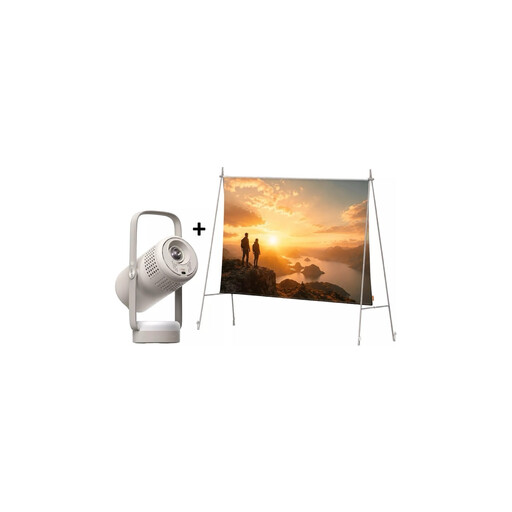
XGIMI Vibe One Match Night Collection
For a portable movie night when you need a projector and screen together.
Full HD 1080p; 250 ISO Lumens; Google TV; JBL Audio; built-in battery; 70-inch screen with stand.
Automatic keystone correction is a digital adjustment, not proof of horizontal optical lens shift.
View at Joybuy
 No image available
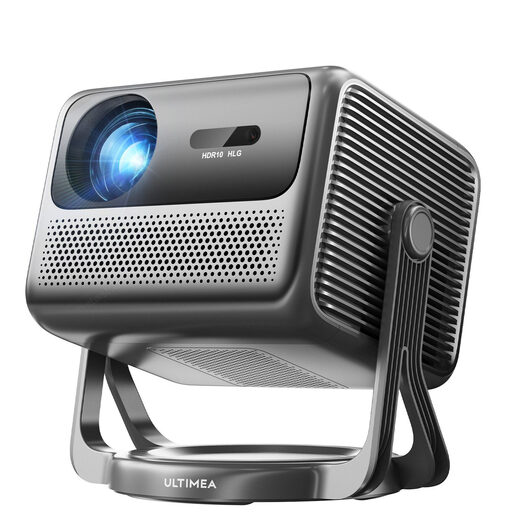
ULTIMEA Nova C40 Android TV 4K Projector
For flexible image positioning, if the gimbal and automatic keystone correction suit your planned installation.
1080p Full HD; 600 ANSI Lumens; 90° gimbal; automatic keystone correction; Android TV.
Digital correction isn’t a substitute for explicitly stated horizontal optical lens shift.
View at Joybuy
 No image available
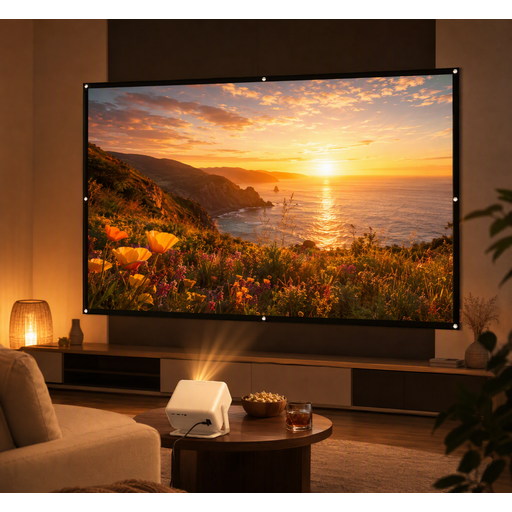
XGODY Gimbal A6 Pro Portable Projector with 100-inch screen
For movie nights when you need a portable projector and screen together.
According to the product name, the bundle includes a portable projector and a 100-inch screen.
This doesn’t confirm that the screen surface is suitable for a wide side viewing area, so assess it separately.
View at Joybuy
Frequently asked questions
Does horizontal lens shift help guests sitting at either end?
No. Horizontal lens shift moves the projected image to suit the projector’s position. For side-on seating, check how the specific screen distributes light and its viewing area.
How should I plan image size and installation?
Measure the available distance between the projector and screen, decide on your preferred image size, then check both against the specifications for the specific model. Finally, check the view from the furthest seats.
What ongoing costs and post-purchase rights should I check?
Check the light source, maintenance and accessory requirements for your model, as well as the terms of any additional manufacturer’s warranty. When buying consumer goods, you’re generally entitled to a minimum two-year legal guarantee from the seller. For distance sales, you generally have a 14-day right to cancel, subject in each case to the applicable legal conditions. Your Europe explains these EU-wide consumer rights.
Can I simply show a film at a public discussion event?
Not just because you own a projector or have access to the film. Copyright law distinguishes public screenings from screenings for a group of people who are personally connected, and covers the public showing of films. Before a public screening, you’ll need to establish whether the specific event counts as public and what usage rights apply. Sections 15 and 19 of the German Copyright Act (UrhG) are relevant.
What should I know about product safety and disposal in Germany?
The Federal Network Agency lists CE marking, product identification and manufacturer details among the points to check in its market surveillance guidance. A projector that has reached the end of its life should be returned as waste electrical equipment, for example to a suitable local collection point. The German Environment Agency explains the return options.


