What should you look for when buying a projector?
Laptop or media player via HDMI
A good choice if: You have a playback device and would rather play the files from it, especially if you haven’t checked their formats yet.
Bear in mind: You’ll need to set up the playback device and connecting cable, and may also need an additional power supply.
Direct playback from USB storage
A good choice if: You want to show films without a separate playback device and the specific model supports USB playback of your files.
Bear in mind: A USB port alone doesn’t confirm that the projector can play the video and audio formats used by your film files.
The figures below offer a rough guide to the priorities that may matter most when buying a projector for digitised family films.
| Priority |
What to check before buying |
Who is it important to? |
| Playing films stored locally |
Check for a USB reader function rather than just power delivery, or make sure the playback device’s HDMI output matches the projector’s input. For direct USB playback, test an original file with its audio. |
If I want to play different film files without any surprises, I’ll first work out which playback method is right. Around 36% of consumers put file playback first. |
| Easy viewing for everyone |
Check the units used for the brightness figures and assess the image in your usual lighting conditions. |
For a film night with others, everyone needs to be able to follow the picture easily in the room’s usual lighting. Around 29% of consumers prioritise visibility. |
| The right image size for your space |
Measure the available projection distance and desired image width, then check them against the throw ratio of the specific model. |
If space for the projector is limited, I want to know in advance whether I can get the image width I want from that position. Around 21% of consumers prioritise finding the right setup. |
| Showing films in different locations |
Compare the length of your film with the quoted battery life in the mode you plan to use, and arrange mains power if needed. |
If I want to show films in different rooms without relying on a power socket, I’ll pay particular attention to portability and battery life. Around 14% of consumers prioritise showing films in different locations. |
Joybuy products for film night
The Joybuy projectors below are selected with film nights using an external playback device in mind. For each model, check that it has the right connection and that your laptop or media player can play your files with audio.
 No image available
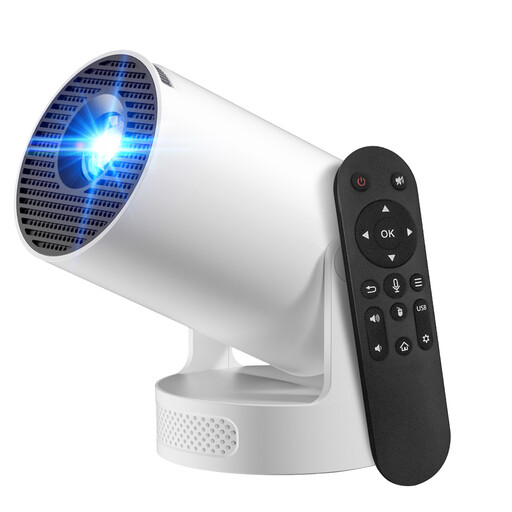
Projector with Play Store and 180° rotation
Suitable for film night with an external playback device, provided the connections are compatible with your equipment.
The product title lists HDMI compatibility, automatic picture correction and 180° rotation.
View at Joybuy
 No image available
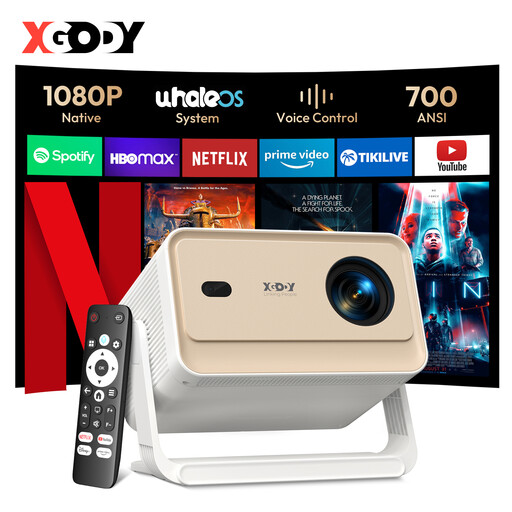
XGODY Gimbal N6 Pro
Designed as a portable projector for film nights with an external playback device; check that the connections are compatible with your equipment before buying.
The product title lists native 1080P, 700 ANSI, autofocus and automatic keystone correction.
View at Joybuy
 No image available
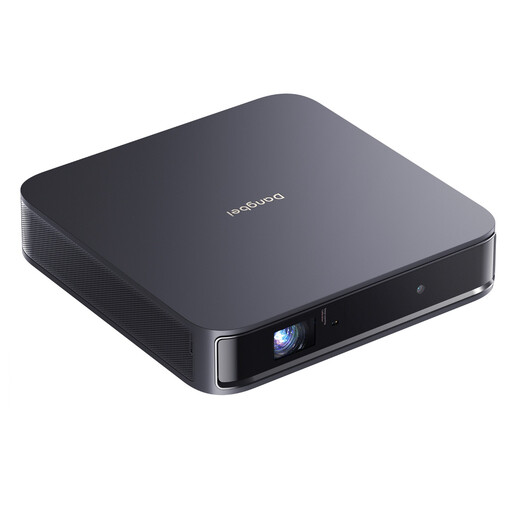
Dangbei Atom
Designed for a film night with an external playback device; check the connections on the specific model and make sure your playback device can play your files.
The product title lists 1080p, 1200 ISO lumens and 2 × 5 W Dolby Audio.
View at Joybuy
 No image available
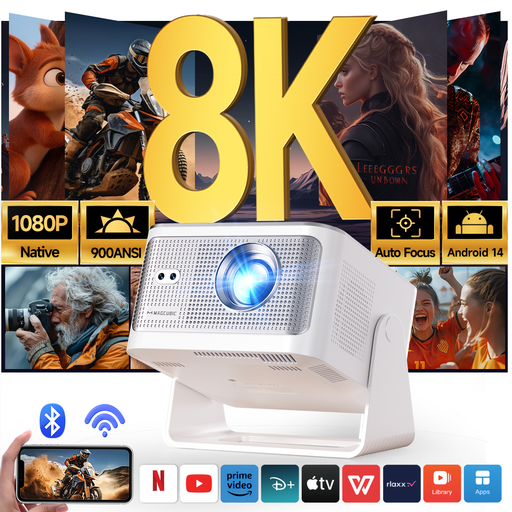
Magcubic HY350Max
Suitable for showing films with an external playback device, provided its connection is compatible with the projector.
The product title lists native 1080P, 900 ANSI, HDMI compatibility and automatic keystone correction.
View at Joybuy
 No image available
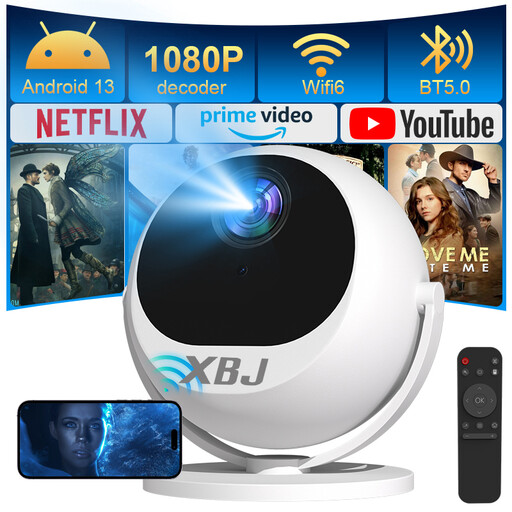
XBJ 360° smart projector
The 360° rotation gives you different projection angles for your film-night setup; check the image width and distance at the intended position.
The product title lists Full HD 1080P, 500 lumens and HDMI compatibility.
View at Joybuy
Frequently asked questions
Is a USB port enough for the projector to play our old film files?
No. A USB port alone doesn’t confirm that the projector can play film files. ViewSonic describes USB on the PX701HD as a power supply, while BenQ specifically lists a reader function for the GV50. For direct playback, check that the model supports your video and audio formats and, if possible, test an original file.
How should I prepare the viewing area?
Measure the available projection distance and the image width you want, then check both against the throw ratio of your chosen model. Also decide whether you’ll connect a laptop or media player via HDMI, or need a documented USB reader function.
What should I consider for longer film nights without a power socket?
Compare the total film length with the quoted battery life for the mode you plan to use. XGIMI quotes up to 2.5 hours in Eco mode for the MoGo 4, while Anker quotes the same for the soundcore NEBULA Mars 3 Air. These figures apply to the respective models and the mode specified.
Who should I contact about a faulty purchase, and is a manufacturer’s guarantee the same thing?
For a purchase from a trader, you have a legal right to a minimum two-year guarantee from the date you receive the goods. An additional commercial guarantee doesn’t replace this right, as explained on the EU’s Your Europe information page.
Can I put an old projector in general waste in Germany?
No. The German Environment Agency says that discarded electrical and electronic equipment must be disposed of separately from household waste. This applies to disposing of an old projector, not choosing a new one.


