Key buying criteria for local files with subtitles
First decide whether you want to use a playback device that already works, connected via HDMI, or open files directly on the projector. Then check the picture, distance and set-up in the room where you’ll actually be watching.
| What matters |
What to look for when buying |
Who is it important to? |
| Playing files and subtitles |
Check the video, audio and subtitle formats supported by the specific model; for HDMI playback, set up subtitles on the playback device. |
If I want to watch my own files without interruptions and with the right subtitle track, I’ll check the entire playback set-up. Around 33% of consumers are likely to consider files and subtitles their most important buying factor. |
| Reading subtitles clearly |
Distinguish native resolution from supported input signals; check how the text looks at your planned image size and room lighting level. |
If I want small text to be easy to make out, focus, viewing distance and ambient light all matter. Around 25% of consumers are likely to prioritise subtitle readability. |
| Positioning the projector in the room |
Measure the distance, desired image width and seating position; check these against the model’s throw ratio and adjustment range. |
If space is limited, I want to know whether the image size and projection distance will work together. Around 25% of consumers are likely to give the most weight to how the projector will fit in their room. |
| Playback devices and accessories |
Check the devices and cables you already have, along with the projection surface you need and the details of the specific offer. |
If I don’t want to put together a whole playback system first, I’ll take the accessories I already own into account. Around 17% of consumers are likely to prioritise the overall effort involved in set-up and accessories. |
Joybuy products for flexible positioning and HDMI playback
The following Joybuy models include portable projectors and devices with flexible positioning. For local dramas, you should also check that the specific model can play your files and subtitles.
 No image available
XGIMI MoGo 4, Match Night EU Edition with EA SPORTS FC 26 Game Code
The built-in battery may be useful if you move the projector between locations; check separately that it can play your local files.
Full HD 1080p, Google TV, 450 ISO lumens and Harman Kardon audio, according to the product name. XGIMI lists up to 2.5 hours of video playback in Eco mode for the MoGo 4.
View at Joybuy
 No image available
XGIMI Vibe One, Match Night Collection
Its portable design and the projection screen with stand mentioned in the title may be useful for flexible viewing; file formats and subtitles still need to be checked separately.
FHD 1080p, Google TV, 250 ISO lumens, JBL audio and a built-in battery, according to the product name. The title also mentions a projection screen with stand.
View at Joybuy
 No image available
Portable Full HD projector with Wi-Fi and Bluetooth
The portable design may suit you if you often move your projector around. For local files, check which playback options and subtitle formats the specific device supports.
Full HD 1080p, plus Wi-Fi and Bluetooth connectivity, according to the product name.
View at Joybuy
 No image available
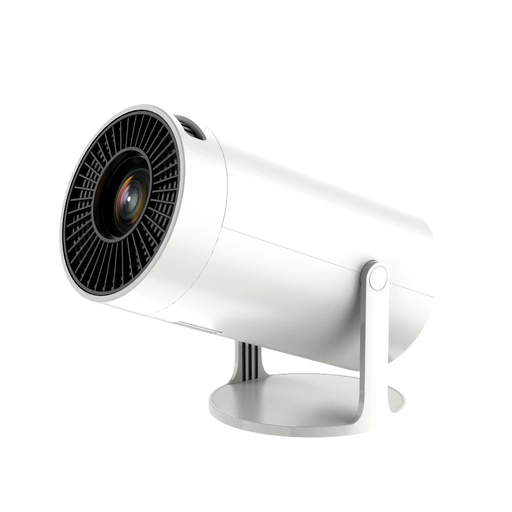
Projector with built-in apps and Play Store
The title lists HDMI compatibility for an external playback device. Check in advance that your preferred playback set-up and subtitles will work with it.
The title lists Wi-Fi 6, Bluetooth, automatic image correction, 180° rotation and 50–100% digital zoom. The stated projection size is 50–200″.
View at Joybuy
 No image available
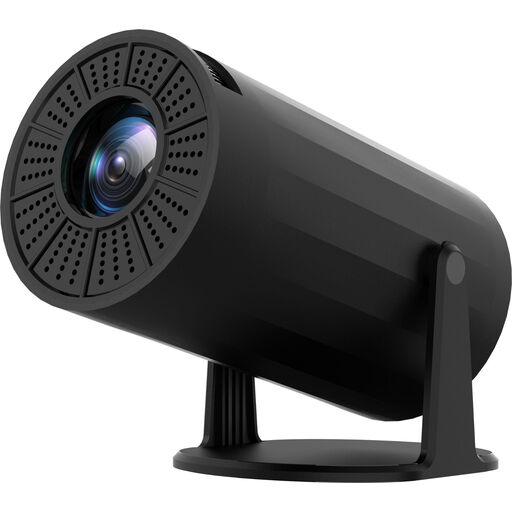
Mini projector with Wi-Fi and Bluetooth, 720p
The title lists HDMI for connecting an external playback device. Check that your playback device can play local files and display subtitles as you want.
720p, HDMI and USB, plus automatic keystone correction and a projection angle adjustable by 180°, according to the product name.
View at Joybuy
Frequently asked questions about projectors and subtitles
Does the projector need to support SRT subtitles itself?
Only if you want to play the files directly on the projector. If you use a computer as an HDMI playback device, the player on the computer can display the subtitles. VideoLAN’s documentation for VLC Desktop mentions SRT among other formats and explains how to select subtitle tracks; for direct playback, check support for the specific projector.
What can I do if subtitles are missing or too small?
First, check in the player you’re using that the right track is selected or that a separate subtitle file has been loaded. VideoLAN’s documentation explains how to adjust the font and font size for compatible text subtitles; the same changes can’t be made to image-based subtitles.
What are my rights if a projector bought online is faulty or unsuitable?
When you buy from a business seller, statutory rights generally apply if the goods are faulty. Your Europe states that consumers in the EU have at least two years from receipt for consumer goods. For eligible online distance sales, you generally have a 14-day right to cancel from delivery, subject to statutory conditions and exceptions. If you’re buying from a marketplace, also check who the seller is.
Is every locally stored drama file a lawful private copy?
No. Section 53 of the German Copyright Act (UrhG) permits individual copies for private use only under certain legal conditions, and excludes, in particular, copies made unlawfully or made publicly available unlawfully. The specific file must therefore come from a lawful source.
How do I set up subtitles when playing via HDMI?
Select the subtitle track in the HDMI playback device’s player or load the separate subtitle file there. VideoLAN documents how to select subtitle tracks in VLC Desktop and lists supported formats, including SRT; for other players, check which files and settings they support.


