For Players Who Want Tactile Game Feedback
When you’re playing a game with supported haptic feedback and adaptive triggers, the controller brings in-game sensations and actions to your hands, making those moments feel more tangible as you play.


Add a splash of colour to your PS5 setup with the PlayStation DualSense Wireless Controller in Starlight Blue. Its haptic feedback and adaptive triggers bring supported in-game actions and sensations to your hands. Use it to play and navigate menus, with a built-in microphone, mute and Create buttons, touchpad, motion sensor, stereo speaker and 3.5 mm audio jack close at hand. Bluetooth connectivity and USB-C charging make it a practical choice for PS5 players seeking familiar controls and wireless play.
Before buying a wireless game controller, check that it works with your console or PC and suits the games you play. Connection type, comfort and battery life can make a noticeable difference during longer sessions.
Compare these practical criteria to find a controller that fits your setup and playing habits.
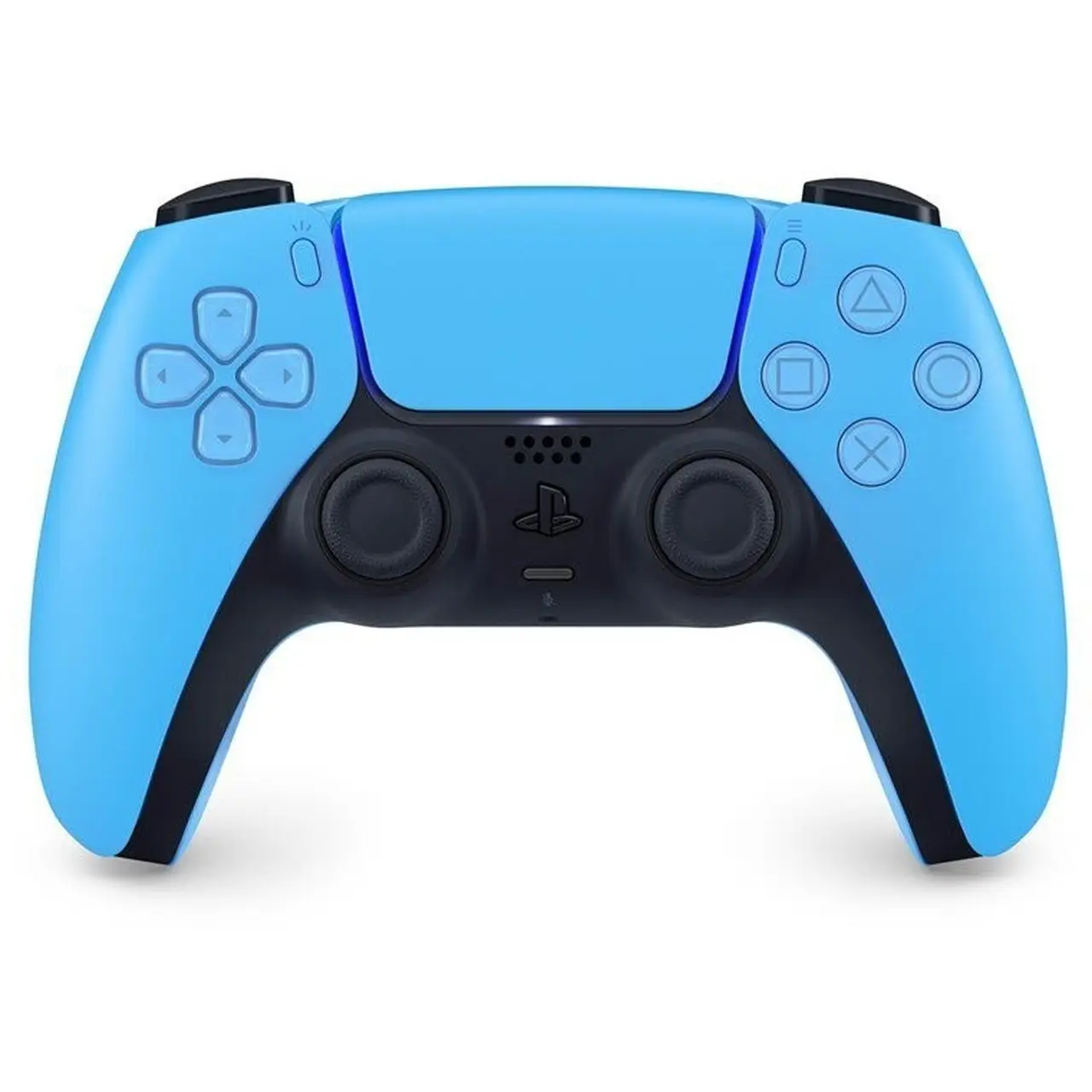
Step further into supported PlayStation 5 games with haptic feedback that delivers responsive sensations through the controller, helping in-game moments feel more immediate and engaging. Adaptive triggers add another layer of interaction, with variable resistance that can reflect supported actions such as drawing equipment or accelerating. Together, these technologies connect what happens on screen with what you feel in your hands, making exploration, action and everyday play feel more involving. Pick up the Starlight Blue DualSense and enjoy a controller designed to make compatible experiences feel wonderfully hands-on.
Familiar controls make it easy to navigate menus and settle into play, while the touchpad and motion sensor offer additional ways to interact in compatible games. A built-in stereo speaker brings selected audio details closer, and the built-in microphone lets you connect with other players. Use the dedicated mute button to manage microphone input, then press the Create button to access creative sharing features on PlayStation 5. With a 3.5 mm audio jack also included, the controller brings useful play, communication and sharing options together in one comfortable design.
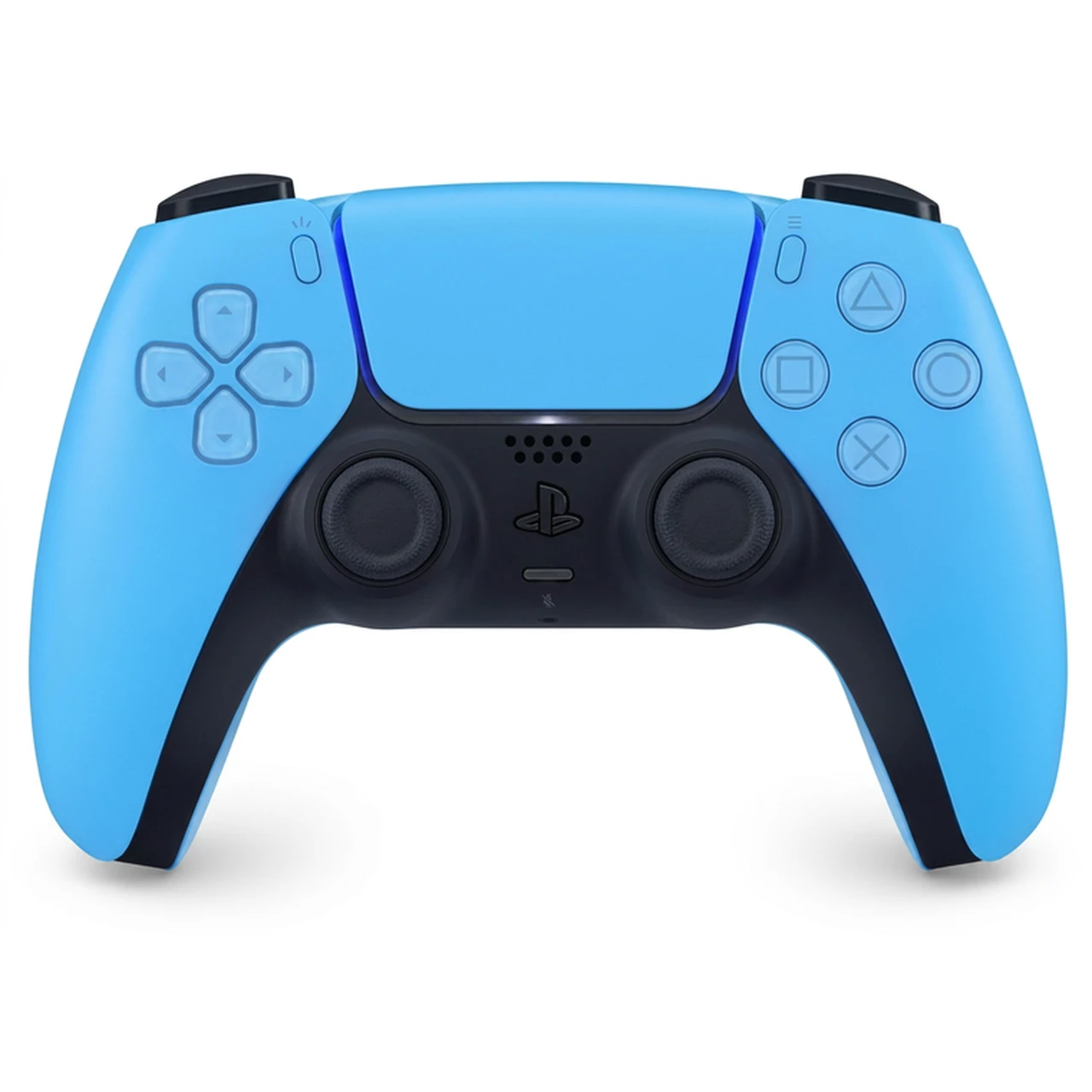
Enjoy a flexible setup with Bluetooth connectivity, which lets the DualSense connect wirelessly with compatible devices, and use USB-C charging to recharge the controller conveniently. Its Starlight Blue finish adds a distinctive splash of colour to your gaming setup, while the familiar PlayStation layout feels immediately recognisable in your hands. Designed for PlayStation 5, this controller combines everyday convenience with immersive features, making it a natural companion for gaming sessions, menu navigation and sharing moments from your favourite supported titles.
When you’re playing a game with supported haptic feedback and adaptive triggers, the controller brings in-game sensations and actions to your hands, making those moments feel more tangible as you play.
When you want to talk with other players without picking up a separate microphone, use the built-in mic and mute button to manage your voice chat from the controller, so it’s easier to stay in the conversation and mute yourself when needed.
If you want to play without a controller cable connecting you to your PS5, Bluetooth keeps your connection wireless, while USB-C charging makes recharging straightforward when needed, so cable management is less of a distraction during play.
When a game uses touchpad or motion-sensor controls, you can respond with those inputs directly from the controller, giving you another way to interact with supported game features.
Yes, this PlayStation DualSense controller is designed for the PS5 and connects wirelessly over Bluetooth. Its haptic feedback and adaptive triggers bring supported in-game actions to life, while the touchpad, motion sensor and familiar PlayStation controls help with navigation and play. Choose it for a matching Starlight Blue look and PS5 control.
Pair the DualSense with a PC or mobile device through Bluetooth by holding the PS and Create buttons together until the light bar flashes. Then select the controller in your device’s Bluetooth settings. Once paired, you can use its controls in compatible games and navigate supported menus.
Charge the controller through its USB-C port using a USB connection, and keep it away from heat, fire and moisture. It has a built-in 1,560 mAh lithium-ion battery, so use it as intended and store it in a cool, dry place when you are finished playing. This helps you care for the controller between sessions.
Discover more of your favourite brands on Joybuy with great offers