Digital-First PlayStation Gamers
If you prefer buying games digitally rather than using discs, download titles from the PlayStation Store with a PlayStation Network account and enjoy a disc-free way to play.


The PlayStation 5 Slim Digital Edition brings digital gaming to a compact console, with an 825 GB SSD for games downloaded from the PlayStation Store using a PlayStation Network account. Its custom CPU, GPU and SSD support fast loading, while compatible games can use DualSense haptic feedback and adaptive triggers for more immersive play. It suits players who prefer downloading games over using discs, whether for solo adventures or shared gaming; a DualSense wireless controller and ASTRO’s PLAYROOM are included, with 3D audio available through supported setups.
The right gaming console depends on the games you want to play, the screen and sound system you already own, and how you prefer to buy and store games. Compare the full cost too, including accessories, online services and extra storage.
Use these criteria to narrow down your options and choose a console that suits your setup and playing habits.
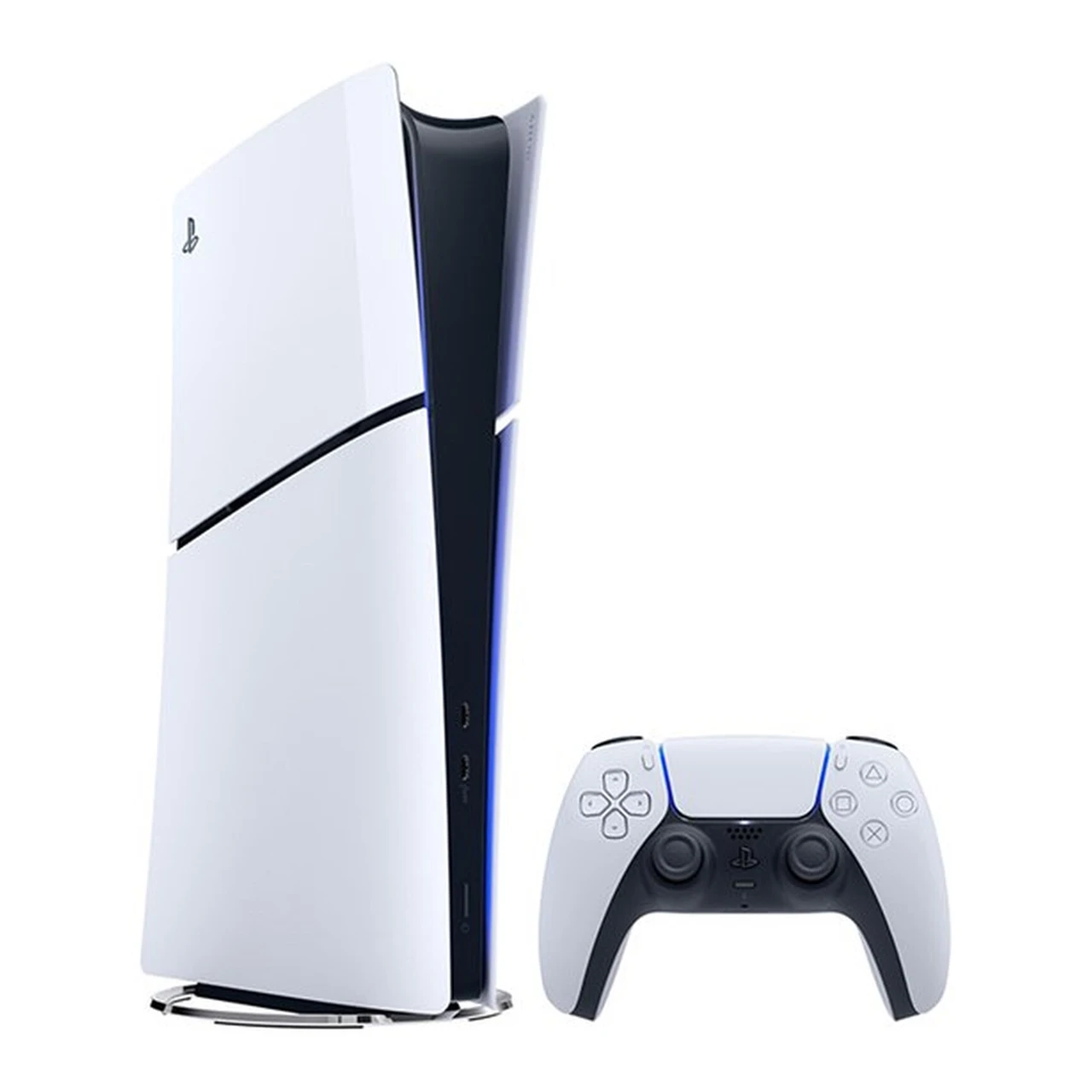
The PlayStation 5 Slim Digital Edition brings your downloaded games together on an 825 GB SSD, giving you a dedicated space to build a library from the PlayStation Store. Connect through a PlayStation Network account to explore digital games and choose your next adventure. Its custom CPU, GPU and SSD work together to support fast loading, helping you get into compatible games quickly and enjoy a responsive experience from the start. With a disc-free design, the console is made for players who want their gaming collection in digital form.
Compatible games can bring every moment to life through the DualSense wireless controller, with haptic feedback adding tactile sensations to gameplay and adaptive triggers creating dynamic responses in supported experiences. These features help make actions feel more engaging, from exploring new worlds to taking on a challenge. The console also supports 3D audio through compatible setups, adding another layer to supported games. Together, these technologies create an immersive way to experience the adventures in your digital library.
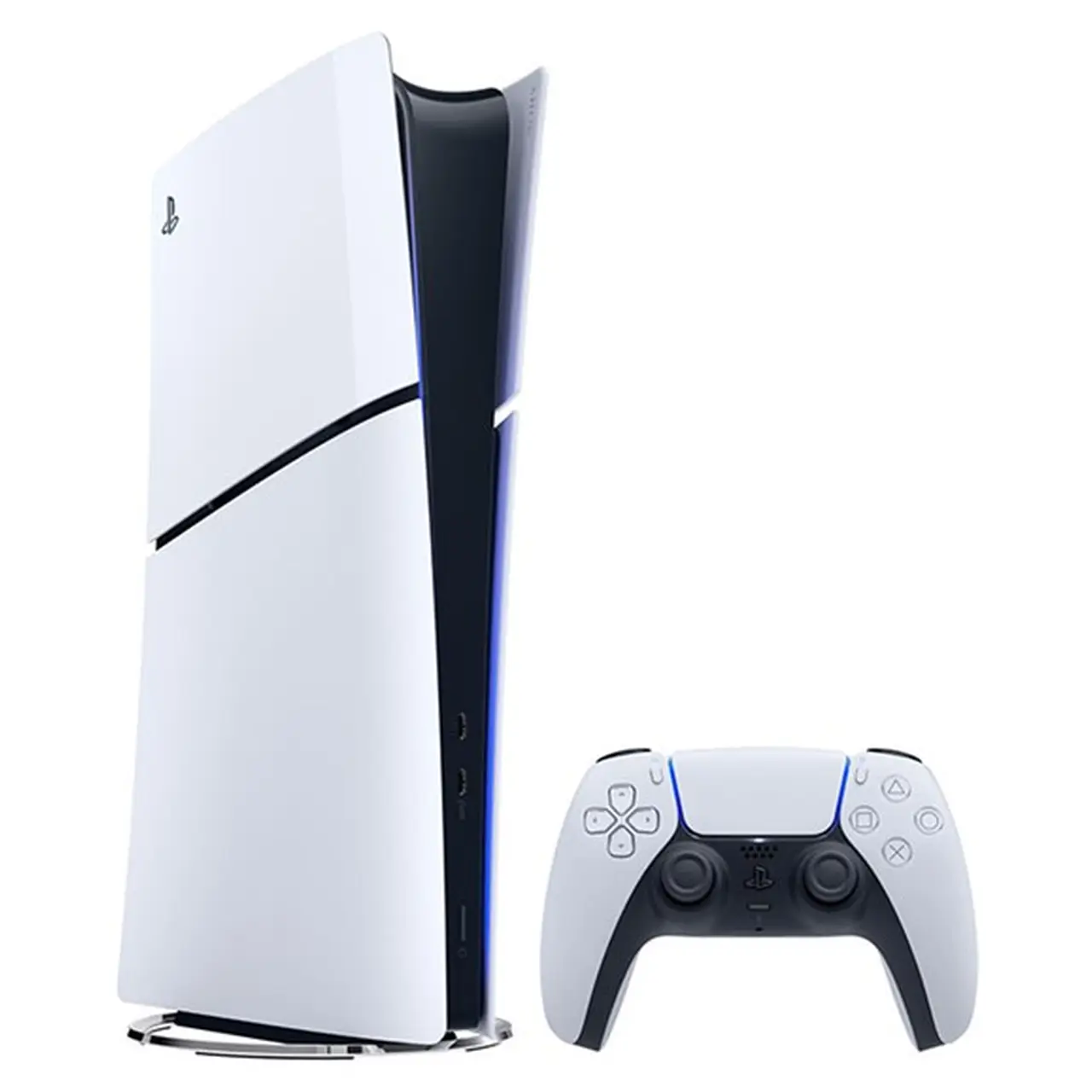
Start exploring straight away with a DualSense wireless controller and ASTRO’s PLAYROOM included with the console. The game offers a fun introduction to the PlayStation 5 experience, giving you a chance to discover the controller’s features as you play. From there, your PlayStation Network account connects you with games available to download from the PlayStation Store, so you can keep finding new favourites for your digital collection. It’s a welcoming setup for a fresh start in gaming or a new chapter in your PlayStation adventures.
If you prefer buying games digitally rather than using discs, download titles from the PlayStation Store with a PlayStation Network account and enjoy a disc-free way to play.
When you want to spend more of your session playing and less time waiting for games to load, the custom CPU, GPU and SSD support fast loading so you can get into your game sooner.
If tactile feedback and sound help you feel more involved in a game, compatible titles can use the DualSense controller’s haptic feedback and adaptive triggers, while 3D audio works through supported setups, giving your play a more immersive feel.
If you’re setting up a console and want a game to explore from the start, the included DualSense wireless controller gives you a way to play and ASTRO’s PLAYROOM gives you a first digital adventure, helping you get your gaming set-up underway.
No, this PS5 Slim Digital Edition has no optical disc drive, so games are downloaded from the PlayStation Store rather than played from discs. You’ll need a PlayStation Network account to access the store; once signed in, you can browse and download digital games to its 825 GB SSD.
The console comes with a DualSense wireless controller, HDMI and power cables, two horizontal feet and ASTRO’s PLAYROOM pre-installed. Connect it to your TV with the HDMI cable, plug in the power cable, then use Wi-Fi or Ethernet for the internet connection. Follow the on-screen setup to start playing.
Place the PS5 Slim in an open, well-ventilated area and keep its ventilation openings clear. Avoid enclosed spaces, which can restrict airflow and cause overheating. Use a Sony-licensed power cable and accessories, and unplug the console during thunderstorms or when it will be unused for a long time. Clear airflow helps keep it ventilated during play.
Discover more of your favourite brands on Joybuy with great offers.